I really need to have a view or a Slack notification whenever a requester updates my tickets. However, it doesn't seem possible to configure today.
Do you have a solution please?
Thanks

I really need to have a view or a Slack notification whenever a requester updates my tickets. However, it doesn't seem possible to configure today.
Do you have a solution please?
Thanks
No account yet? Create an account
Enter your E-mail address. We'll send you an e-mail with instructions to reset your password.


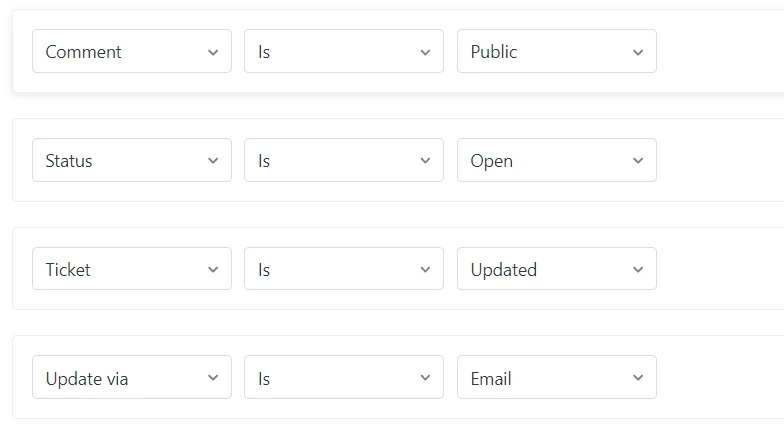

If I'm understanding you correctly, the easiest solution would be to set the ticket to pending when you reply to a customer. Then when a customer replies back, the ticket would automatically be set to the open status.
Then you could create a view that shows all tickets assigned to you that are in the open status. Let me know if I'm misunderstanding your use case!