How i can change the displayed Views list?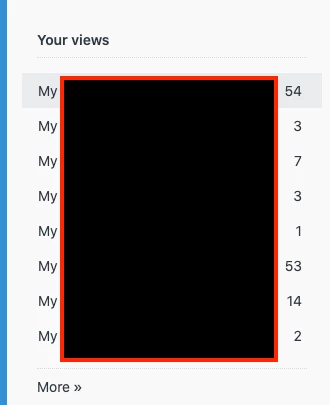

How to change the list in your views
This topic has been closed for replies.

Login to the community
No account yet? Create an account
Enter your E-mail address. We'll send you an e-mail with instructions to reset your password.
Hi Kirill!
You can reorder your Views page by following the below steps:
To reorder your views
Click the Admin icon () in the sidebar, then select Manage > Views.
Click the options menu () in the upper right, then select Reorder page.
Click and drag the names of views to adjust the order.
Click Save at the top of the page.
There is more information on what you can do with your Views in the below article:
https://support.zendesk.com/hc/en-us/articles/360036770674-Accessing-and-using-the-Views-admin-page#topic_tmy_3hd_jjb
Thanks and have a great day!
Jason Schaeffer | Customer Advocate |