Hi,
I would like to auto-transfer a ticket to a specific view based on the e-mail address that the e-mail is sent by. Can't seem to figure it out.


Hi,
I would like to auto-transfer a ticket to a specific view based on the e-mail address that the e-mail is sent by. Can't seem to figure it out.
No account yet? Create an account
Enter your E-mail address. We'll send you an e-mail with instructions to reset your password.


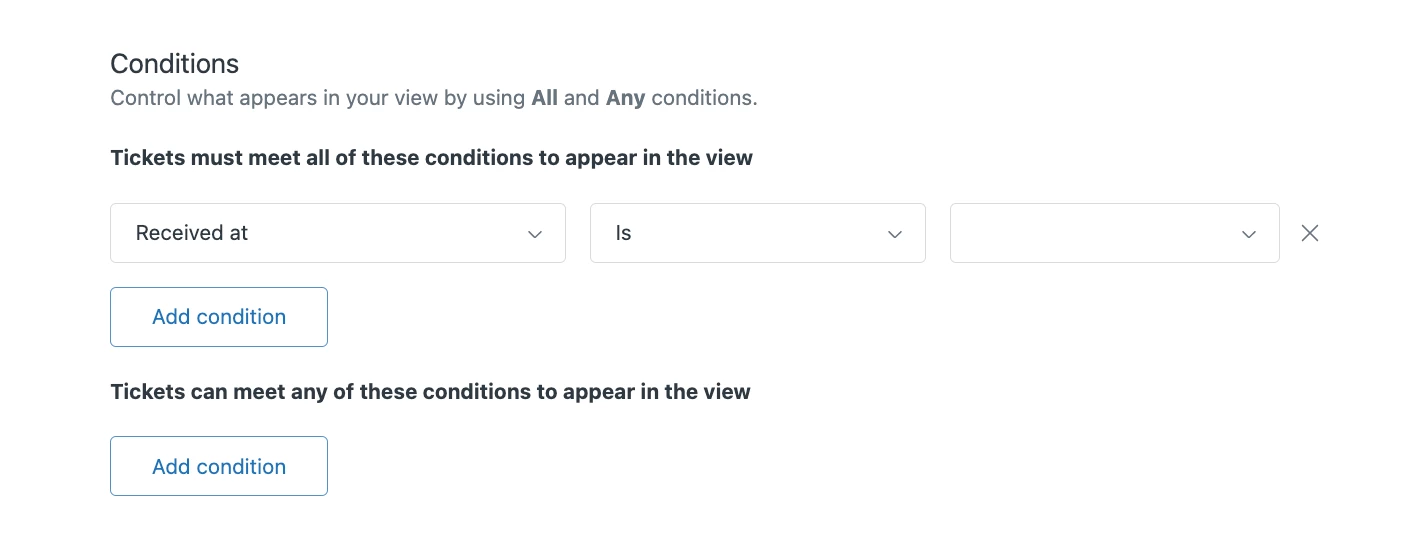

If I'm understanding you correctly, you could tag the user profile that is generating a ticket so that any time that they reach out a tag is then applied to that ticket. You can then create a view that shows all tickets that contain that tag and edit your other view to filter out tickets that contain that tag. I'd recommend taking a look at this article for some additional guidance: Automatically tagging tickets from specific users and organizations
I hope this helps!