Subsection : how to select a section | Community
Skip to main content

Subsection : how to select a section

  • April 29, 2021
  • 1 reply
  • 0 views

Jules11

Hello,

I would like to add subsections to my hierarchy (category> section> SUBSECTION> article). But when I go to "add" -> "section" to create a new section, in the "hierarchy" drop-down menu, I only have the categories ... How to make the already constructed sections appear as well?

Thank you for your reply

This topic has been closed for replies.

1 reply

Ifra
  • May 5, 2021

Hey Jules,

See the below docs:

Adding a subsection to a section

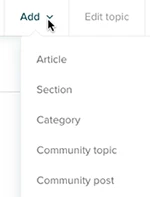
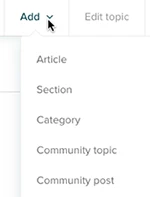
  • In your help center or Guide Admin, click Add in the top menu bar, then select Category.


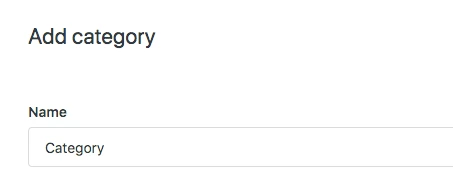
  • Create 'Category'.
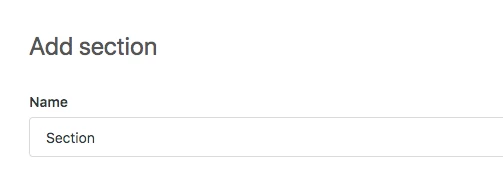
  • After that, create a 'Section'.
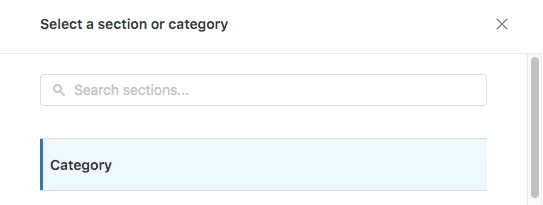
  • Under Hierarchy, click in the field, then select that 'Category' which you have created above.

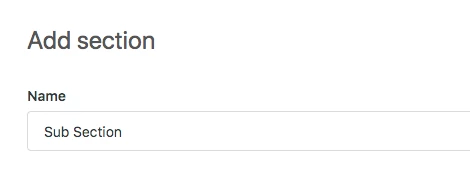
  • Again click the dropdown and select the 'Section' then create the 'Sub Section.'


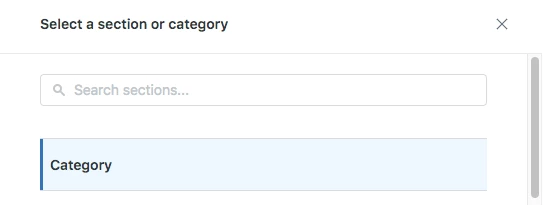
  • Under Hierarchy, click in the field, then select that 'Category'


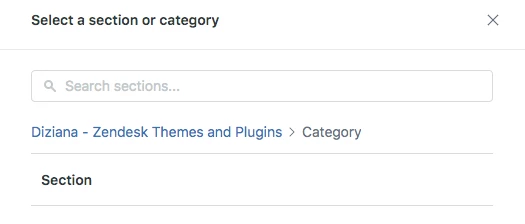
  • After clicking, you will get the 'Section' which you have created above.
  • Select this section.
  • And if you won't see this type of hierarchy while creating the Knowledgebase then your HC doesn't support the subsections.


Team