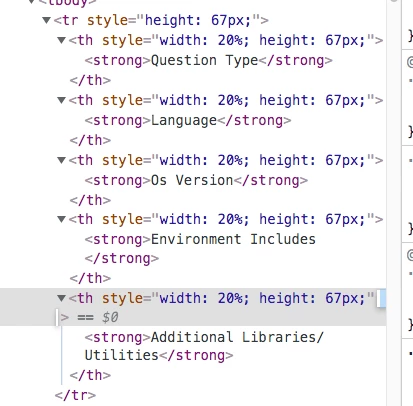
I'm trying to create a sticky header (and possibly sticky columns later on) on a table for one of my articles. Added some position: sticky to my css along with some few others but haven't been able to get it to work.
Link to article with the tables that I want to have sticky headers: https://support.hackerrank.com/hc/en-us/articles/1500002392722--Execution-Environment-and-Samples
There should be two tables on that page, under "Coding and Database" and "Front-end, Back-end, Full stack, Data Science and DevOps".
The tables were setup using Zendesk's table creator.