Remove "Activities" from user dropdown | Community
Skip to main content

Remove "Activities" from user dropdown

  • September 11, 2025
  • 1 reply
  • 0 views

Sean29

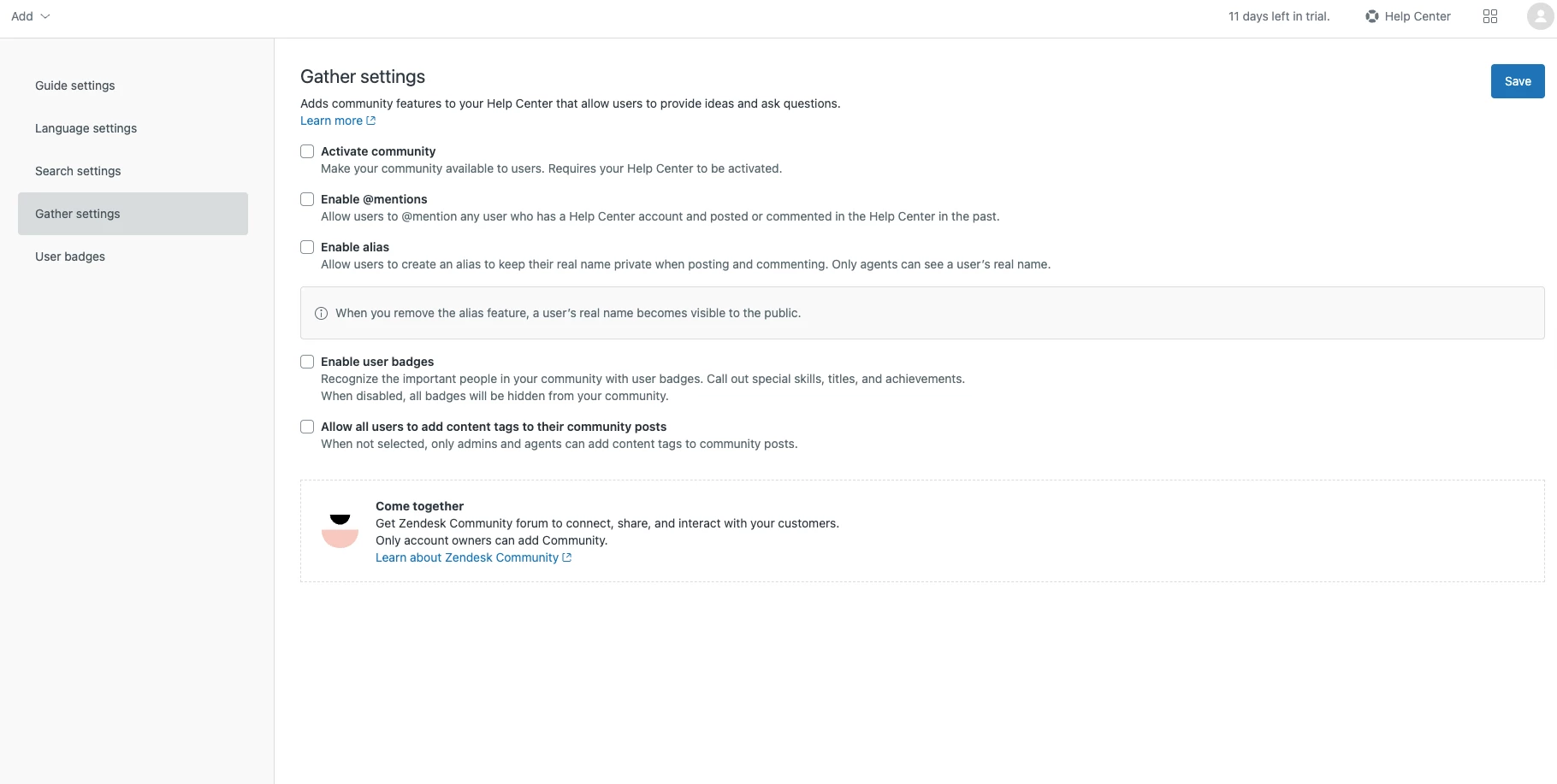
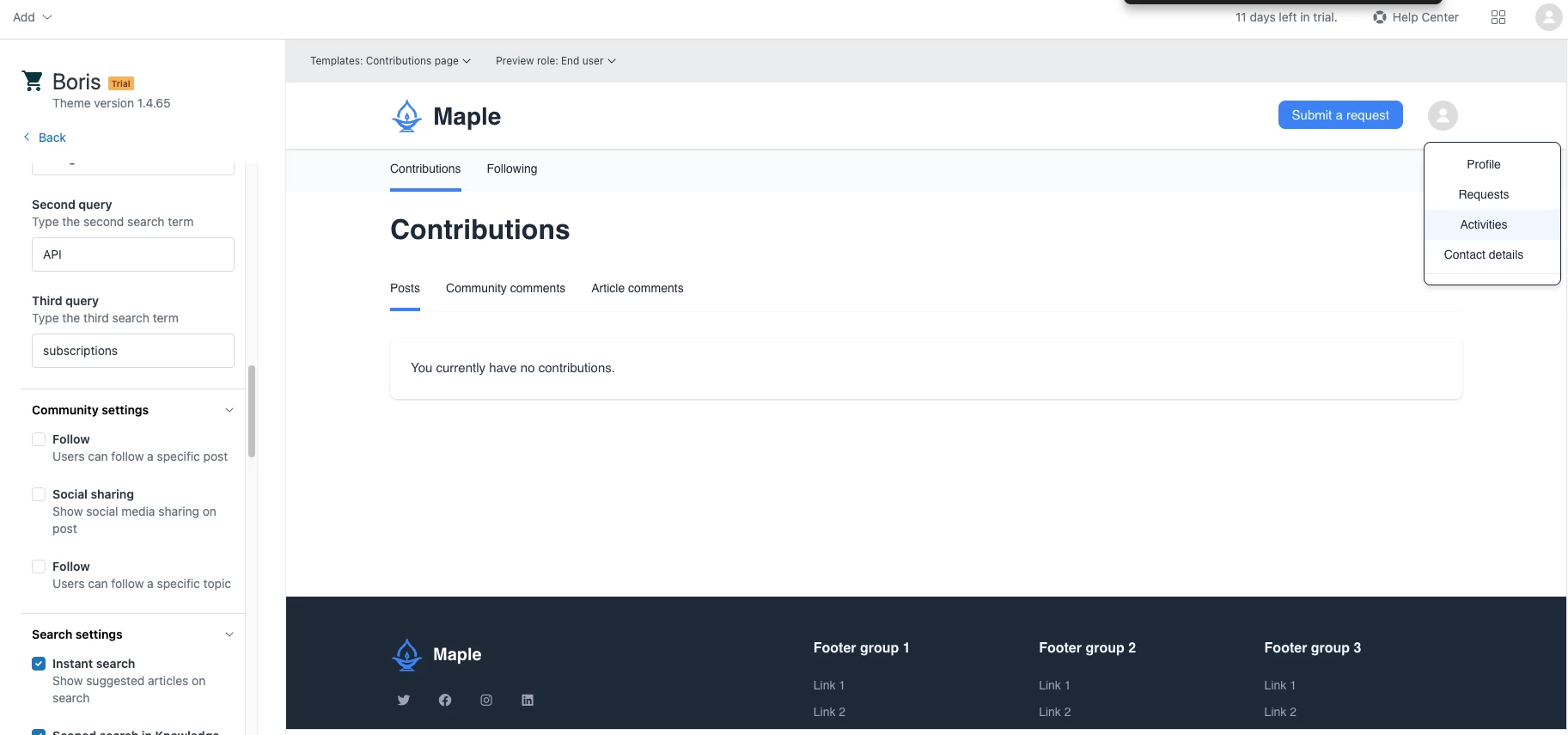
I have community settings disabled, but in my theme, you can still access it via User dropdown > Activities

This is a strange experience as it is disabled, and there is nothing to add. How can I remove this completely? Or will it be removed once it is live?
1 reply

Karen28
  • September 13, 2025

Hi @sean29

In Support, we’re happy to help demonstrate, troubleshoot, and ensure functionality of our default code. We’d be able to work through an issue or question with a specific part of our default code, but unfortunately help you troubleshoot your customized code/theme.


We do have the following resources available to help your developers regarding Knowledge customization:


Help Center: I would recommend starting with our documentation here:


Customizing your Help Center theme.

Help Center API Helpers.

Help Center API Advanced Helpers.


Our Community: Zendesk has a very active online community where customers and support reps come together to exchange tips regarding their Knowledge customization. You can check out our community forum here: Zendesk Community.


Partners: While building custom theme or code in your Knowledge is outside the scope of support, we do have partners that can help you with this, you can find the list of our partners here: Zendesk Partners.