Redering Categories page on home page | Community
Skip to main content

Redering Categories page on home page

  • July 26, 2022
  • 7 replies
  • 0 views

Marvin12

Good Morning,

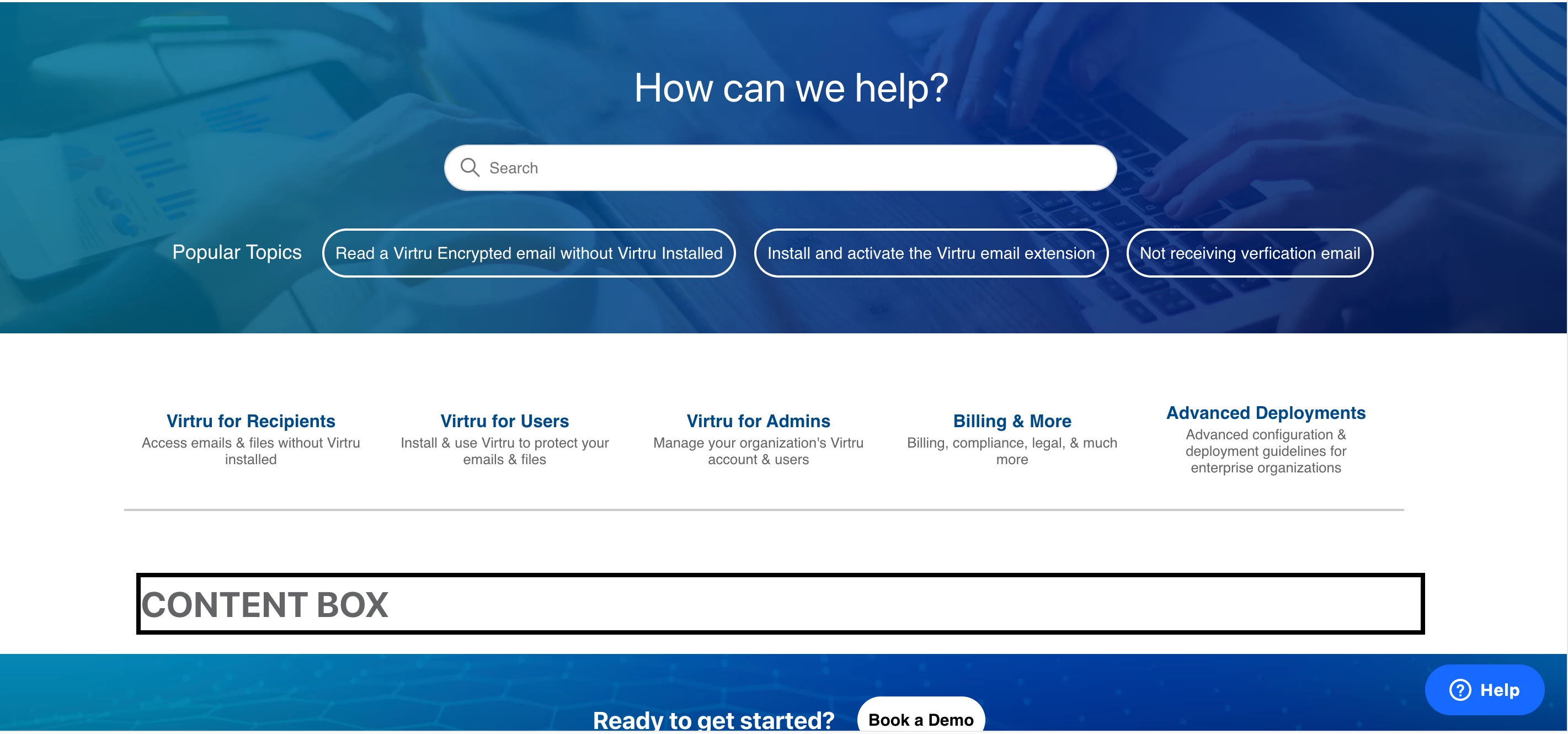
I'm currently an intern working on a help desk site for a company. I'm tasked with essentially turning the current help desk site into an SPA (single page application). Where currently my category blocks are links to the category page. Which is a page that list articles to help clients.

However, I wanted to know if there was a way I can have my category page render in a container on my homepage. To create a tabing effect?
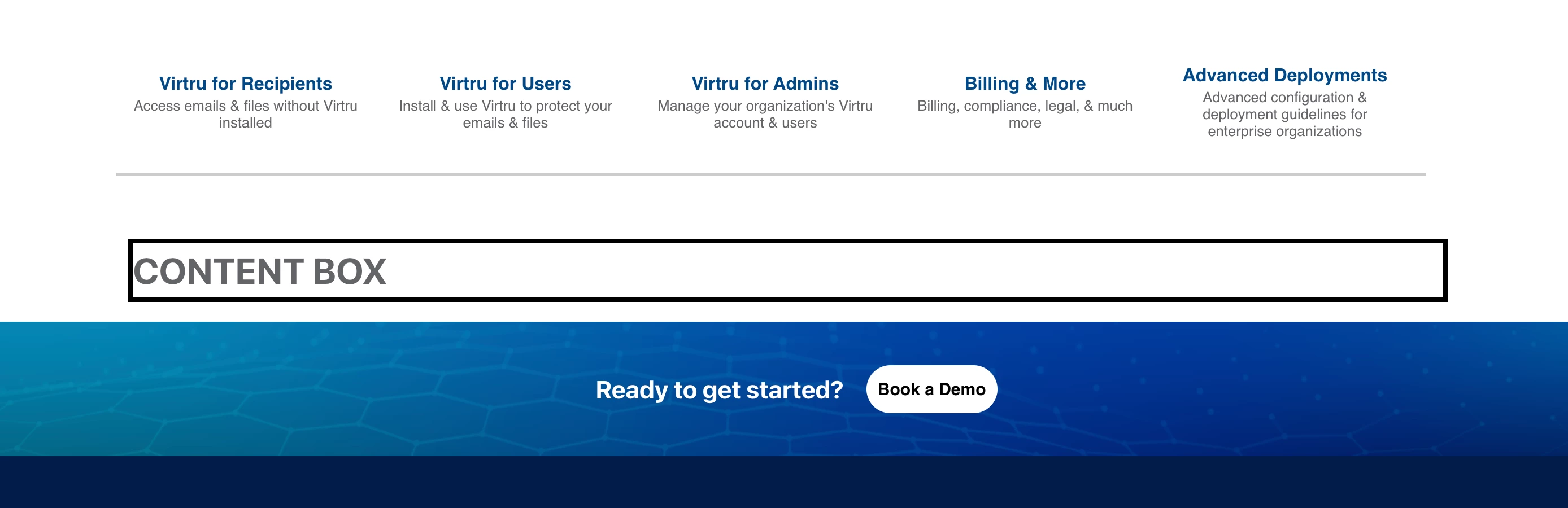
 

Also, how would I be able to achieve that? Where if I click on my content block the category page would load into that content box per say.

7 replies

Greg29
  • July 26, 2022

Hi Marvin! To accomplish something like this, you would want to use our help center templates, specifically the category object for the home page. This object returns an array that will contain sections, which will then contain the articles. Take a look around the documentation there and let us know if you have any questions!


Marvin12
  • Author
  • July 26, 2022
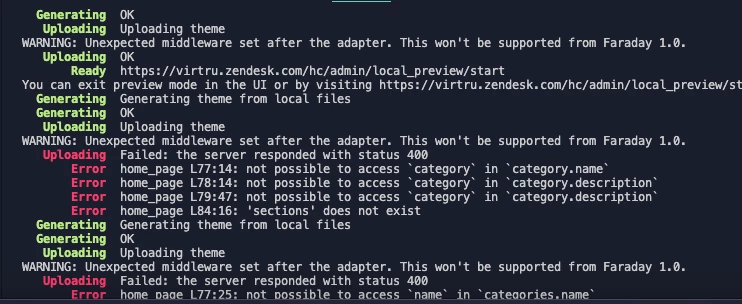
When attempting to render the current catagory page into my home page as a test. I was faced with these errors.It looks like it doesn't have access to those categories properties from the home page. Would I need to do some kind of import?

Greg29
  • July 26, 2022
This is probably an issue with how you implemented the helper. Did you read through our documentation here on how to use our helpers? If so, could you share the code snippet where you're implementing this?

Marvin12
  • Author
  • July 27, 2022

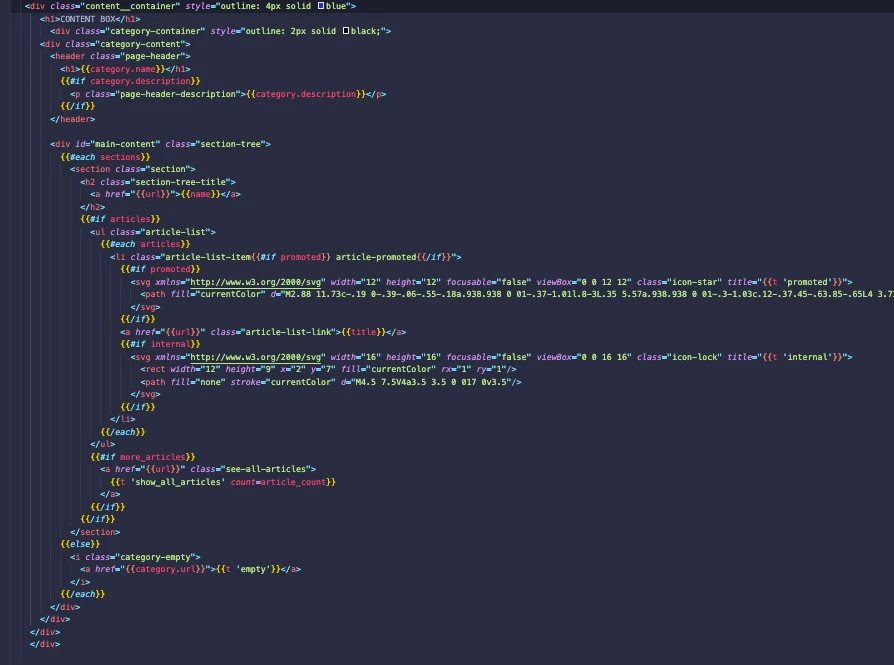
Here is the code snippet causing the error.


Marvin12
  • Author
  • July 27, 2022

what I'm trying to achieve is render this div I copied from my categories page to render in a div I created on my home page. I can can get this page to render. Then I know enough to be able to complete my task. I'm not sure what helpers allow the home page to access the catagories object.


Marvin12
  • Author
  • July 27, 2022

Hey Greg I actually was able to figure it out.
I have a new problem however.

Since my tabs are created dynamically. When I set an Id all my tabs that Id. Is it possible to use the if helper to render only the first child of my list with that Id.

That way I can get my script to work.


Ifra
  • July 29, 2022

Hey Marvin Toussaint,

You can try the code below, this will work dynamically:-

For home_page.hbs file

<div class="container">
    <div class="tab-wrapper">
        {{#if categories}}
            {{#each categories}}
            <div class="cate-sec">
                <div class="tab">
                    {{#if ../has_multiple_categories}}
                      <h5>{{name}}</h5>
                    {{/if}}
                </div>
                <div class="tab-body">
                {{#each sections}}
                        <h3>
                            <a href="{{url}}">{{name}}</a>
                        </h3>
                        {{#if articles}}
                            <ul class="article-list">
                                {{#each articles}}
                                <li {{#if promoted}} class="article-promoted" {{/if}}>
                                    {{#if promoted}}
                                    <span data-title="{{t 'promoted'}}">★</span>
                                    {{/if}}
                                    <a href="{{url}}">{{title}}</a>
                                </li>
                                {{/each}}
                            </ul>
                            {{#if more_articles}}
                                <a href="{{url}}" class="see-all-articles">
                                    {{t 'show_all_articles' count=article_count}}
                                </a>
                            {{/if}}
                        {{/if}}
                    
                {{/each}}
            </div>
            </div>
            {{/each}}
        {{pagination}}
        {{/if}}
    </div>
</div>


For style.css file

.tab {
  background-color: #eee;
}

.tab p {
  display: inline;
}

.active, .tab:hover {
  background-color: #ccc;
}

.tab-body {
  padding: 0 18px;
  background-color: white;
  overflow: hidden;
   width: 100%;
    position: absolute;
    left: 0;
}
.tab ~ .tab-body {
  display: none;
}
.tab.active ~ .tab-body {
  display: block;
}


.cate-sec {
      float: left;
}

.tab-wrapper {
  position: relative
}

.tab-wrapper h5{
  padding: 10px 10px;
    border: 1px solid #ddd;
    cursor: pointer;
}


For script.js file

var acc = document.getElementsByClassName("tab");
var i;

for (i = 0; i < acc.length; i++) {
  acc[i].addEventListener("click", function() {
  var panel = this.nextElementSibling;
  if (panel.style.display) {
    panel.style.display = null;
  } else {
    let active = document.querySelectorAll(".tab-wrapper .tab.active");
    for(let j = 0; j < active.length; j++) {
      active[j].classList.remove("active");
      active[j].nextElementSibling.style.display = null;
    }
    this.classList.toggle("active");
    panel.style.display = "block";
   }
  });
}


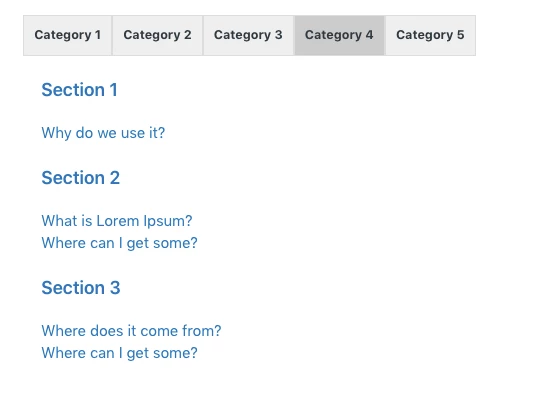
Output:-


It'll work. You just need to add more CSS to make it as per your requirement.

Thanks