Mixing Guide content accordions and classic page articles | Community
Skip to main content

Mixing Guide content accordions and classic page articles

  • April 15, 2019
  • 6 replies
  • 0 views

Apologies for the newbie question, I'm evaluating Zendesk and have been unable to find an answer to this question:


Is it possible to have Guide work in a way such that

1) some categories (e.g. short FAQ Q&A pairs) are displayed inline after accessing the 'page' for that category. 

2) other categories (e.g. how-tos and user-guides) are displayed in the 'standard' way, with each article on it's own page

Many thanks to anyone who can help.  Bonus points for an online example.

Cheers. 

6 replies

Lotus11
  • April 16, 2019

Hi Justin and welcome to Zendesk world :)

If I understood you right, it's possible to customize the Zendesk help center in this way.

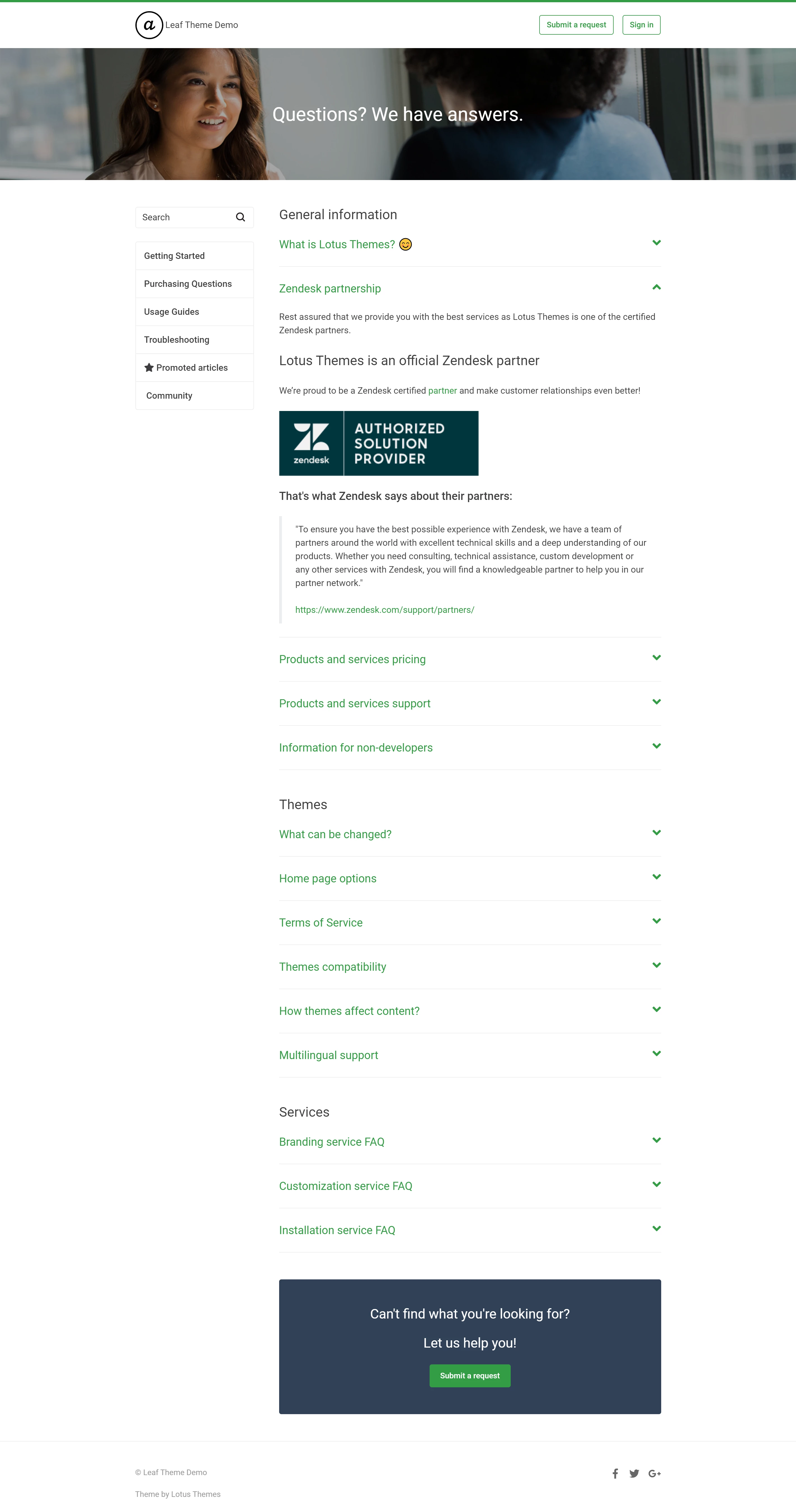
Do you mean the layout like on this help center (accordions are mixed with articles)?

Best regards,

Lotus Themes


  • Author
  • April 16, 2019

Hi, thanks. 

I mean to have that for some categories (in particular, categories where all articles are no more than a short paragraph), but not all categories.  

Perhaps I'm missing something clever via JS, or something clunky via JS, like rendering both views in the template and using JS to display=none one of them, or perhaps theme publishers have access to templating features not available to (trial) end users… 

Here's where I've got too - [nb: see next post for working proof-of-concept code]

So this is what we would hope to achieve, a category_page template is something like:

{{#if (category.name CONTAINS "FAQ)}}

  <inline accordion stuff>

  {{section_tree_with_article}}

{{else}}

  <normal category index stuff>

{{/if}}


But since {{#if}} doesn't allow comparators, {{#is}} only allows direct comparisons, and custom helpers aren't available, at the moment, the closest I can see would be:

{{#is category.name "This FAQ"}}

  <inline
accordion
stuff>

  {{section_tree_with_article}}

{{else}} {{#is category.name "That FAQ"}}

  <inline
accordion
stuff>

  {{section_tree_with_article}}

{{else}} {{#is category.name "More FAQs"}}

  <inline
accordion
stuff>

  {{section_tree_with_article}}

{{else}}

  <normal category index stuff>

{{/if}}

With the accordion 'partial' fully duplicated for every Inline-accordion-FAQ category, because partials aren't available, and a hard-coded set of sections to apply it to in the theme, which is pretty gross.

Any ideas/suggestions?  


  • Author
  • April 16, 2019

So having given myself the idea, the below seems to work.  It's very rough, and naive, but now I know that it's possible, I wonder if it's already built into any existing premium themes?  

nb: below edited to use a subtle layout indicator.  Previously I was searching for "FAQ" in the title, but now I'm using a unicode 1/6th space in the description. 

.hbs

<div class="section-tree-with-articles">
  ⟮inline
accordion
stuff⟯

  {{section_tree_with_article}}
</div>

<div class="section-tree">
⟮existing theme stuff⟯
</div>

.css

.category-container .section-tree-with-articles { display: none; }
.category-container .section-tree { display: none; }

.js

  var categoryDescription = document.querySelector('.category-content .page-header-description'),
categoryInlineFaq = document.querySelector('.category-container .section-tree-with-articles'),
categoryStandard = document.querySelector('.category-container .section-tree')
if (categoryInlineFaq && categoryStandard) {
if (categoryDescription.textContent.includes("\u2006")) {
categoryInlineFaq.style.display = 'flex';
}
else {
categoryTitle.style.display = 'flex';
}
}


Lotus11
  • April 17, 2019

Justin, what you're describing is additional customization, so it isn't built into existing premium themes.

However, with the Enterprise plan, you can create separate templates for categories, sections, and articles to avoid the complex conditional logic. 

Best regards,

Lotus Themes


Trapta
  • April 27, 2019

Hi @Justin Maxwell,

Take a look at this feature by Zendesk to create multiple templates for category, section and articles. I think this is what you need instead of any Javascript code: https://support.zendesk.com/hc/en-us/articles/360001967127-Announcing-multiple-theme-templates-for-categories-sections-and-articles

Let me know if this solves the issue.

Team Diziana


  • Author
  • May 9, 2019

Hi, thanks.

Unfortunately, that option requires 'Enterprise' which is out of our reach for now.

I think the .JS option will do what we need in the meantime.