List articles by labels on the Article page / modify Related articles using labels | Community
Skip to main content

List articles by labels on the Article page / modify Related articles using labels

  • June 29, 2018
  • 19 replies
  • 0 views

I'd like to use one article in more than one group of articles - for example, several different products use the same setting and I don't want to have the same content multiple times (and updating it multiple times when needed).

But at the same time, I would like to display all articles for one product on one page. An article cannot have more than one section/category and I didn't find a way to tweak Related articles, so it seems the Labels are the only way.

My goal is to:

1. add 'Product1', 'Product2' labels to the "Settings" Article

2. add label 'Product1' to "Product1 into" article and label 'Product2' to "Product2 intro" article (etc)

3. When a user opens "Product1 into" there will be a list of all articles (clickable titles) with label 'Product1' (and vice versa for "Product2 intro")

4. If a user opens the "Settings" Article, there will be two lists for each label.

I tried Curlybars but I didn't get very far.


19 replies

ModeratorWes

@Katerina - This is possible however you would have to use the API in order to accomplish this.  It would take some custom coding to pull the articles by the labels only.  Unless you have an in-house developer then you would have to outsource this type of coding.


  • Author
  • July 13, 2018

Hi @Wes, thanks for the API suggestion. I was able to make it work in a separate HTML file, but I'm struggling with displaying the results in the template.

In the HTML file I simply added <ul id="family"></ul> and the java script takes care of everything.

Could you give me a hint how to get it to Article template? The function in the script is working ok (I do get a response in the developer's console)

here is the HTML

<!DOCTYPE html>
<html>
<head>
  <title>Articles by label</title>
</head>
<body>
  <h3>Related Articles</h3>
  <ul id="family"></ul>
 
<script>
  function createNode(element) {
      return document.createElement(element);
  }

  function append(parent, el) {
    return parent.appendChild(el);
  }

  const ul = document.getElementById('family');
  const url = 'https://benkat.zendesk.com/api/v2/help_center/articles/search.json?query=TM_family';
  fetch(url)
  .then((resp) => resp.json())
  .then(function(data) {
    let family = data.results;
    return family.map(function(article) {
      let li = createNode('li'),
          span = createNode('span');
      span.innerHTML = "<a href ="+`${article.html_url}`+">"+`${article.title}`+"</a>";
      append(li, span);
      append(ul, li);
    })
  })
  .catch(function(error) {
    console.log(error);
  });   
</script>
</body>
</html>


Nicole17
  • July 27, 2018

Hey Katerina - 

I also want to give you a head's up that the product team is working on developing a way to post the same piece of content to multiple places in your Knowledge Base. This should be available toward the end of the year. 

You can follow this thread in the Product Feedback topic for updates. 


  • Author
  • July 30, 2018

Thanks Nicole, that would be fantastic.


  • March 13, 2019

Katerina, were you ever able to adapt your code to a page template? I'm interested in doing the same thing. 


  • Author
  • March 14, 2019

@Charles, this is how I add list of all articles with a label "Project_family". For some reason I had to add the script directly to the article_page templatee (it didn't work when it was part of the script.js).

Here is a link to our pages: https://help.memsource.com/hc/en-us/articles/115003692212-Translation-Memories

<!----------------------list of article's lables ------------------------------------------->

<div>

{{#if article.labels}}

{{#each article.labels}}

{{#is identifier 'Project_family'}}

<p>Articles related to <b>Project:</b></p>

<ul class="related">

<p id="Project"></p>

</ul>

{{/is}}

{{/each}}

{{/if}}

<script>

<!-- create elements for family articles -->

function createNode(element) {

return document.createElement(element);

}

function append(parent, el) {

return parent.appendChild(el);

}

<!-- list Project family articles-->

const ul1 = document.getElementById('Project');

const url1 = 'https://help.yourDomain.com/api/v2/help_center/articles/search.json?query=Project_family';

fetch(url1)

.then((resp) => resp.json())

.then(function(data) {

let articles = data.results;

return articles.map(function(article) {

let li = createNode('li'),

span = createNode('span');

span.innerHTML = "<a href ="+`${article.html_url}`+">"+`${article.title}`+"</a>";

append(li, span);

append(ul1, li);

})

})

.catch(function(error) {

console.log(error);

});

</script>

</div>

<!---------------end of the label list------------------------>

  • March 14, 2019

Katerina,

Thanks much for the code sample and explanations. I will try and adapt this to a right-had pane we have. I wonder if .js files can be added as assets, and referenced like asset png etc? It would be nice to isolate custom code from Zendesk's.templates. 

Your site looks very nice, well done. 


Brett13
  • Community Manager
  • March 15, 2019

Hey Charles,

You should be able to upload .js files as assets and reference those assets in your Guide theme :)

Cheers!


  • April 18, 2019

From the above script, Project_family is hardcoded.

'https://help.yourDomain.com/api/v2/help_center/articles/search.json?query=Project_family';

I would like to search by article label.

How can I pass article label as a variable to the script?


Brett13
  • Community Manager
  • May 6, 2019

Hi Angeli,

It looks like there's hasn't been any response to your question :-/ I did want to at least follow-up with some useful documentation regarding Help Center customization below:

Hopefully other users can jump in here and offer up some additional guidance on how to set up this script.

Cheers!


  • Author
  • May 6, 2019

It seems zendesk changed the behavior of API "articles/search.json" and now returns wildcard search

Now I'm using article API with parameter label_names

https://developer.zendesk.com/rest_api/docs/help_center/articles

/api/v2/help_center/{locale}/articles.json?label_names=TM_family

  • May 7, 2019

Angeli,

It seems you would have to write a function that called the ZD APIs twice- once to get the labels of the current article, and the second time to search for all articles containing the same labels (if if getting a list of articles that share labels is what you were looking to do).

I had a hard time trying to figure out how to get the labels of the article currently loaded but I think I would do it like-

var currentArticleID = location.href  (insert a bunch of js work to parse out the id)

then api/v2/help_center/en-us/articles/<insert id from var here>.json would get you the current article from which you can get the label_names property. 

then /api/v2/help_center/articles/search.json?label_names=<labels from current article, comma separated> would give you list of "related" articles


Trapta
  • May 7, 2019

Hi @Charles Lloyd,

You can use the below code and put it at the top of your article_template.hbs file:

<script>
var labels = [];
{{#each article.labels}}
labels.push('{{identifier}}');
{{/each}}
var apiURL = '/api/v2/help_center/articles/search.json?label_names='+labels.join(',');
console.log(apiURL); // Console the API Url
</script>

This will give you the API URL with labels of current articles. You can further call the ZD API to get the articles.

Let me know if this solves your issue.

Team Diziana


  • May 7, 2019

Hi @Diziana, 

Thanks much for the detailed code. I'm a total newbie to Curlybars and appreciate the example of accessing in-page properties. 

I'll post back here with a screenshot when I get a chance to implement this. 


  • September 6, 2019

Hi all, 

I finally implemented my solution that shows a list of Related Article if articles share the same label. Thanks for starter code and examples, Trapta and Katerina.

I put this in article_page.hbs-

<script>
var articleId = {{article.id}}
function showRelatedLinks(){
var labels = [];
{{#each article.labels}}
labels.push('{{identifier}}');
{{/each}}
var apiURL = '/api/v2/help_center/articles/search.json?label_names='+labels.join(',');
console.log(apiURL); // Console the API Url
console.log(labels);
return apiURL;
}
</script>

and then this in my script.js, make ajax call and do formatting work (also exclude the currently loaded article)-

//Show related links in right pane
//related links are articles that share one or more labels
function insertRelLinks(){
var template_start = `<ul class="section-articles__list">`;
var template_end = `</ul>`;
var template = ``;
var jqxhr = $.ajax( showRelatedLinks() )
.done(function( data ) {
if( data.count > 0 ){
$('#rellinks-section').html((template_start + template + template_end));
$.each( data.results, function( k, v ){
var vID = $(v.id);
if(vID[0]!==articleId) //don't show link to currently loaded article
{
template += `<li class="section-articles__item">
<a href="${v.html_url}" class="section-articles__link">${v.name}</a>
</li>`;
}
} );
$('.related-articles').show();
$('#rellinks-section').html((template_start + template + template_end));
}
});
}
insertRelLinks();

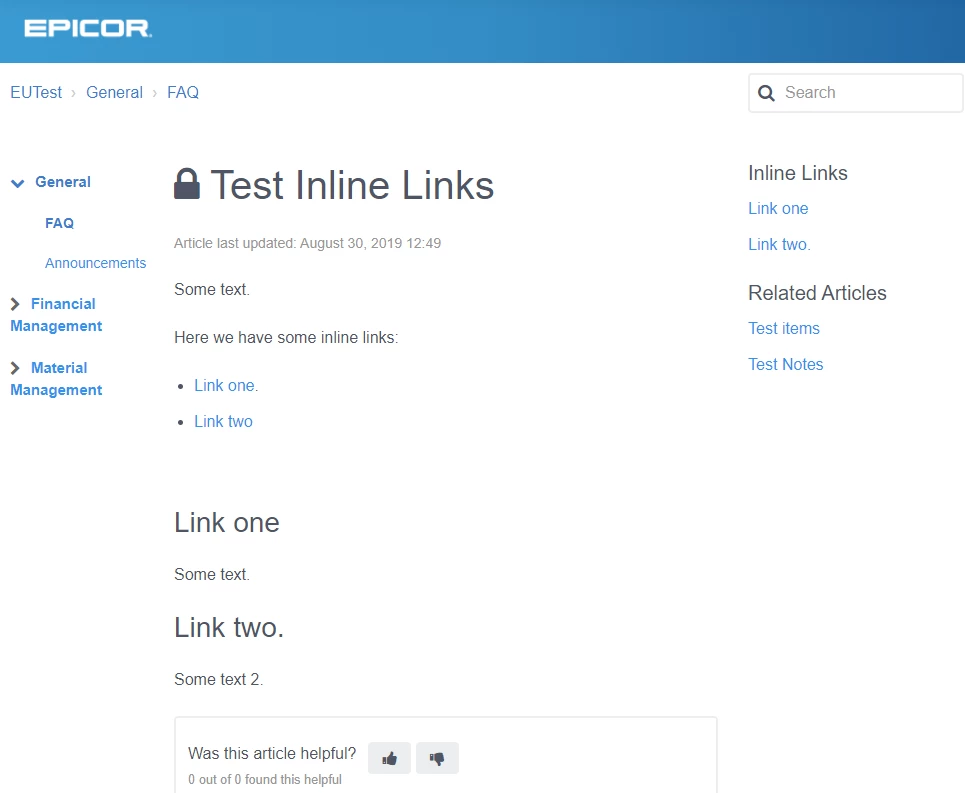
It looks like-


Nicole44
  • September 30, 2022

Hi @charles35, I love what you've done, I suck at coding but I'm trying to apply your code on my zendesk guide but i had no success. Is it anything else that i've might be missing?


Greg29
  • September 30, 2022

Hey Nicole! I can't say for sure, since I'm not familiar with his code, but there is a possibility that you're on the newer version of our help center templating, which removes jquery support. You can import it yourself, just take a look at this article for more information.


Fran11
  • November 29, 2024

Hi all, I'm trying to do something similar: I would like to have a collection of URL's  of articles which have the same label(s) shown in an “collection” article body. Everytime an article is created within the KB, with the same label, it will automatically be added to this “collection” article.
This setup should be used in multiple “collection” articles but with different labels per “collection” article, so that each “collection” article shows its own list of URLs to articles which have the same label. Through this we can show the same article URL which has multiple labels in multiple “collection” articles.
I have to assume you then need to add different code into each “collection” article to show articles with certain label(s), next to adding some code in *hbs / *.js files?
Has anybody tried this and can give code examples? many thanks!


Elaine14
  • October 31, 2025
Hi F. Keijmes,
 
That’s a great question — you’re thinking in the right direction! You can achieve this by using the Help Center API to dynamically pull articles by label and render them in your “collection” articles. You’ll basically need a script placed within your article or template that fetches all articles with specific labels, then loops through them to output the titles and links.
 
Here’s the general approach:
 
  1. Use the Help Center API endpoint:


    /api/v2/help_center/articles.json?label_names=your-label-here

    You can add multiple labels separated by commas.


  2. Include a small script in your article template (or collection article) to call this endpoint, parse the returned data, and display clickable links.


  3. Repeat for each “collection” article, changing the label(s) as needed. This way, each page dynamically lists only the related articles that share the same labels.


You don’t need to hardcode anything into your *.hbs files unless you want to globally change layouts — a small JavaScript snippet in the article footer or custom block can do the job.