

When writing a new article, the layout of the draft page is different from the published page. Is there a reason for that? How to make sure that it does not change from the draft page?
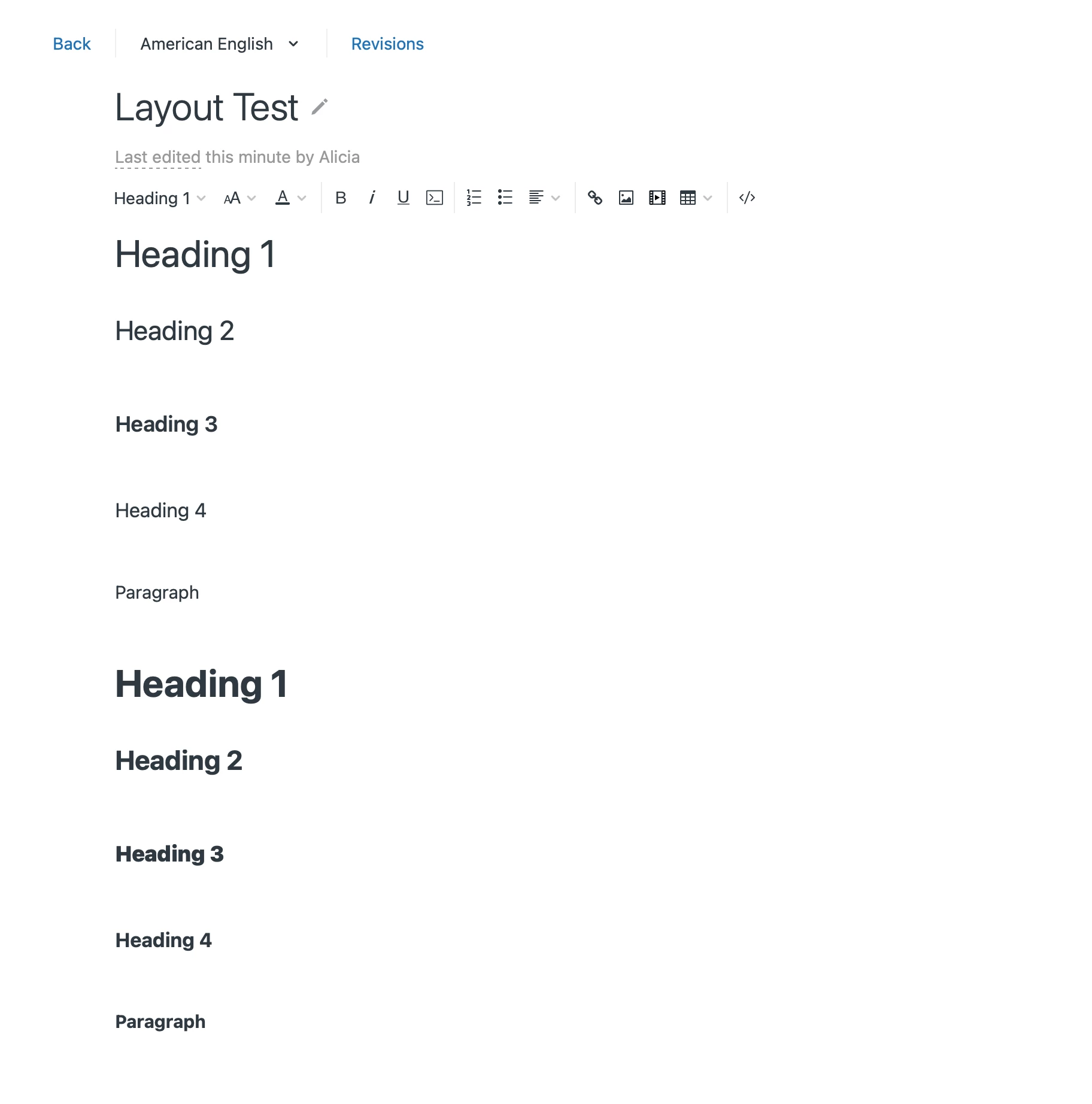
Draft Page
Published Page
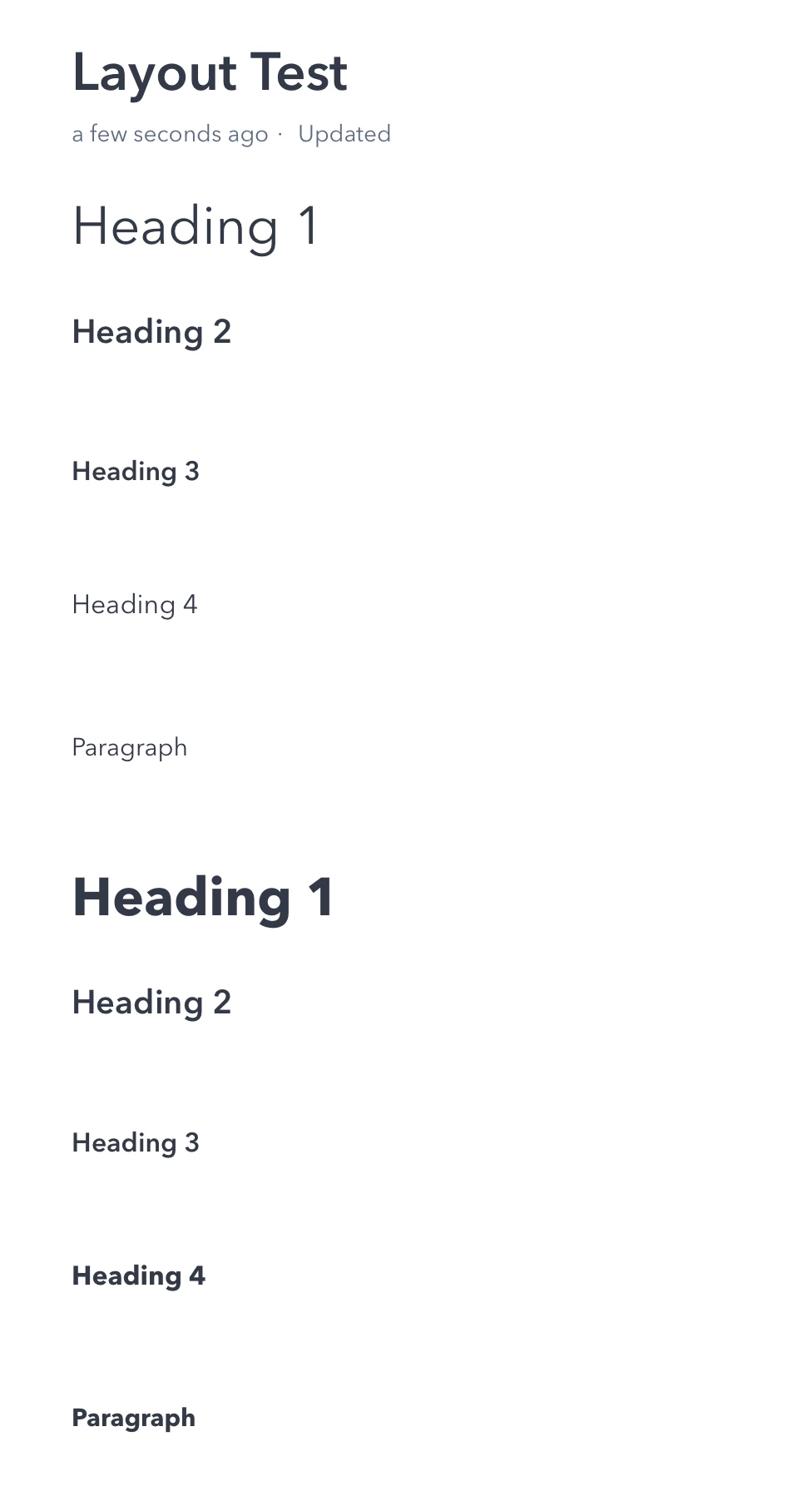
See here? Heading 3 in Bold is not in bold on the published page.
Also, Heading 1's font seems to have changed between the draft and the published page.
How can I correct this?
This is explained in our article: Why is an article's appearance different in the editor than in Help Center?
To correct this, you will need to make some custom styling within the CSS of the Help Center, which involves customization within the theme code. See Help center CSS cookbook for more details. Thank you!