Hi,
we are trying to personalize the image that pops-up when sharing a guide link, but we havnt been able to do so.
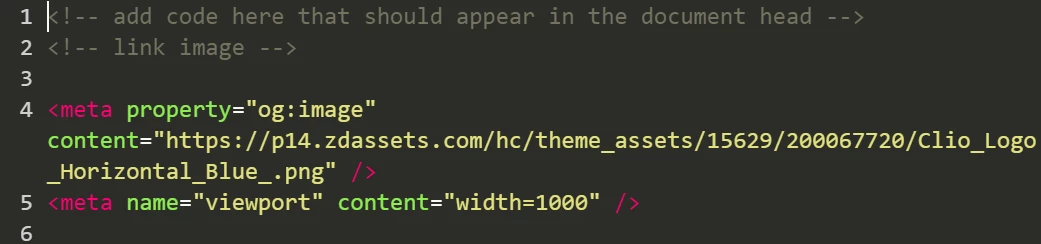
We have customized our Zendesk theme, adding the following <meta> to the Header portion of the theme:
<meta property="og:image" content="https://theme.zdassets.com/theme_assets/2131447/d3bf0349a94f4ea9c3e415b6b871845852c97172.png" />
<meta property="og:image:width" content="600" />
<meta property="og:image:height" content="315" />
However, it looks like a <meta> is automatically injected:
<meta property> = "og.image" content="http://p13.zdassets.com/hc/assets/logo.png">
How can we customize the image shown when an article is shared?
We have the same problem as Clayton on this post: https://support.zendesk.com/hc/en-us/articles/203664326-Customizing-your-Help-Center-theme-Guide-Professional-?page=2
Looking forward to your answer
Ana



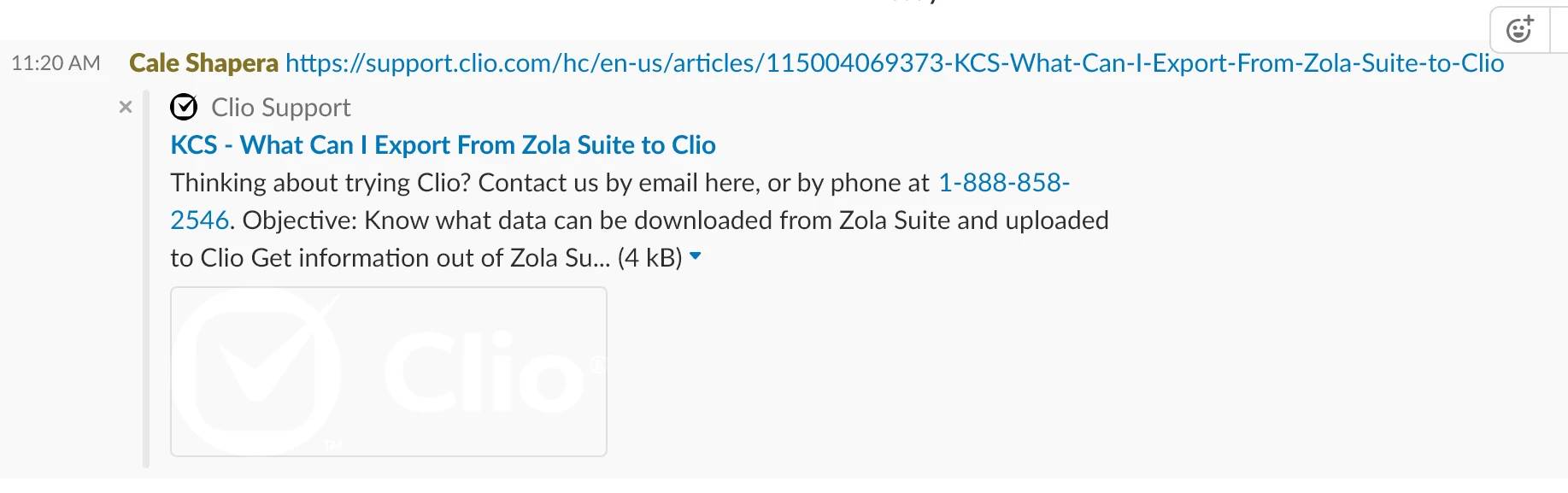 Code in the <head> tag. It adds a new og: image, but because it's lower down than the one that Zendesk automatically adds, the offending white one is usually displayed: