Images sometimes break for end-users after a while | Community
Skip to main content

Images sometimes break for end-users after a while

  • January 26, 2022
  • 7 replies
  • 0 views

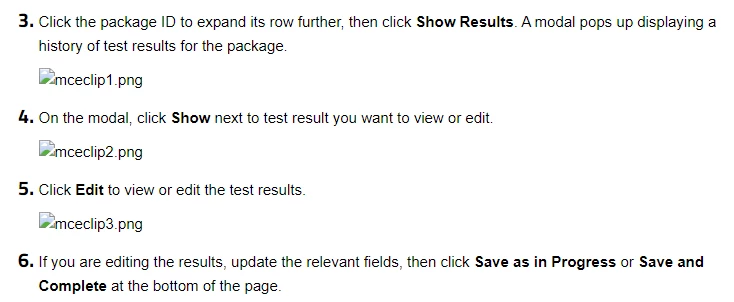
When I use in-line images in my help articles, they are fine at first, and then sometimes they randomly break when end-users view the article but they're still fine if you're signed in as an agent or admin. What's causing this? How will it be fixed?

Not signed in:
 

Signed in:
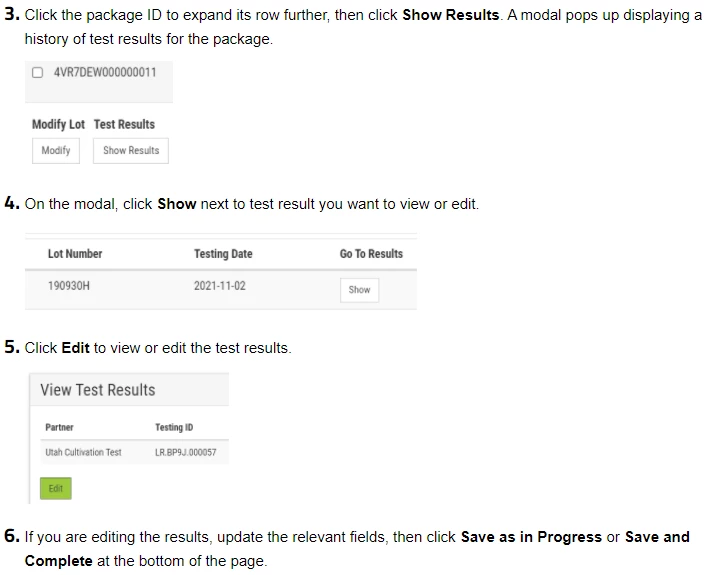
 

And in the article editor:
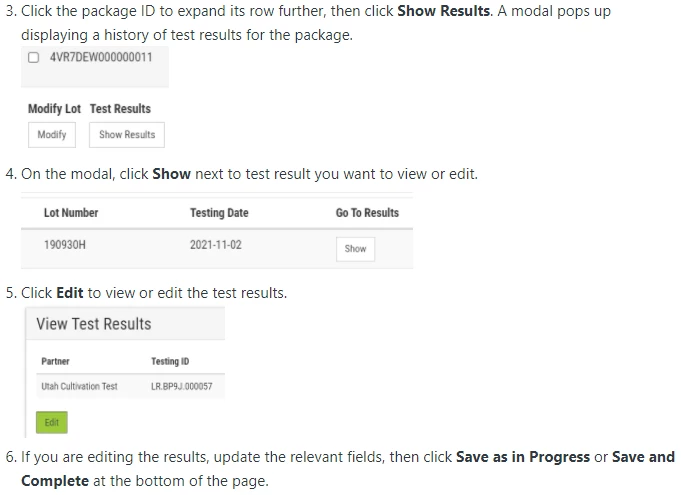
 

Curiously, in the Insert Image modal these images just disappeared, even though they were there originally. There's an image called mceclip1, which is the same name as the first broken image, but it's another image and it works just fine. Is it some sort of name conflict occurring? If so, why do the "broken" images still load properly for me when signed in?
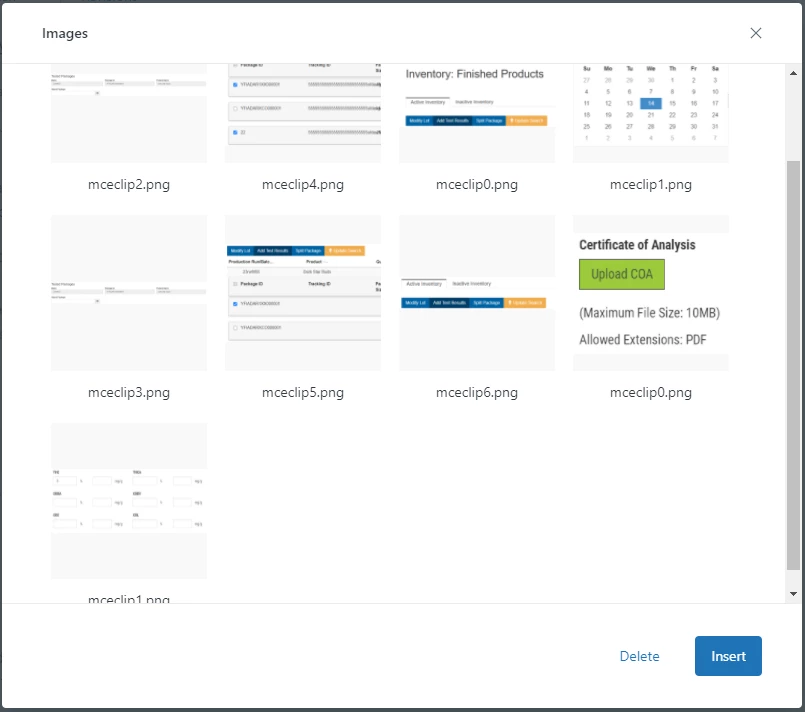
To fix the issue, I currently have to copy the image from the article into Paint, then copy the image from Paint and paste it back into the article.

Edit: But it's unpredictable when and where the images break so I have to just happen upon broken images when signed out to do this "fix".

7 replies

Kel
  • January 26, 2022

I've had this issue too, but literally thought it was something I'd been doing from my end (or was imagining it). Keen to hear thoughts.


Dan84
  • January 28, 2022

It could be a bunch of things, usually an issue with permissions from where the pictures are hosted, but there's an article that goes deep on troubleshooting better than I can:

https://support.zendesk.com/hc/en-us/articles/4408846335642#:~:text=of%20the%20image%3A-,Resolution%20steps,-These%20are%20options


Pulkit12
  • January 28, 2022

Hi Nicholas Casbarro

Can you please share the screenshot of the console window using inspect element, I am sure it was throwing some error it would be a great reference for troubleshooting.


Thank You 

Pulkit


  • Author
  • January 28, 2022

@dan84 Thanks for your reply.

The thing is, the articles in question are always open to everyone. No admin/agents only articles.

I've read that troubleshooting article but unfortunately the fixes don't work, and the ones that sort of do are just temporary fixes, which are more complicated to do than my method of simply copying to paint and pasting back into the article.


  • Author
  • January 28, 2022

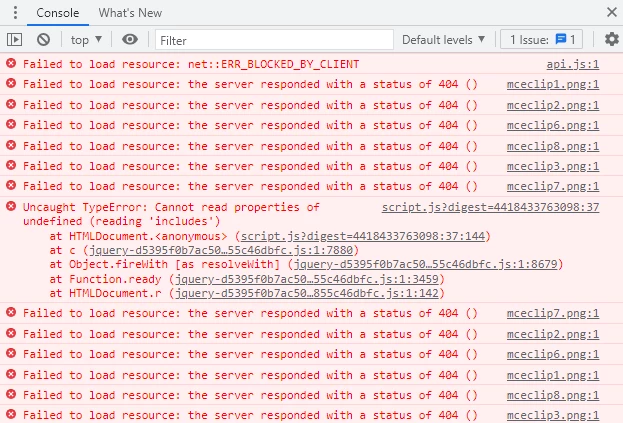
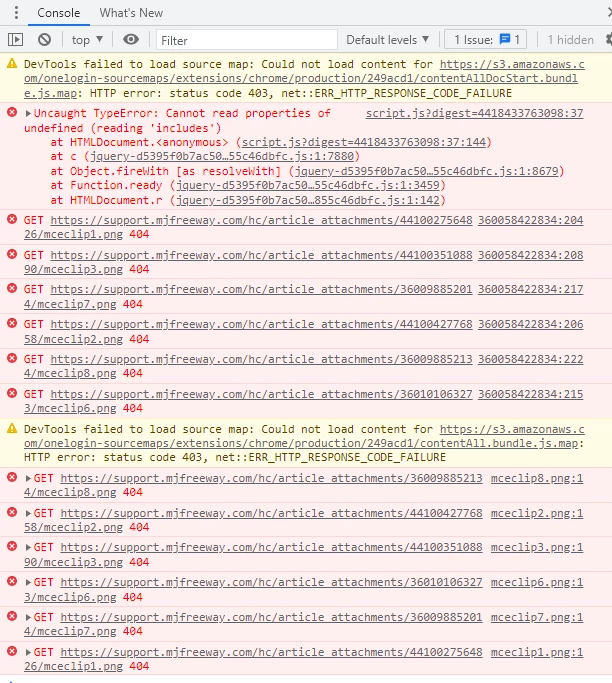
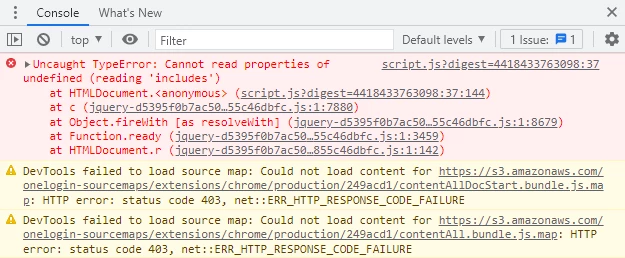
@pulkit12 Sure thing. Here's the console window and its errors.

Note that the ad blocker isn't the issue. I've tried with it on AND off.

Ad blocker ON:

Ad blocker OFF:

Here's the console for an article with WORKING images:


  • Author
  • February 3, 2022

Hi, just wanted to bump this as it is still an issue. @pulkit12


  • Author
  • July 28, 2022

It seems Zendesk's image issue is now affecting even this community, as you can see from the broken images on this thread. It has happened again in my articles but now for all users, including me when editing. I have started a new thread about it

https://support.zendesk.com/hc/en-us/community/posts/4809973180442-Images-Breaking-in-Articles