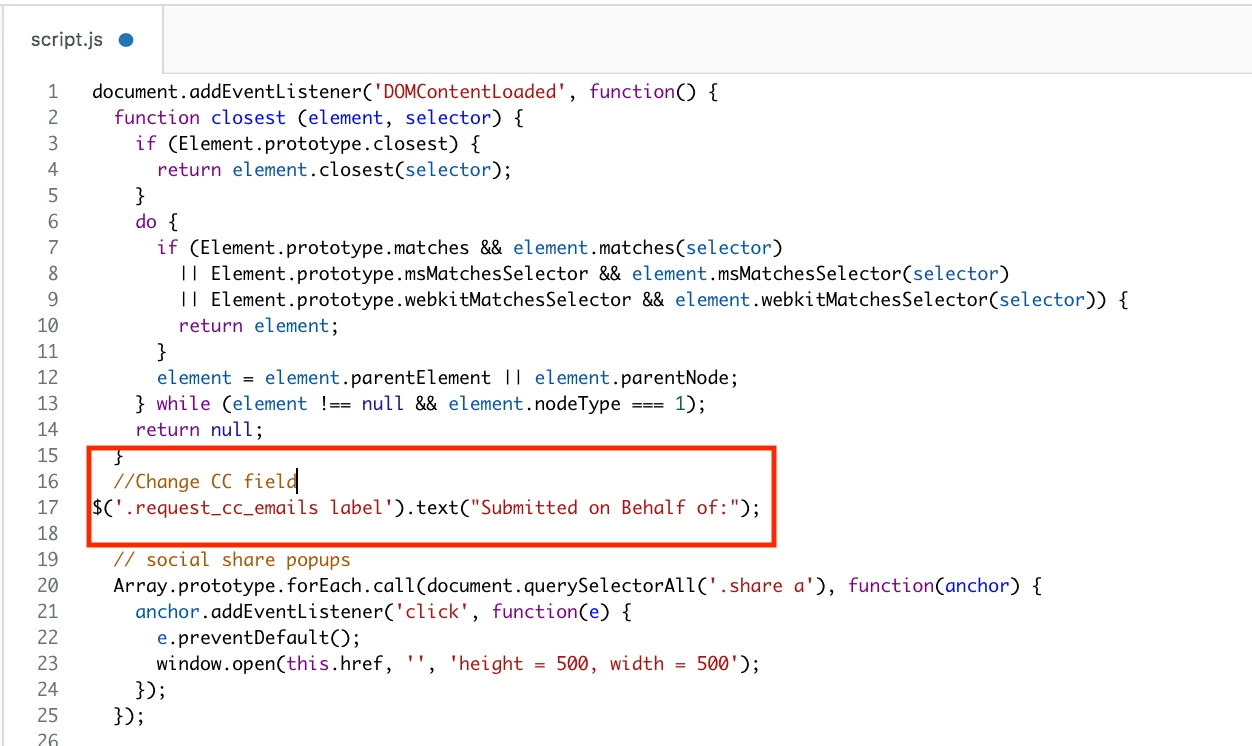
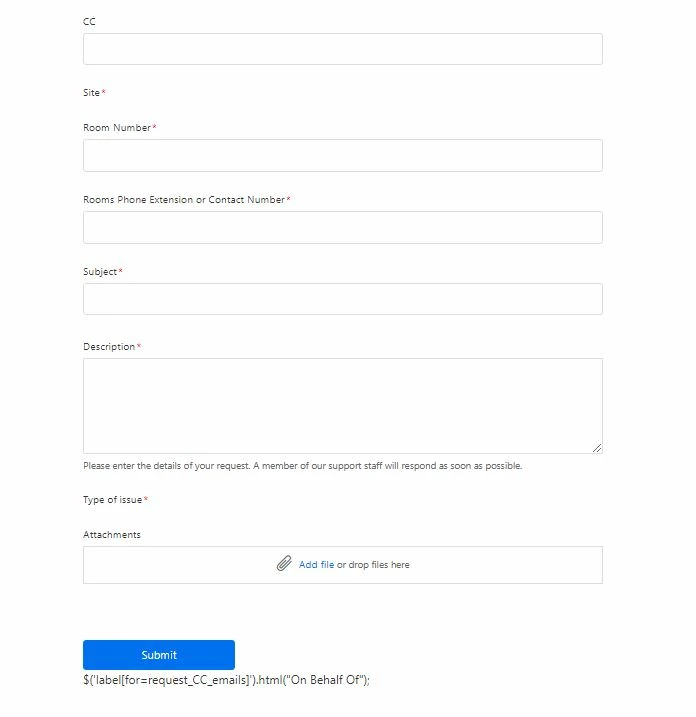
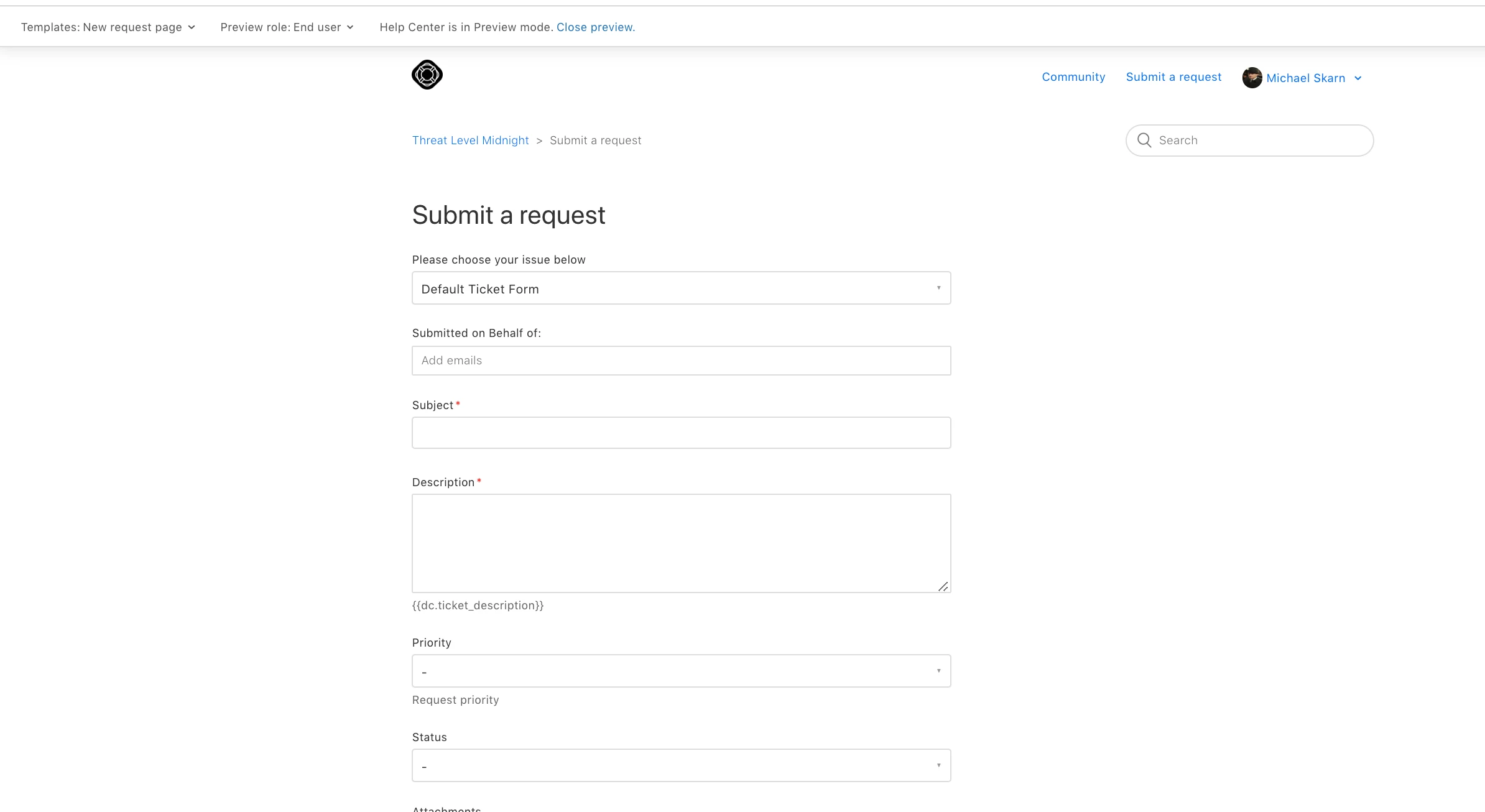
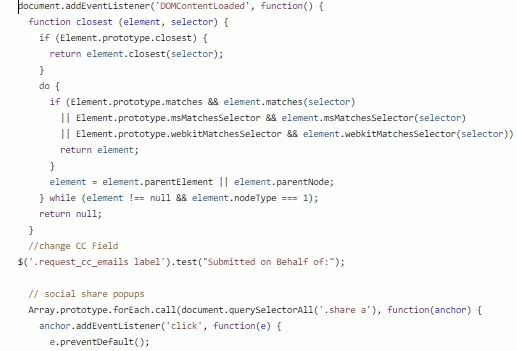
I need to change the CC label on my request form to something more along the lines of "Submitted on behalf of. ". I do not know where to go to change it or how to modify the script ( I am not a coder) If anyone has a sample of the modifications I would nee to make that would be awesome and where to place the modifications. Thank you so much for any help

I need to change the CC label on my request form to something more along the lines of submitted on behalf of

This topic has been closed for replies.


Login to the community
No account yet? Create an account
Enter your E-mail address. We'll send you an e-mail with instructions to reset your password.
Hey Kirt,
I'm afraid I'm rather limited on what I can assist with in regards to custom coding. Since it appears to be working just fine on my end you may need to get your developers involved to see if there's any issues with your custom code interfering with the js you're trying to add.
One last step is to make sure you publish your changes, then clear your browsers cache/cookies to see if that helps.
I needed to do a browser refresh on my end for the change to show.
Regards,