How to set date value on the webform using javascript | Community
Skip to main content

How to set date value on the webform using javascript

  • October 26, 2022
  • 5 replies
  • 0 views

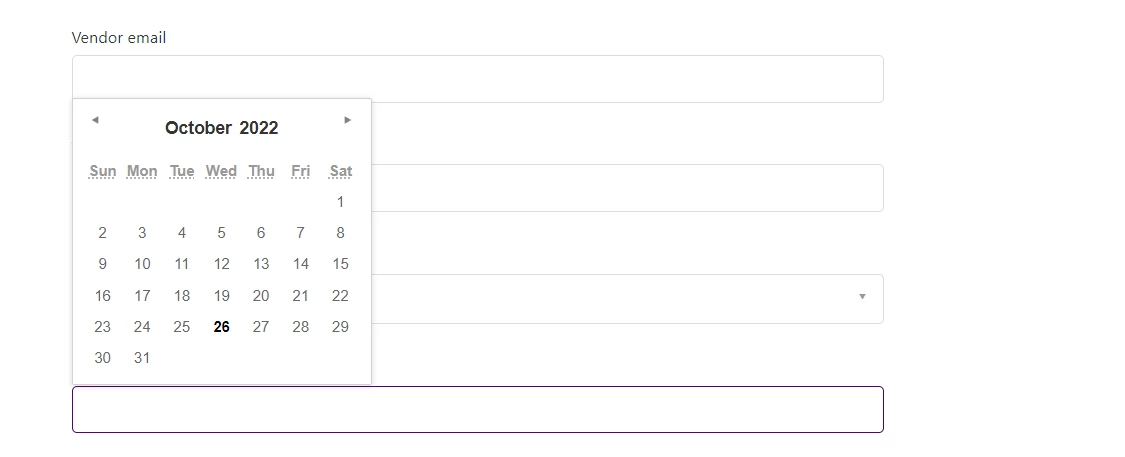
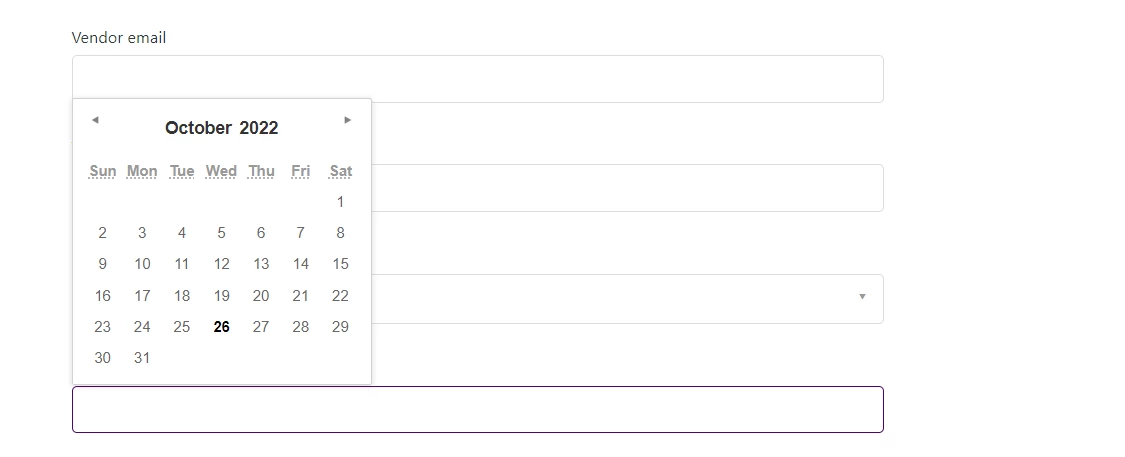
I am trying to set the date value in the webform using javascript.

$('#request_custom_fields_10113154225297').val(matchRecord.purchaseDate)

The value is displaying when I try the below code 

console.log("Date "+$('#request_custom_fields_10113154225297').val())
 

5 replies

Ifra
  • October 26, 2022

Add this to the variable:

var _z = "Date "+$('#request_custom_fields_10113154225297').val();

  • Author
  • October 26, 2022

I tried the above code, but the new date is not reflecting on the webform

//matchRecord.purchaseDate --> is holding the date in format 2022-01-09      $('#request_custom_fields_10113154225297').val(formatDate(matchRecord.purchaseDate))
 var _z = "Date "+$('#request_custom_fields_10113154225297').val();


Ifra
  • October 26, 2022

Can you explain more about your function (Web Form, Datepicker) ?

now , you have data (stored in this variable _z) which is showing in console.

use this _z variable and show data in the text field wherever your want.


  • Author
  • October 26, 2022

I want that after the below line of code is executed the date should be displayed in the datepicker field.

 //matchRecord.purchaseDate --> is holding the date in format 2022-01-09
      $('#request_custom_fields_10113154225297').val(formatDate(matchRecord.purchaseDate))

Currently it show blank.


Ifra
  • October 27, 2022

Hi,

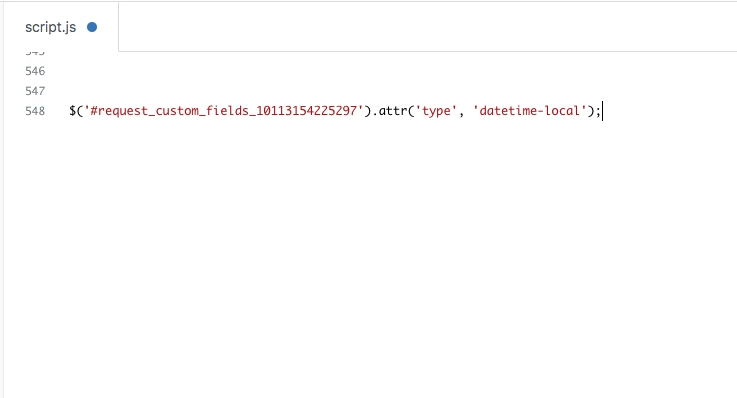
Add this line at the end of your script.js file and let me know

$('#request_custom_fields_10113154225297').attr('type', 'datetime-local');


Screenshot:

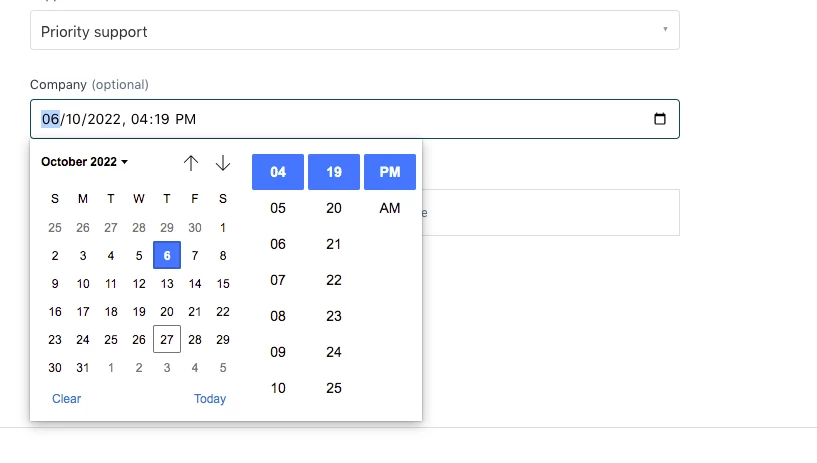
Output: