How to disable the ticket form dropdown? | Community
Skip to main content

How to disable the ticket form dropdown?

  • October 1, 2018
  • 38 replies
  • 0 views

Show first post

38 replies

Ifra
  • August 19, 2021

Awesome!


Brandon19
  • August 1, 2022

Hey guys. 

So, I'm really in need of your help. 

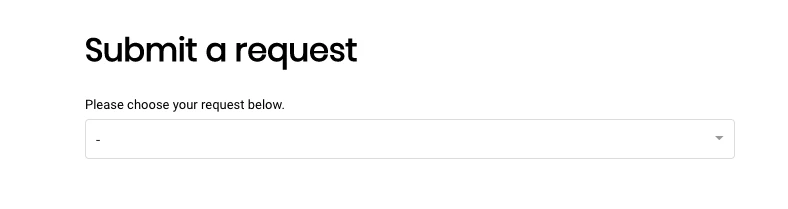
I'm also trying to eliminate the ability to choose between forms, and I can't seem to place things correctly. 

Used this: 

document.addEventListener("DOMContentLoaded", function() {
// Remove the forms from the drop-down selector
  document.querySelector('.nesty-panel').addEventListener('DOMNodeInserted', function(event) {
 
event.target.querySelector('li[id="your_form_id"]').remove();

//repeat above line for any other forms

  });
});

And this: 

if ($("#request_issue_type_select").val() == "ticketformIDhere) {
$(".request_ticket_form_id").hide();
};

All under script.js, but still I can choose between them. 

HELP!


Ifra
  • August 1, 2022

Hey David,

Use the given code: For script.js file


$(document).ready(function() {
$('#request_issue_type_select option[value="000000"]').remove();
  $('.nesty-panel').on('DOMNodeInserted', function(e){
    $(this).children('ul').children().remove('#000000');
  });
});


Note: remove '000000' and add your form ID which you want to eliminate from the dropdown.


Make sure, document_head.hbs file must have CDN of jquery:

<script src="https://ajax.googleapis.com/ajax/libs/jquery/3.5.1/jquery.min.js"></script>


Thanks


Brandon19
  • August 1, 2022

Hey. 

Nope. 

So it did work, but I would love to remove the drop-down box in GENERAL. 

Is there a possibility to remove the drop-down in general?

So, that "Submit a request" -> Specific Form 


Sam15
  • August 1, 2022

Hi David!

You'll want to use this code to hide the Ticket Form dropdown field:

$(document).ready(function() {
$(".request_ticket_form_id").hide();
});

Let us know if that works for you!


Ifra
  • August 2, 2022

David, you can set your specific form as default form via Admin Center and then remove the dropdown using the Sam's code.


Brandon19
  • August 2, 2022

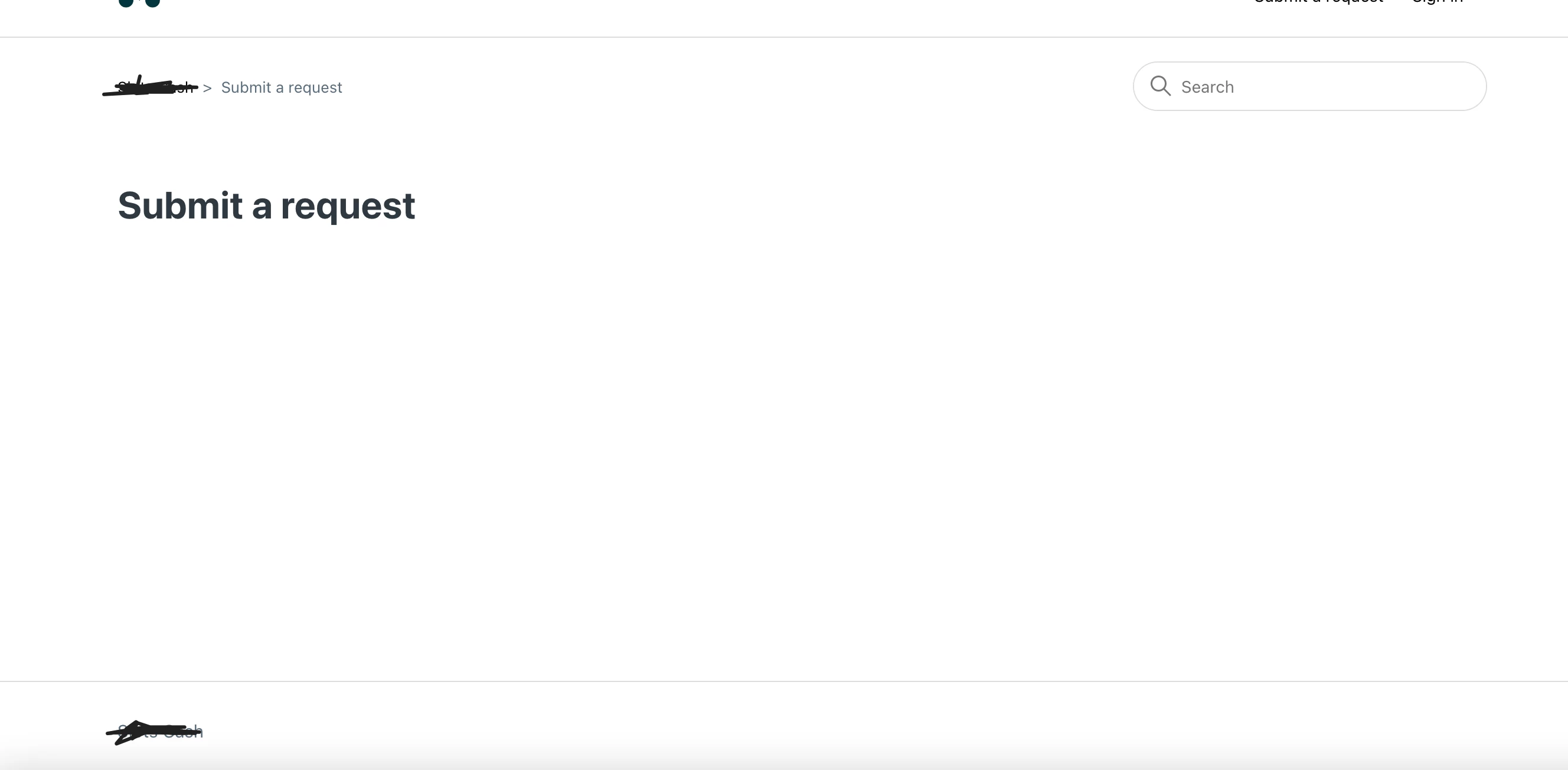
Well, that simply creates a blank "Submit a Ticket" page.

This is after I'm integrated: 

$(document).ready(function() {
$(".request_ticket_form_id").hide();
});


Ifra
  • August 3, 2022

Hey Devid, try this. You can set a form as default which you want and deactivate another which you don't want.

https://support.zendesk.com/hc/en-us/articles/4408836460698-Managing-your-ticket-forms


And then hide dropdown if needed.


Morteza
  • November 8, 2022

Hi Sam!

The code you sent works but I think you missed a very important part that when clicked on "Submit a request", it should give a  specific form and not an empty page.

Because right now, it just deletes the whole dropdown functionality, which is the goal here, but we would also like it to show one specific form to a specific end-user.

Background and the problem:

We have multiple ticket-forms but we have customized the view (js code) so that every ticket-form is shown to one specific organization. So, even though this is the case and there is only one ticket-form every time, there is a dropdown menu with only one ticket-form which is kind of unnecessary.

Is there any way to do this and still show one specific ticket-form to different organization?


Morteza
  • November 8, 2022

"David, you can set your specific form as default form via Admin Center and then remove the dropdown using the Sam's code."

Hi @ifra, in that case, one has to delete all other forms that are in use. The whole idea is to get rid of dropdown menu because there are multiple hidden forms for other usage, shown to different organizations. 

So, lets say that there are 3 forms A, B and C. And 3 different companies company1, company2 and company3.

The forms are customized in a way that form A is only shown to company1, form B is only shown to company B and form C is shown to company3. The problem is that when you click on submit, there is still a dropdown menu, when you want different companies to land on their respektive forms and not get a dropdown menu despite having one form to show.


Ifra
  • November 8, 2022

@Morteza, I think we can check organization via js code and then hide/show any field.


  • November 10, 2022

I am in the exact same position as @morteza and would be very grateful if someone can provide a solution!

We have set it up so a user's organisation determines the form they are shown, but we don't want them to have an additional step of selecting that single form from a dropdown.

When only one ticket form exists, the user is taken directly to the ticket form when submitting a ticket, but now multiple forms exist, the dropdown comes up regardless of how many (or rather few) options are present. We are looking for a way to make it so the user is taken directly to the applicable form when they submit a ticket.


  • April 30, 2024

Hi Sam,


I tried the code, but it doesn't work. Either I manage to hide the form in the drop-down list, but when I access the form via my shortcut placed in the header and I fill it out, at the time of sending, I get the error described upper. Either way, I just can't make it disappear. My goal is for it to be invisible in the drop-down list but accessible in my shortcut


Can you help me?