How to add login box in front of Zendesk guide? | Community
Skip to main content

How to add login box in front of Zendesk guide?

  • February 2, 2022
  • 5 replies
  • 0 views

Alessia11

Hi there,

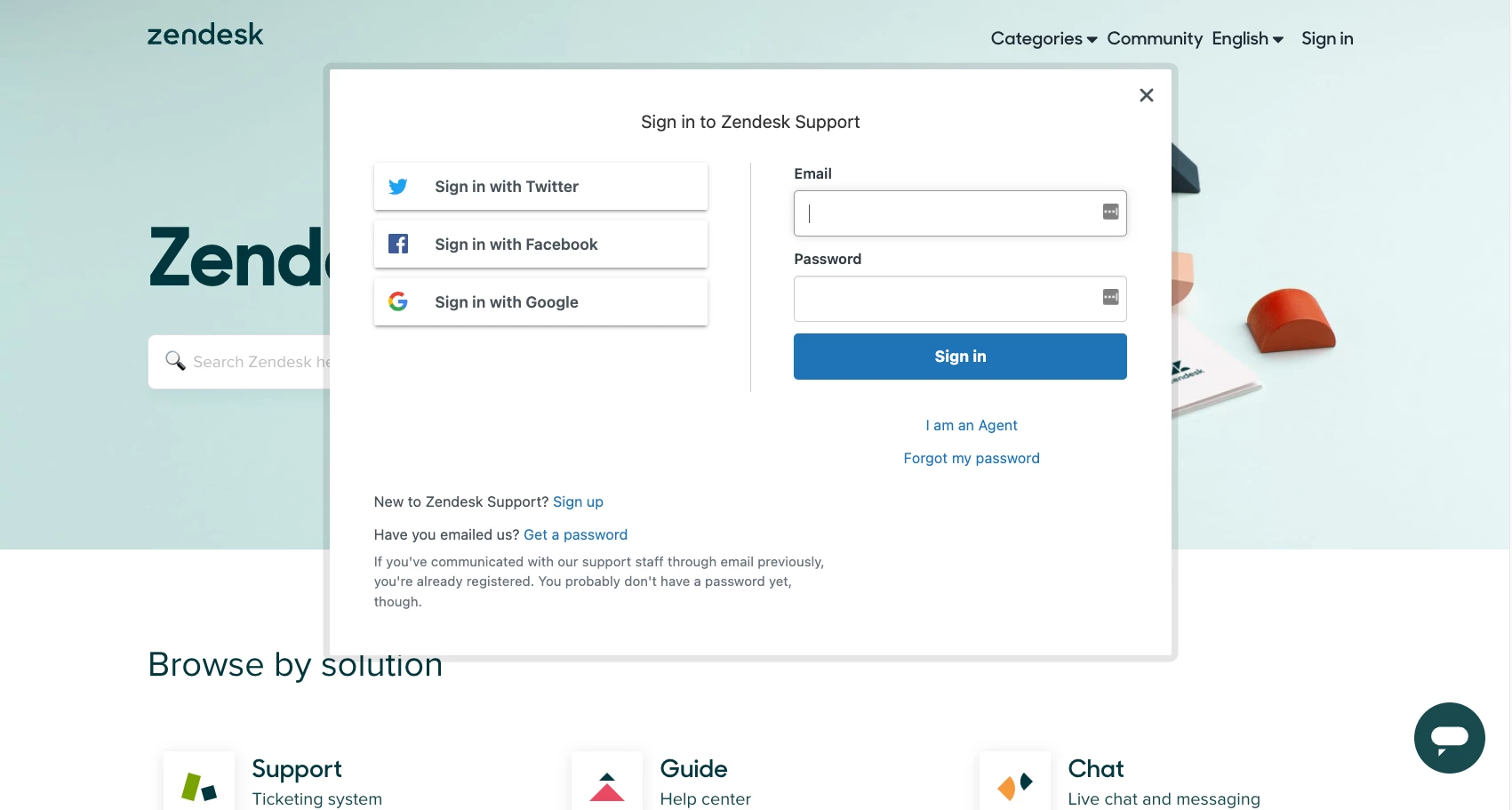
I would like to add the login/sign up box in front of our guide homepage . How do I do that? I would like it to look just like support.zendesk.com.

 

5 replies

Ifra
  • February 3, 2022

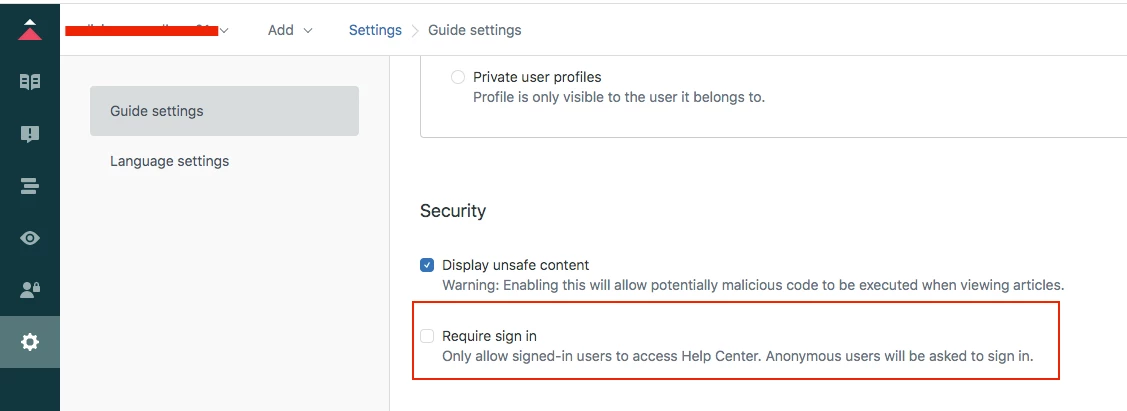
Hey Alessia, you can set it up, see the below screenshot and check or uncheck (Up to you how you want to show the sign-in box) the checkbox that requires sign-in.


And go through this article for SSO: https://support.zendesk.com/hc/en-us/articles/4408885847962-Enabling-social-and-business-single-sign-on-SSO-


Thanks

Team


Eric27
  • February 3, 2022
Hey Alessia,

You can read about how to do this here.

Thanks!

Alessia11
  • Author
  • February 3, 2022

Hi everyone,


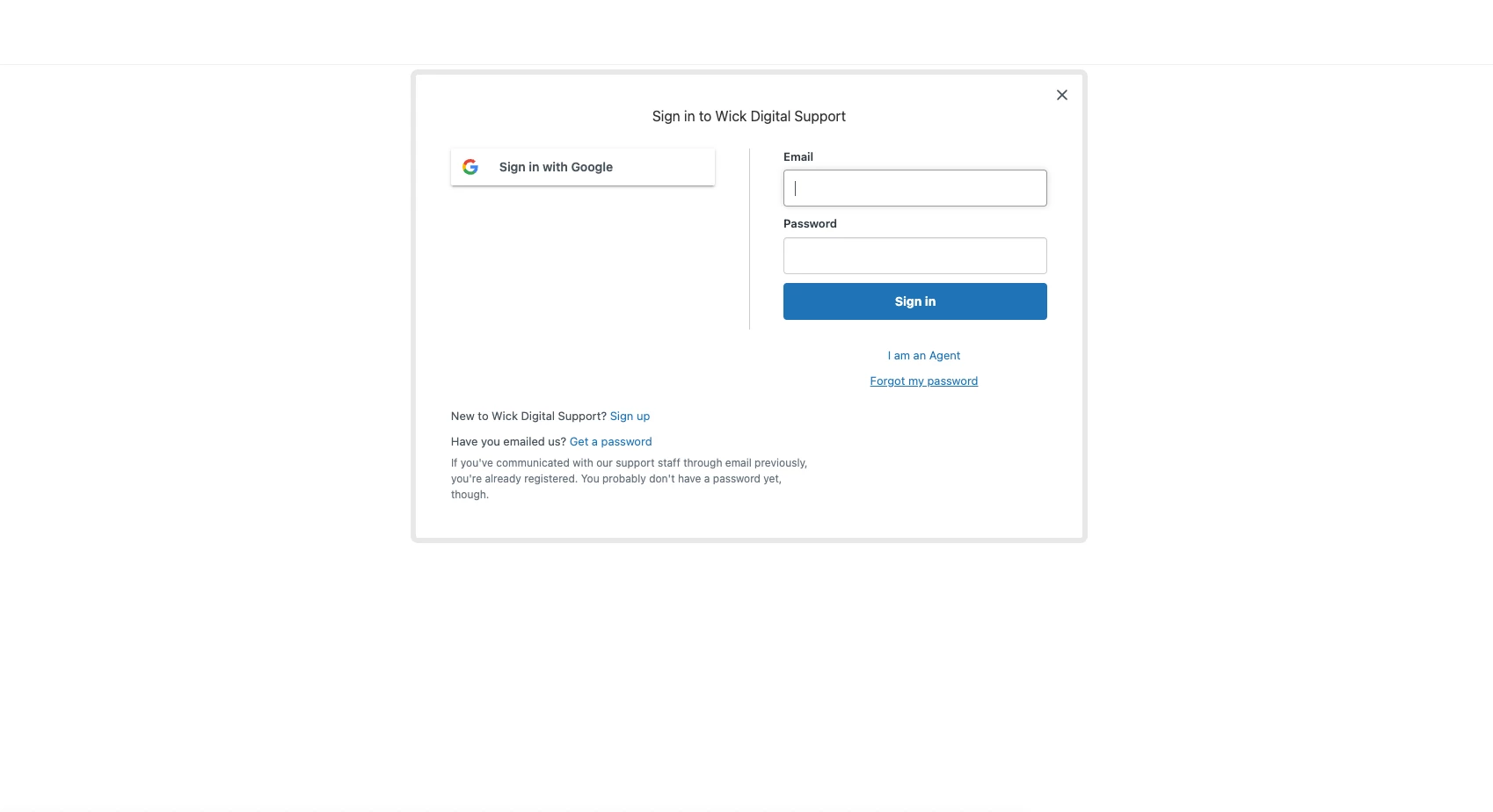
We do have a sign-in box with Google SSO but I would like the background to display our help center too. So instead of this:


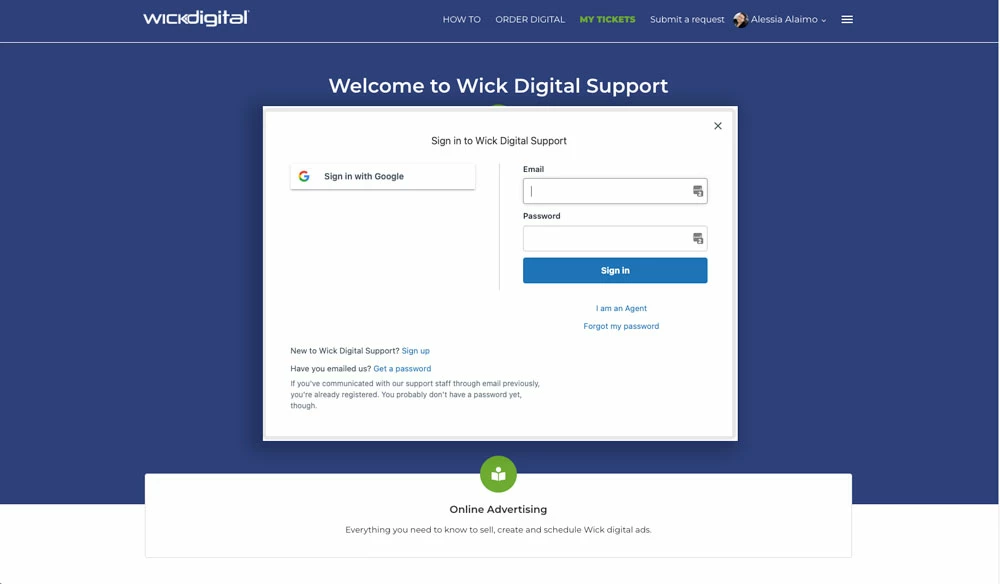
To this:


Eric27
  • February 3, 2022

Hi Alessia,

For private help centers, the login modal is in a controlled view which doesn't showcase anything else because your help center is private. For you to be able to have your help center in the background of the login modal it would need to be loaded. Due to that you'd need to modify your help center's permissions so that users are not required to be logged in. 

Hope this helps!


Ifra
  • February 4, 2022

@Alessia Alaimo, you can update your setting require sign-in you read above.

Thanks