How to add featured picture for an article in the Guide? | Community
Skip to main content

How to add featured picture for an article in the Guide?

  • December 17, 2021
  • 16 replies
  • 0 views

Hello,

I want to share my article on Social network, for example: Linkedin.

However, it does not show the Featured picture of the article on the post.

Can someone help me to solve this?

For example: https://support.daviteq.com/hc/en-us/articles/4408114537241--RTD-How-accurate-is-a-RTD-Pt100-sensor-

Thank you!

Loc

 

16 replies

Errol
  • December 28, 2021
Hi Nguyen Vinh Loc,
 
Thank you for reaching out! My name is Errol and I’m one of the customer advocates here in Zendesk. I understand that your'd like to share your Guide article to social media pages such as Linkedin and would also like to include the featured image of the article. I'll be happy to help.
 
May I know how you are trying to share your Guide article to Linkedin? You may also upload screenshots to this email.
 
Thank you.
 
Regards,

Errol
  • January 4, 2022
Hi,
 
I have not heard from you since I last sent you a message so I will be marking this ticket as solved now. Feel free to reply if you have further questions. 
 
Thank you and have a great day!
 
Regards,

  • Author
  • January 4, 2022

Hi Errol,

I received you comment via email, then I replied on that email!!!

Now I found the email is for Nothing!!!!! make me upset!!!!

Here are my answer for your question:
=========================

Hi Errol,

Thank you!

We can have 02 ways for posting on Linkedin or other social network:

  1. Using Hoot Suite for automation post. I make a publish and schedule it.
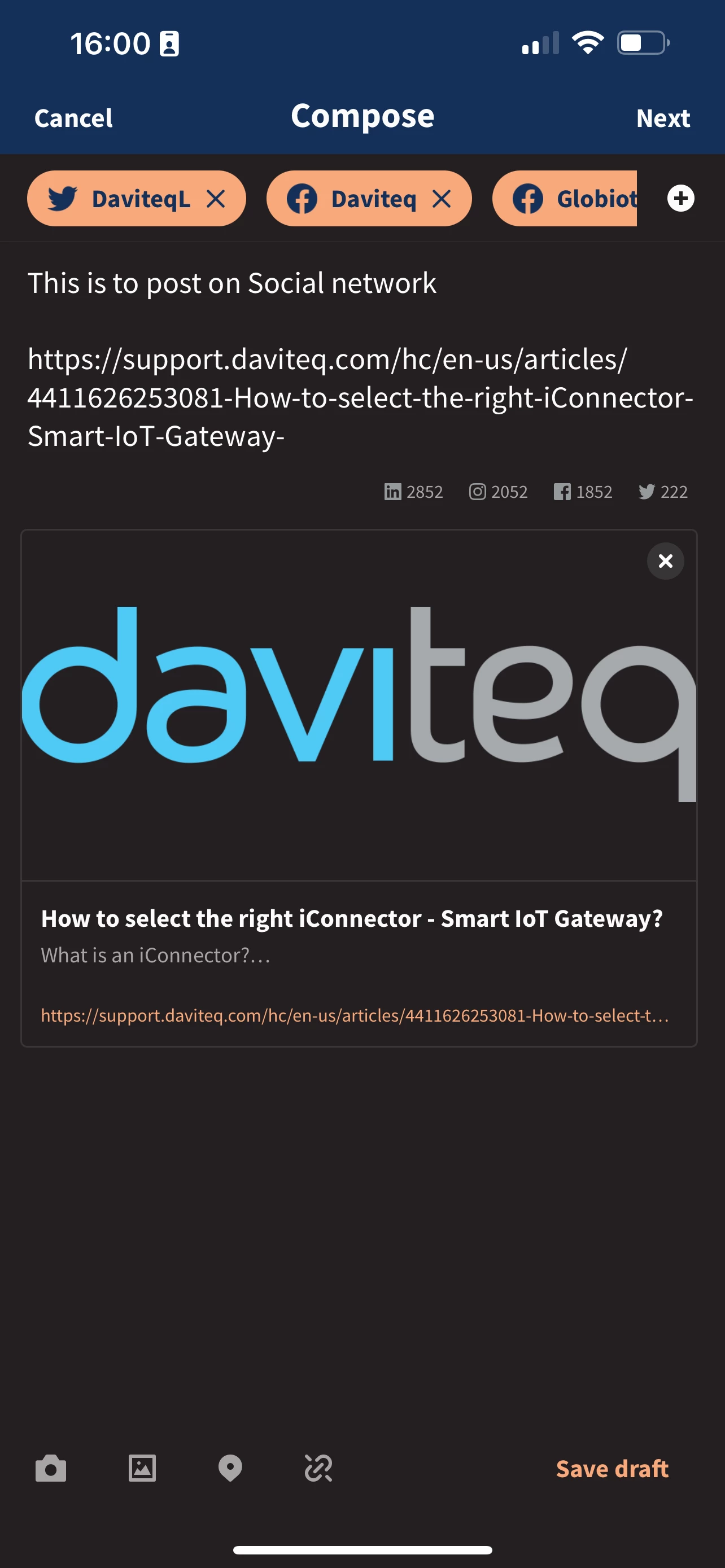
     pls see attached photo, it took the logo of website, instead of featured picture of the article.
  2. Or I can post directly on Linkedin.

Please help.

Regards,

Loc.


Errol
  • January 4, 2022
Hi Nguyen Vinh Loc,
 
I'm sorry to hear that you're upset and I understand your frustration. Kindly be advised that Hootsuite is a 3rd party app and not developed by Zendesk. If you are having issues with its function, kindly get in touch with the app developer. You may reach them through this email app.directory@hootsuite.com
 
Thank you and have a great day! 
 
Regards,


  • Author
  • January 4, 2022

Hi Errol,

It it not Hootsuite problem.

When I post the article directly to any social network like Linked, Facebook... it happened the same!

The social network cannot load the featured picture of article. It can only load the Logo of my company instead!

Please advise.


Errol
  • January 4, 2022
Hi Nguyen Vinh Loc,
 
I really apologize but this is beyond our scope of support as this involves a 3rd party app and also social media apps that we have no control over. Kindly get in touch with Hootsuite for them to investigate the issue further. 
 
Regards,

  • Author
  • January 4, 2022

Hi Errol,


Sorry to hear that!

Technically that required feature belongs to the Website, Zendesk!

Loc.


Errol
  • January 4, 2022
Hi Nguyen,
 
I apologize if you're having issues but it would be best to get in touch with Hootsuite to find the right solution for this. You may reach them at app.directory@hootsuite.com or via their website https://www.hootsuite.com/.
 
Thank you and have a good day!
 
Regards,

  • Author
  • January 4, 2022

Hi Errol,

I don't know why you keep claiming Hootsuite! 

I think you are not understanding my question from the beginning.

Loc.


Errol
  • January 4, 2022
Hi Nguyen,
 
I understand your concern and I am sorry to hear that the featured picture article is not showing when you share your article on social media. Please be advised that this is outside of our scope as this may include custom coding that you need to look into and we are not trained to handle custom codes. 
 
We can help you with Guide as long as the issue is within the Guide itself but if the issue is happening on 3rd party apps and websites, we have no way to test it out and it is beyond our control. You may need to consult with your web developer to check the custom codes in your Guide article and contact the app developer, too. 
 
Regards,

  • Author
  • January 4, 2022

Hi Errol,

Thank you!

I will talk to my web developer.

Loc.


Errol
  • January 4, 2022
Hi Nguyen Vinh Loc,
 
No worries. Feel free to message us back if you have additional questions. 
 
Regards,

Mark106
  • May 13, 2022

It's hilarious reading this thread. A Zendesk Support person with insufficient skill (or politeness) to know the answer to a pretty simple question, or after a customer insisting (rightly) it's on the Zendesk side not to investigate further. Ah well. Support isn't easy!

@Nguyen Van Nguyen a good answer is to use the og:image parameter in the html source attributes for your feature photo. Most blog and ecommerce software do this automatically for you, but Zendesk doesn't even understand a hero photo for Guide articles. 

Checkout this article: https://developers.facebook.com/docs/sharing/webmasters/images/

Use this to 'scrape' your page to test whether you've got it working correctly: https://developers.facebook.com/tools/debug/

An example from our Zendesk help articles with the tag working: https://help.smartfirebbq.com/hc/en-us/articles/360004278075-Initial-Setup-of-Smartfire-Controller-5-0


  • August 25, 2022

@mark106 I am trying to add the feature picture to my guide articles in zendesk so when we share it there isn't the blank box next to it. Where in the guide settings can you make this adjustment? Based on the facebook article above it seems like it is somewhere in the coding of the Copenhagen theme but I am unsure where. Can you point me in the right direction? 


Tipene
  • August 25, 2022

Hey Cristin,

You'll want to place the code in the document_head.hbs file in your Guide theme editor. Here's an example of how the code might look:

<meta property="og:image" content={{asset 'example.png'}}>
<meta property="og:image:type" content="image/png">
<meta property="og:image:width" content="1200">
<meta property="og:image:height" content="630">

Just be sure to update the image content placeholder with your own image, as well as the content type if needed.

I hope this helps! Feel free to reach out with any questions.

Tipene


Ben92
  • October 28, 2025

Yes same problem!