How can I make header links appear as buttons? | Community
Skip to main content

How can I make header links appear as buttons?

  • July 15, 2021
  • 4 replies
  • 0 views

I want the links at the top-right of the header to be buttons.  How would I do this?

Something like this:

 

Thanks in advance,
Victoria

4 replies

Ifra
  • July 16, 2021

Hi,

Follow the steps below.  I am doing on Default Copenhagen Theme.


1). Go to the header.hbs file and add the links the inside the nav-links. See how I did.


2). Add the CSS to make the links button.

@media (min-width: 768px){
.nav-wrapper a{ //May be you have different classes
border: 1px solid;
padding: 5px 15px;
border-radius: 4px;
}
}


3). Output.


Or you can share your HC public URL so I can share updated code with your theme's header classes.


Team


  • Author
  • July 16, 2021

Hi Ifra,

Thank you - here is our page:  https://customers.nastel.com/hc/en-us

Thanks,
Victoria


Ifra
  • July 16, 2021

Hey Victoria , 

Add the below code snippet to your stylesheet at the bottom:

  .nav-wrapper a{
border:0;
border-bottom:1px solid;
padding:5px 0;
border-radius:0;
}

@media(min-width:768px){
.nav-wrapper a{
border:1px solid;
padding:5px 15px;
border-radius:5px;
}
}


Output:

Desktop


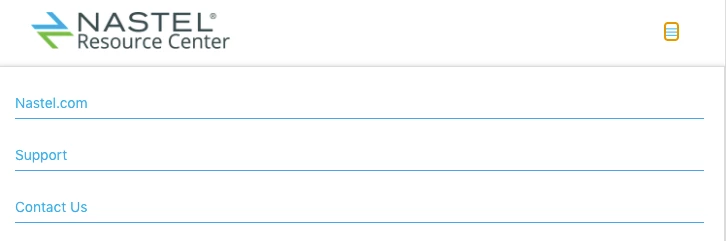
Tablet & Mobile


Thanks


  • Author
  • July 16, 2021

Worked perfectly and looks awesome!  Thank you so much, Ifra :)

-Victoria