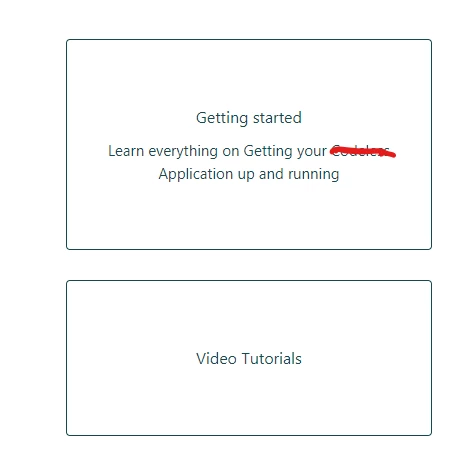
I want a different size for the heading and the description.
How can i achieve it?


I want a different size for the heading and the description.
How can i achieve it?
No account yet? Create an account
Enter your E-mail address. We'll send you an e-mail with instructions to reset your password.

style.css. Search for the.blocks-item-titleselector, and then change thefont sizeproperty from16pxto your desired value. Then click Publish. Hope this helps!*We do not provide support for custom code, so any issues caused by the implementation of custom code will need to be resolved on your end. If you are not comfortable making these changes yourself, we would encourage you to work with an experienced developer.