How can I get my help center's category button to link to a different page? | Community
Skip to main content

How can I get my help center's category button to link to a different page?

  • July 1, 2022
  • 4 replies
  • 0 views

I'm trying to figure out the exact code I can use to change where our help center's category button links to.

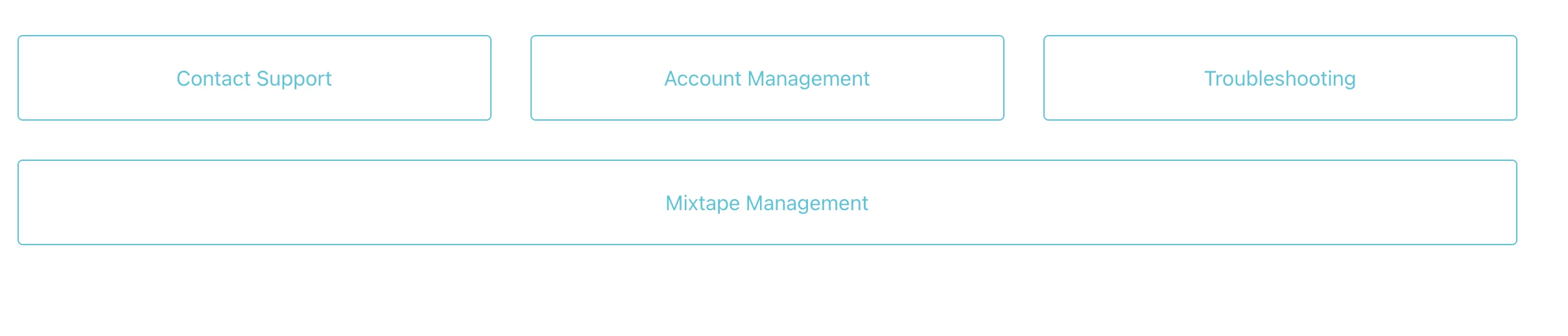
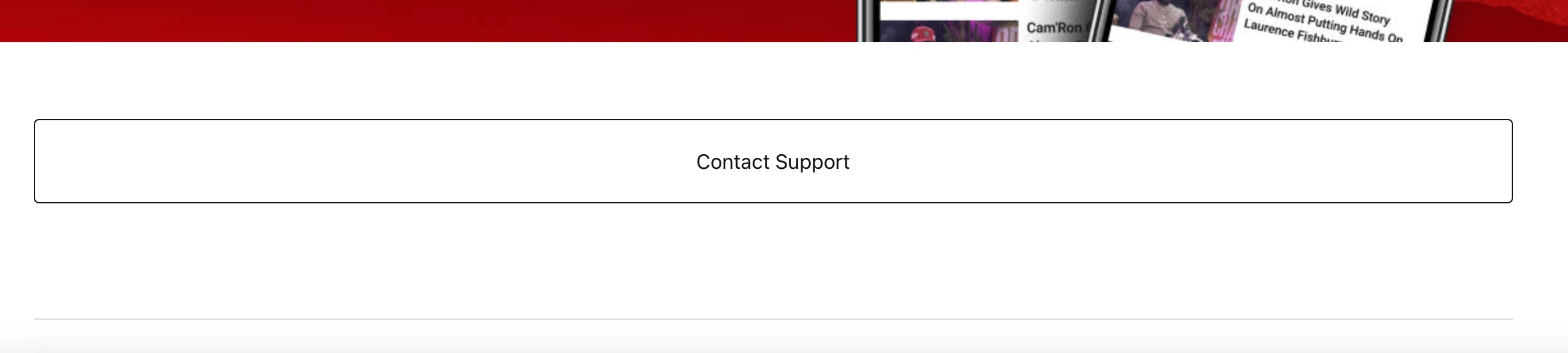
We'd like the "Contact Support" button pictured below to link to one of our Zendesk forms instead of the article page it currently links to. Please advise. Thanks!
4 replies

Ifra
  • July 1, 2022

Hey Stella Luna, you can add a block via HTML and add your form URL:-


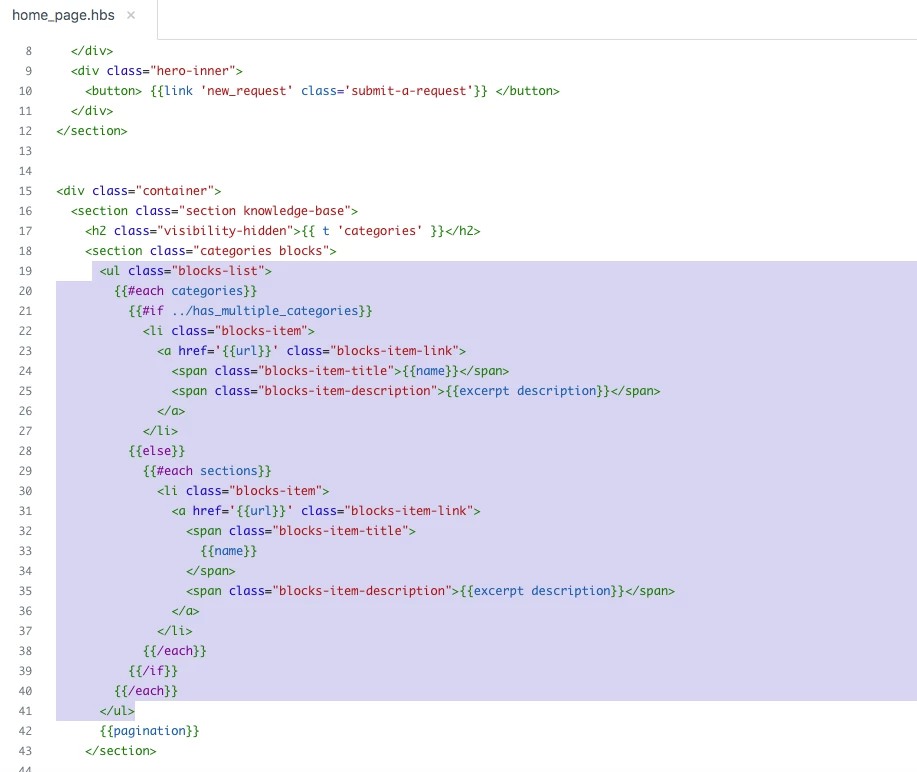
i). Go to your homepage and see currently you have only category blocks code. I'M USING COPENHAGEN THEME


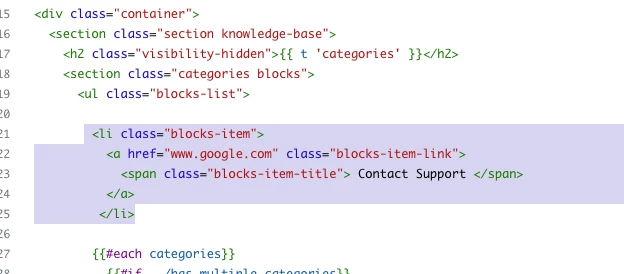
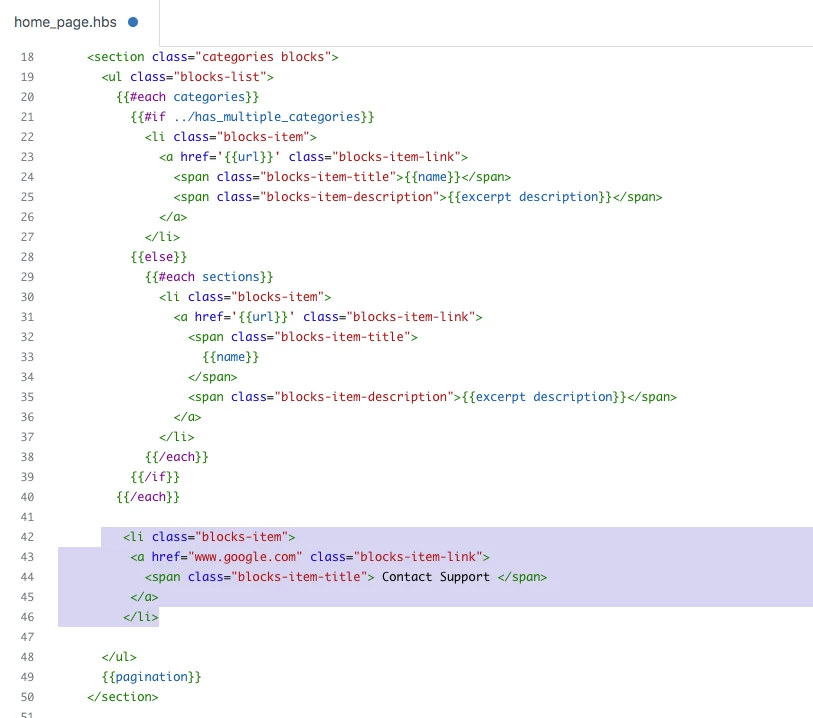
ii). Add HTML code to make block 'Contact Support'.

 <li class="blocks-item">
 <a href="www.google.com" class="blocks-item-link">
   <span class="blocks-item-title"> Contact Support </span>
 </a>
</li>


Screenshot for the same:-


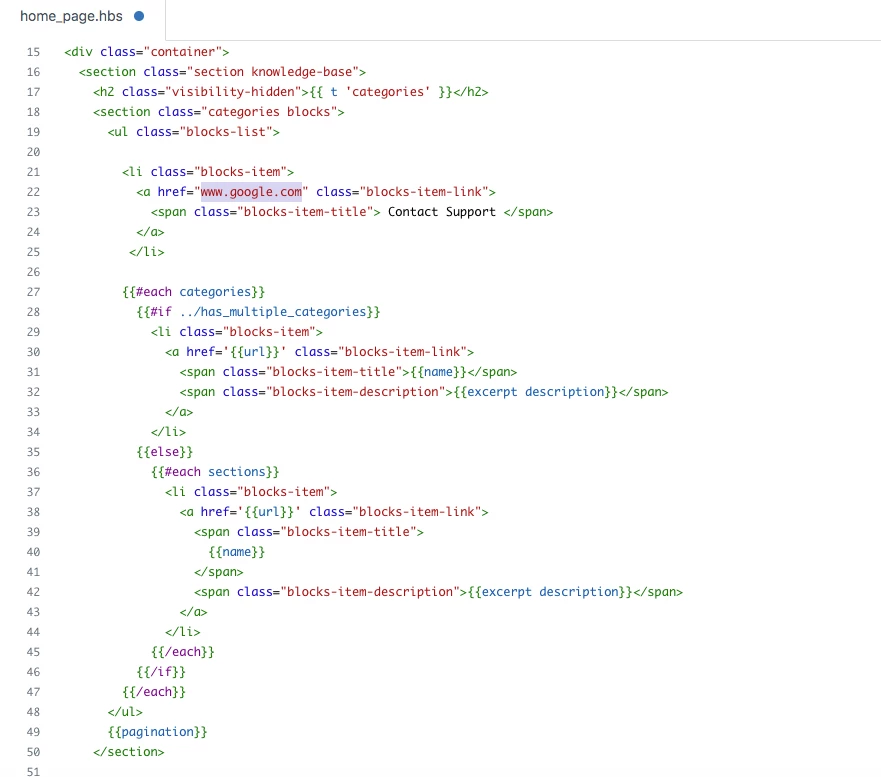
iii). Now, your code will look like this.


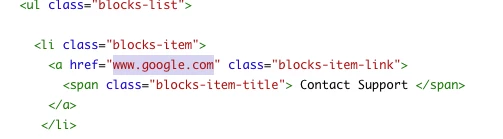
iv). Change the URL of the block.


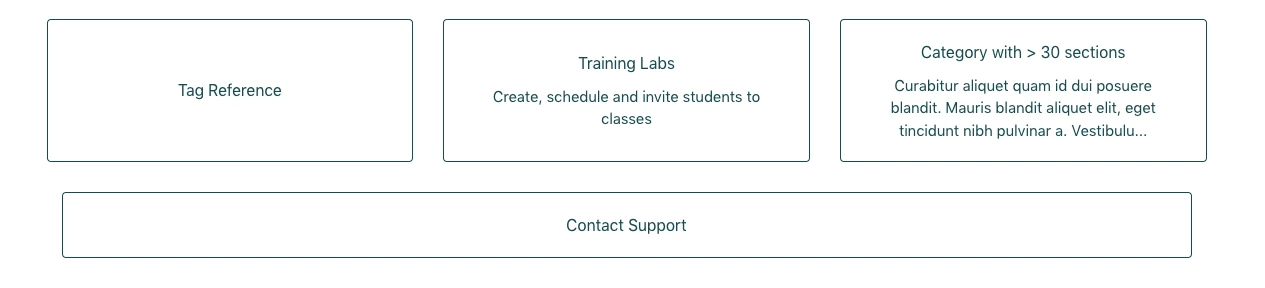
v). Output would be:-


Thanks

Team


  • Author
  • July 1, 2022

Hi @ifra! I just tried it and it worked perfectly so thank you for that!

One other question: For our other help center with multiple buttons, we'd like the "Contact Support" button to be moved to the bottom (so the "Mixtape Management" button in this case). How would I achieve this?

Also, I appreciate the quick response!


Ifra
  • July 2, 2022

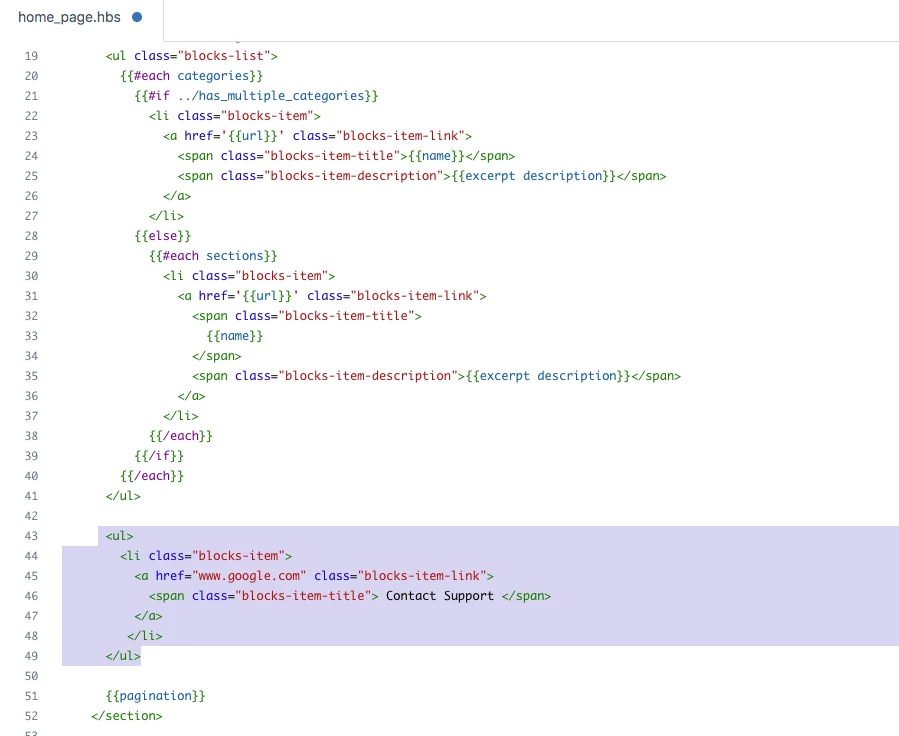
Hello Stella Luna, move the code at the bottom area on homepage:-


i). Move the code at bottom.


Output:-


ii). Move the code out of the <ul> tag to completely make it separate.


Output:-


  • Author
  • July 13, 2022

@ifra, that worked! Thank you for your help!!