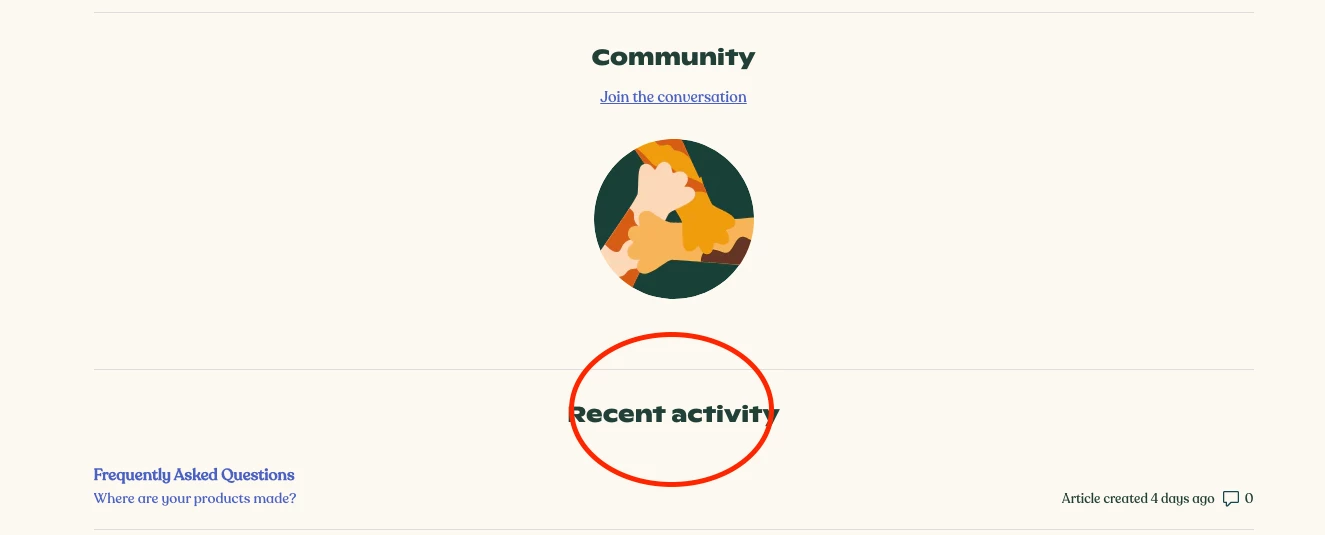
How can I change the wording in the "Recent activity" heading? | Community
Skip to main content

How can I change the wording in the "Recent activity" heading?
  • April 26, 2017
  • 30 replies
  • 0 views

Show first post

30 replies

Jimmy13
  • May 10, 2022

@dave12 - Was following some of the comments above that suggested adding it to home_page.hbs. I just want to change the "Recent Activity" to "Recently Viewed" on my homepage. Any suggestions? 


Greg29
  • May 16, 2022

Hi Jimmy! As Brett noted above in the comments, you can just put this in your script.js file:

document.getElementsByClassName("recent-activity-header")[0].innerHTML="Recent Updates";

Miguel24
  • May 25, 2022

It is possible to display "category" instead of "section" in "Recent Activity" section?


Fiorella
  • May 22, 2023

Hi team, How can I change the wording in the “Fallow” button?


  • June 1, 2023

Hi Fiorella!

You can try adding something like this at the bottom of the script.js file. 

This code specifically allows you to change the "Follow"/"Unfollow" button text within article pages.

$(document).ready(function() {
  if($(".article-subscribe div button").attr("data-selected") === "false") {
  $(".article-subscribe div button").text('Something')
  } else {
    $(".article-subscribe div button").text('Something Else')
  }
});

$(".article-subscribe").click(function() {
  if($(".article-subscribe div button").attr("data-selected") === "false") {
      $(".article-subscribe div button").text('Something')
  } else {
    $(".article-subscribe div button").text('Something Else')
  }
});