How can I change the title of the sidebar? | Community
Skip to main content

How can I change the title of the sidebar?

  • June 17, 2022
  • 14 replies
  • 0 views

Ria12

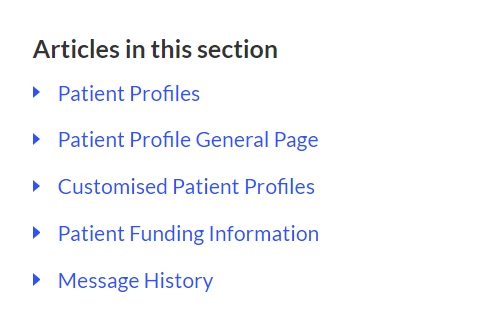
Hi, is there a way to change the title "Articles in this section"? This is in the sidebar in articles, I'm using the Mink theme by Lotus Themes. This current title just kinda implies that the navigation is within the page. I'd like to change this to "Related articles" instead.
14 replies

Ifra
  • June 17, 2022

Hey Ria Fernandez,

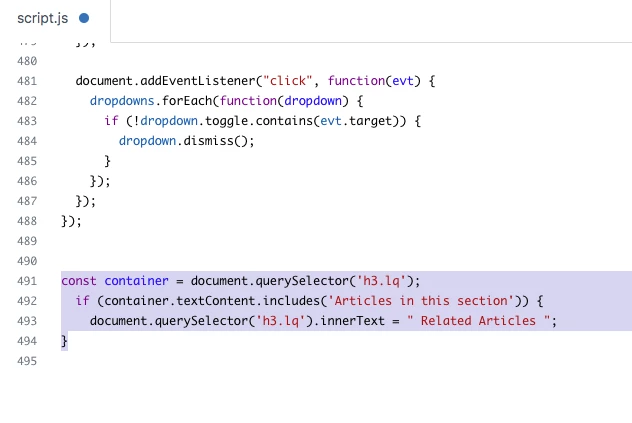
Just copy the code and paste it at the bottom to your script.js file.

const sidebarTitle = document.querySelector('h3.lq');
if (sidebarTitle.textContent.includes('Articles in this section')) {
  document.querySelector('h3.lq').innerText = " Related Articles ";
}


SCREENshote:


If any issue feel free to ask :)


Thanks

Team


Ria12
  • Author
  • June 17, 2022

Hi Ifra,

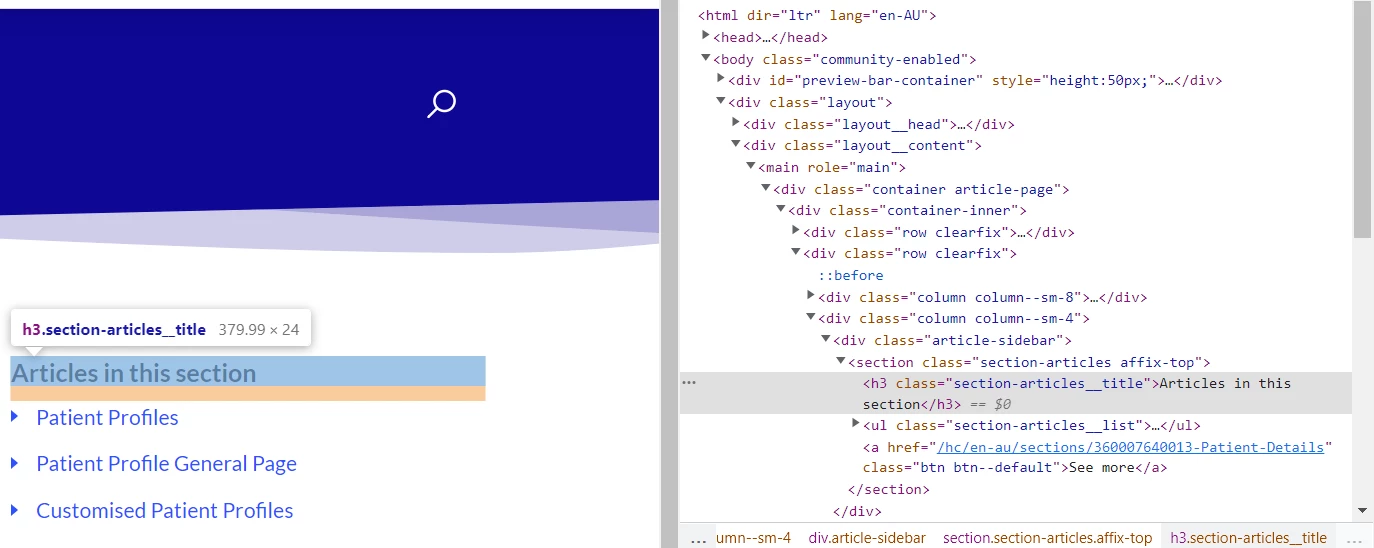
Thanks so much for getting back to me so quickly. I tried out the code and pasted it at the bottom of script.js as recommended, however it didn't change anything. :(

This is what I see if I inspect the sidebar.


Ifra
  • June 17, 2022

Need to change the class in the code, remove previously added code and add this

const sidebarTitle = document.querySelector('h3.section-articles__title');
if (sidebarTitle.textContent.includes('Articles in this section')) {
document.querySelector('h3.section-articles__title').innerText = "Related Articles";
}


Ria12
  • Author
  • June 17, 2022

Thank you, Ifra. I've changed the code and added the new one. It's still not working. :(


Ifra
  • June 17, 2022
document.querySelector('h3.section-articles__title').innerText = "Related Articles";


Remove previous and add only this line of code.


Ria12
  • Author
  • June 17, 2022

Okay sure. It's this: https://support.halaxy.com/


Ifra
  • June 17, 2022

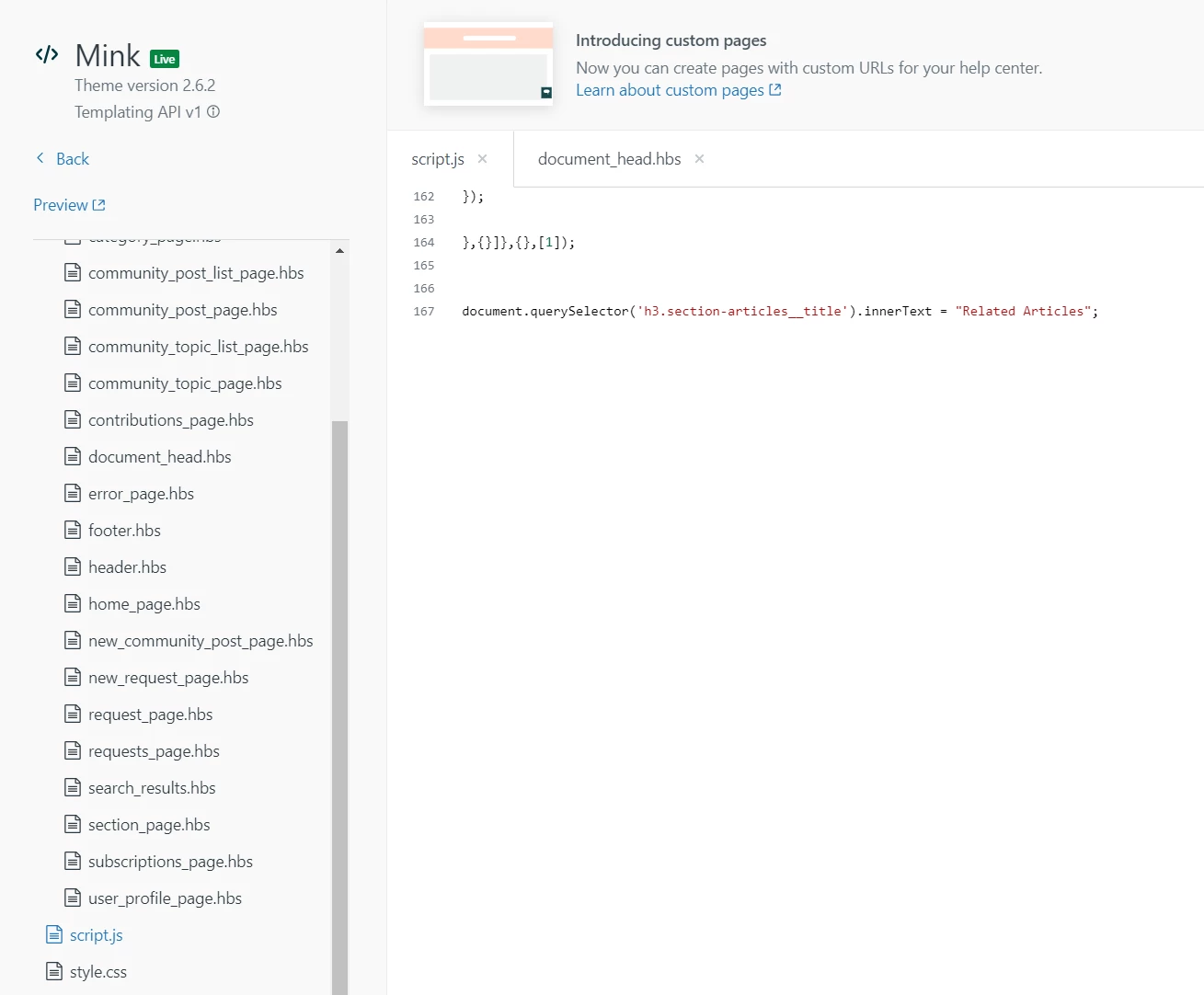
Output:


Remove previous and add this single line code:

document.querySelector('h3.section-articles__title').innerText = "Related Articles";

Ria12
  • Author
  • June 17, 2022

How were you able to get that output? It's still not working. :(

Am I missing something?


Ifra
  • June 17, 2022

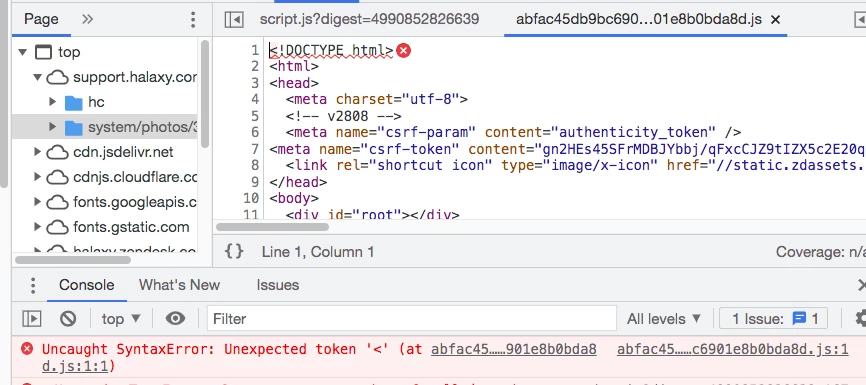
Error:

Causes: https://stackoverflow.com/questions/3143698/uncaught-syntaxerror-unexpected-token


Cut the line of code provided by me and paste it at the top to script.js file and then test.


Ria12
  • Author
  • June 17, 2022

Okay, I have cut and pasted the code to the top of script.js but it is still not working.


Ifra
  • June 17, 2022

Use this code and remove that:

$(document).ready(function (){
  $("h3.section-articles__title").text("Related Articles")
})

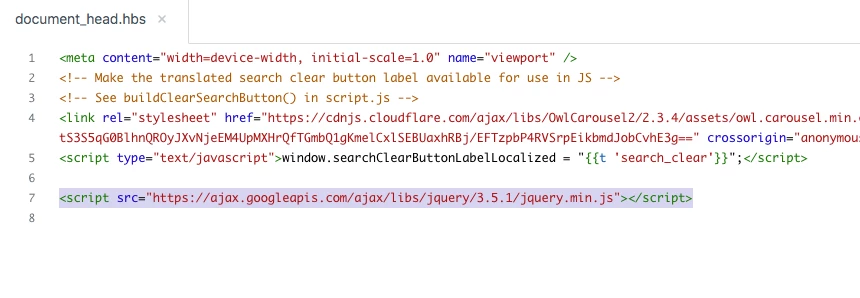
Make sure document_head.hbs file must have  CDN:

<script src="https://ajax.googleapis.com/ajax/libs/jquery/3.5.1/jquery.min.js"></script>


Ria12
  • Author
  • June 17, 2022

The first code worked! Thank you so much!!

However, the second code for jquery is making the search bar go all wonky. It doesn't work anymore.


Ifra
  • June 17, 2022

Another way is:

Go to your article_page.hbs file and add the hard coded string "Related Articles".

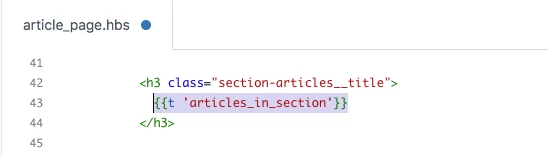
i). Find for {{t 'articles_in_section'}}.

ii). Then you will get the helper {{t 'articles_in_section'}} inside the '<h3 ..>' tag.


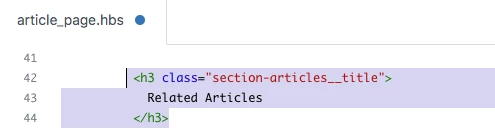
iii). Remove  {{t 'articles_in_section'}} and write 'Related Articles'.


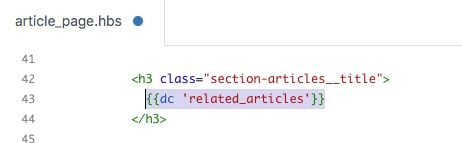
iv). You can create DC to show it in multiple languages.

v). No need to write any code.


Ria12
  • Author
  • June 17, 2022

Got it. Thank you so much, Ifra! This has been very helpful. Thank you for your time.