Recently discovered that when sharing links to articles through social media, the thumbnail is the logo used for the Help Center. I found this post https://support.zendesk.com/hc/en-us/community/posts/4409515410586-Is-there-a-way-to-c[%E2%80%A6]ge-that-appears-when-a-Guide-ink-is-shared-to-social-media- but doesn't really help me. My biggest problem is that when the logo is pulled, it's not really adjusting to the right size and looks cropped. Is it possible in any way to modify the size of the image shown as the thumbnail for the article? I share a screenshot for reference.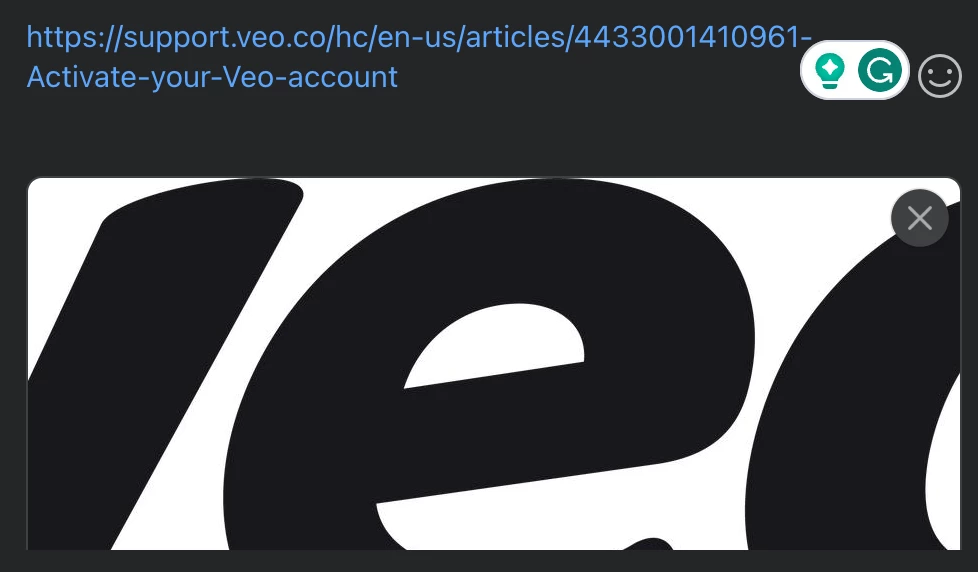

How can I adjust the image when sharing links on SoMe?

Login to the community
No account yet? Create an account
Enter your E-mail address. We'll send you an e-mail with instructions to reset your password.