
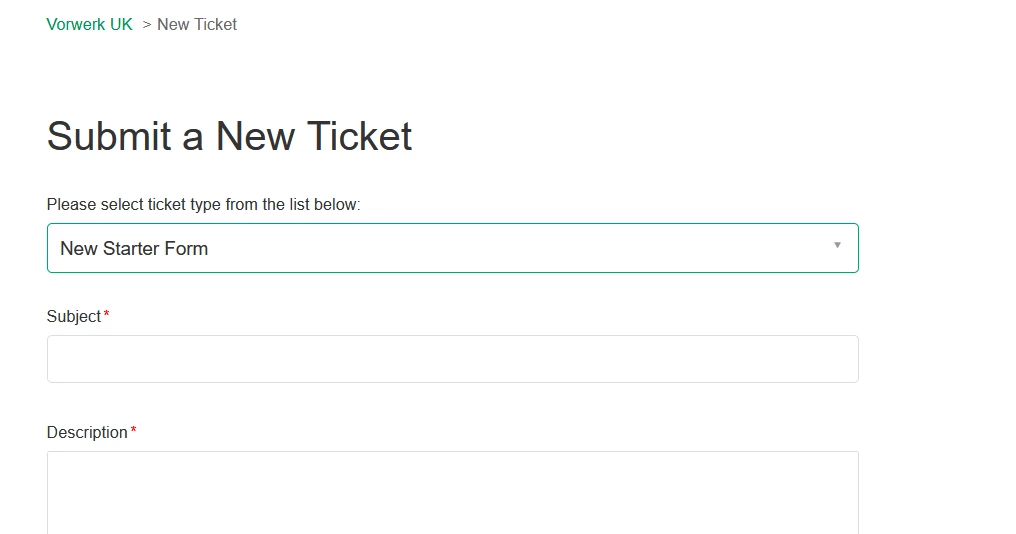
There are a few of our request forms where the default sytem fields Subject and Description are not required and I would ideally like to hide them.
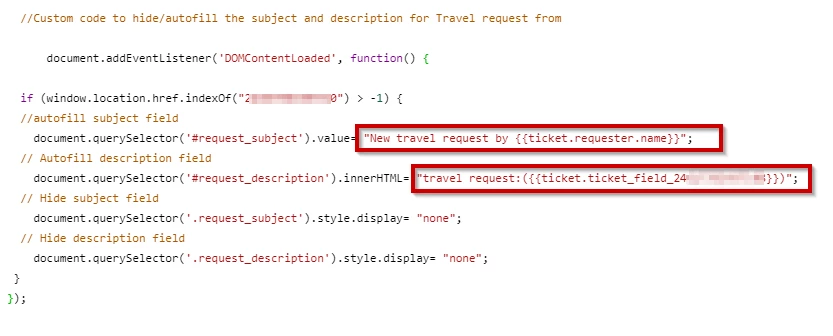
From what I have read on other similar posts that the fields can be auto completed and hidden using Javascript or jQuery.
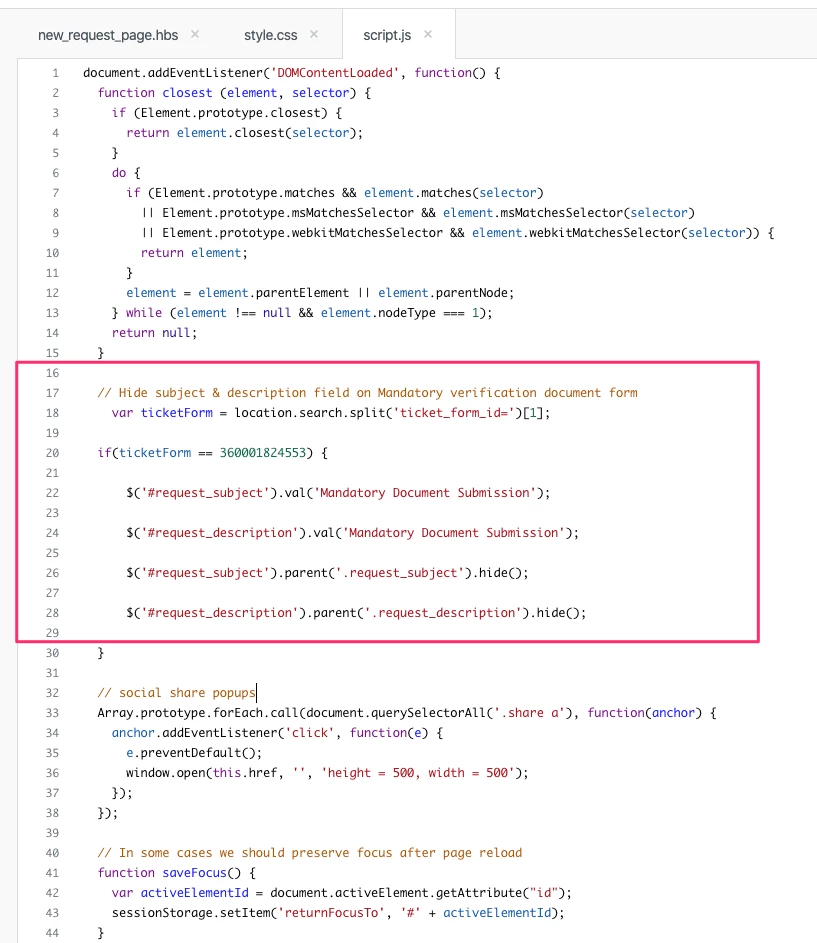
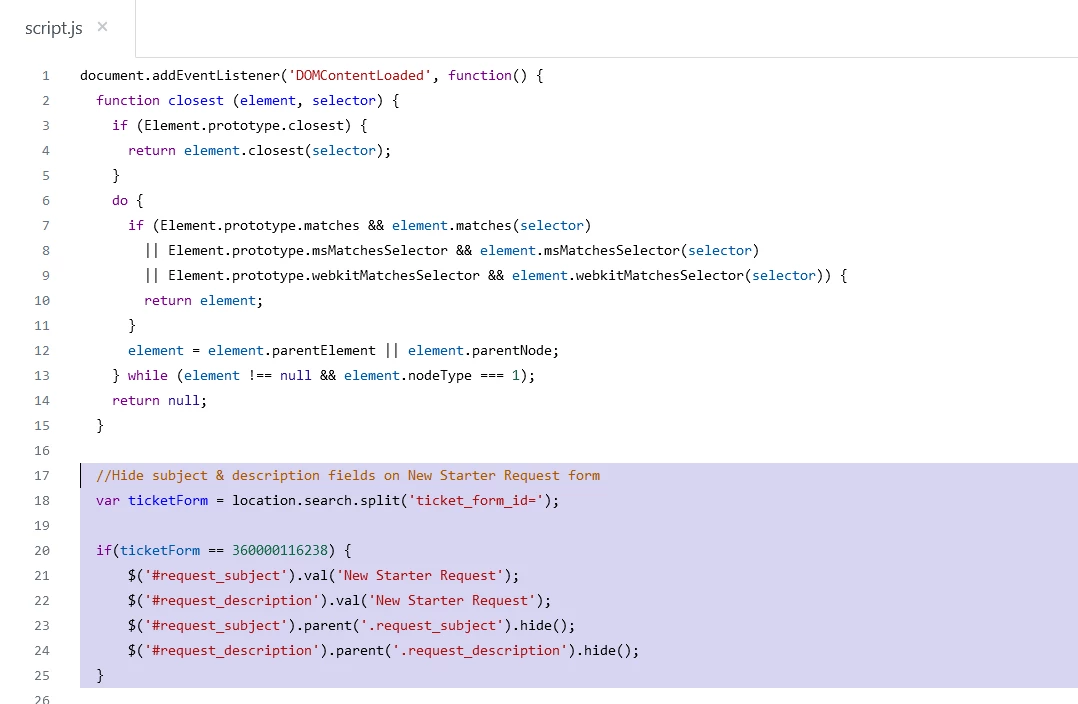
Following the example of the article https://support.zendesk.com/hc/en-us/articles/115002860148-Disabling-the-subject-and-description-fields-on-the-new-request-form-in-Help-Center- this is the code I have tried to use but after publishing the changesthe fields are still visble.
var ticketForm = location.search.split('ticket_form_id=')[1];
if(ticketForm == 360000116238) {
$('.form-field.request_subject').hide(); // Hide subject
$('.form-field.request_description').hide(); // Hide description
$('#request_subject').val('test subject'); // autofill subject
$('#request_description').val('test description'); // autofill description
}
Can someone point me in the right direction to get this to work
Thanks



This request was closed and merged into request #12995313 "[Community Post] Pesquisa de NPs".