Help Centre page changes | Community
Skip to main content

Help Centre page changes

  • March 6, 2024
  • 5 replies
  • 0 views

Hi Team,

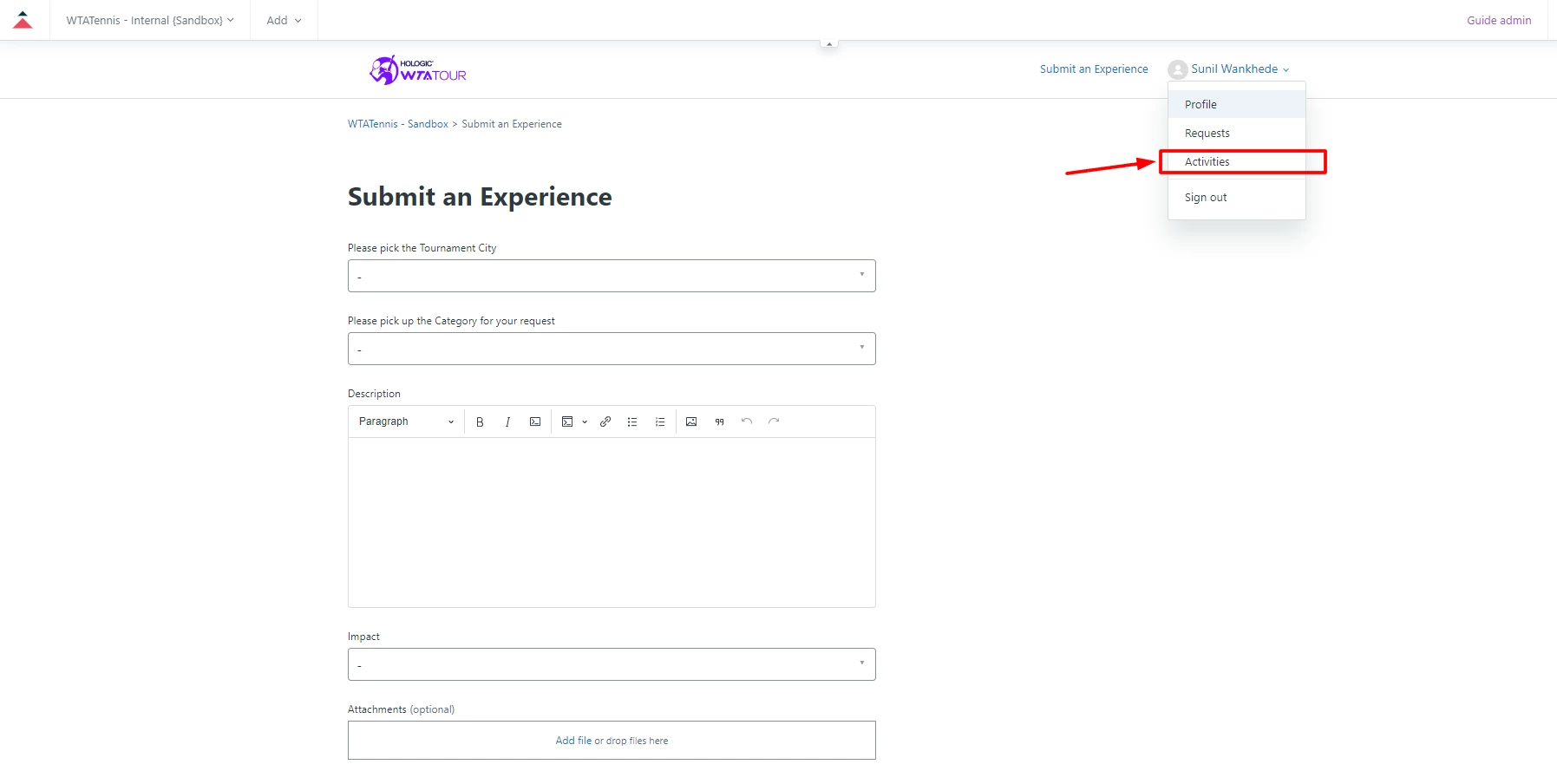
I would like to remove the activities from my webform, including the mobile version. Please tell me how I can do that.
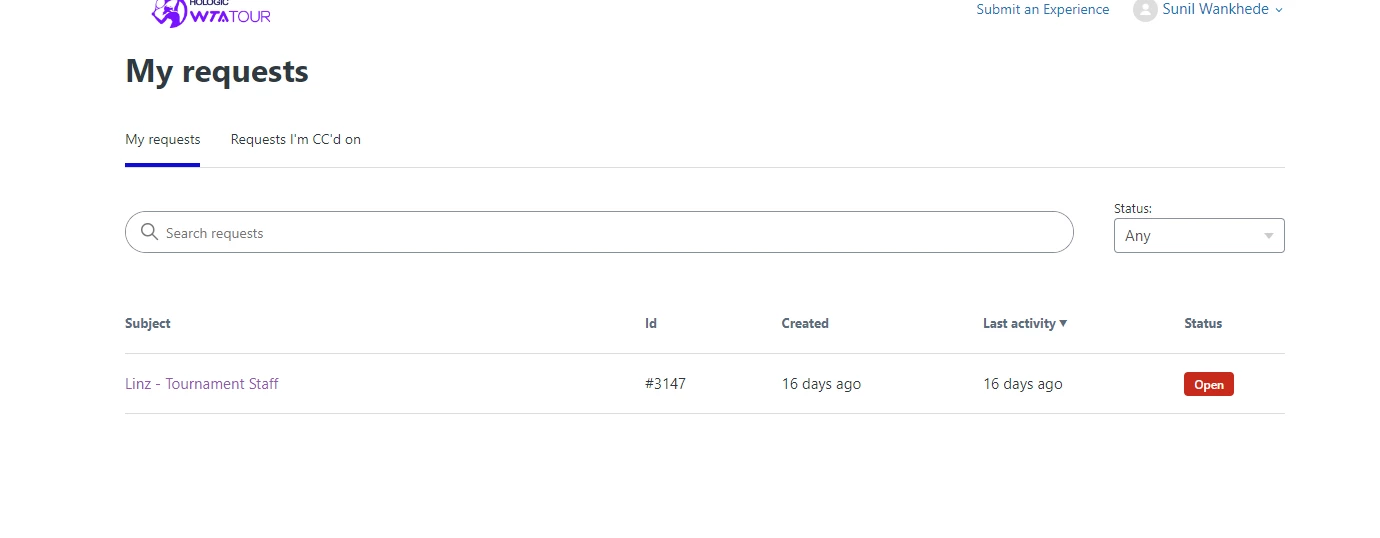
Also, when I open all requests, it shows a drop-down option called "Status,"  which I liked to shows only one option, which is "Any", including the mobile version, instead of all other drop down options. Or we can try to remove it completly as well, if possible.
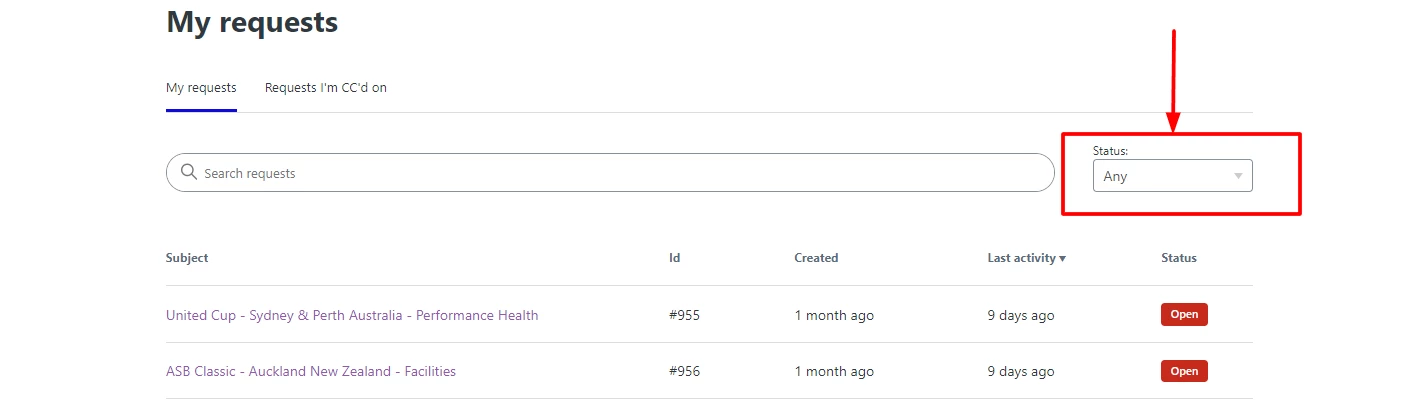

When we open any request to submit, I like to update the header, "Submit an Experince", with one image I have. 
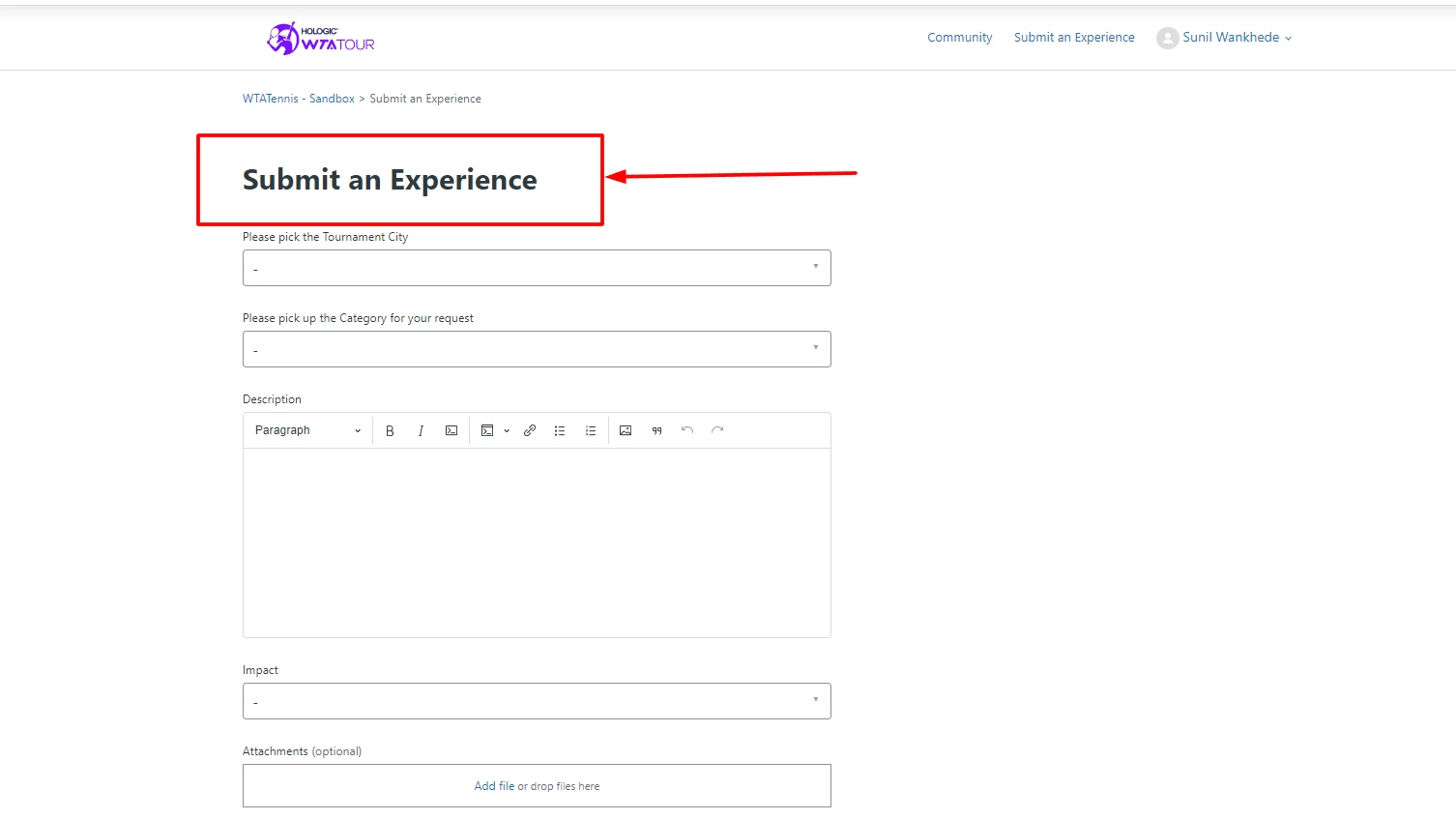

I like to use this image instead of "Submit an Experience" or maybe we can utilise this format for the text.

Regards,

Sunil W

5 replies

Ifra
  • March 6, 2024

Hi Sunil,

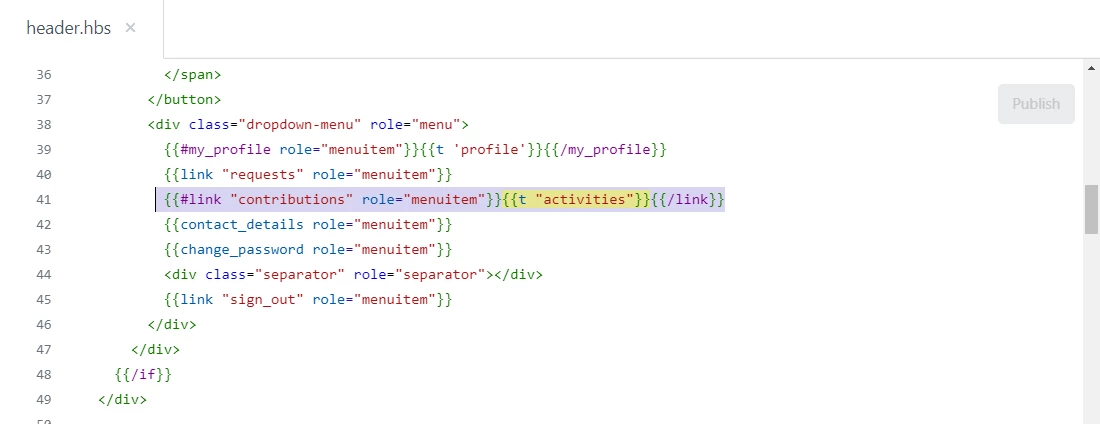
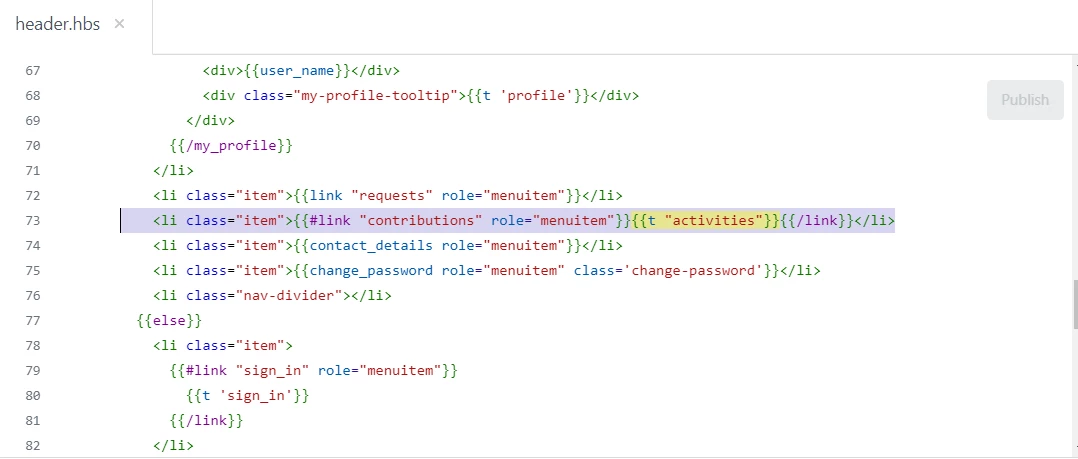
1). the answer is:

Remove the code snippet from two places on header.hbs file

line no. 41 


line no. 73


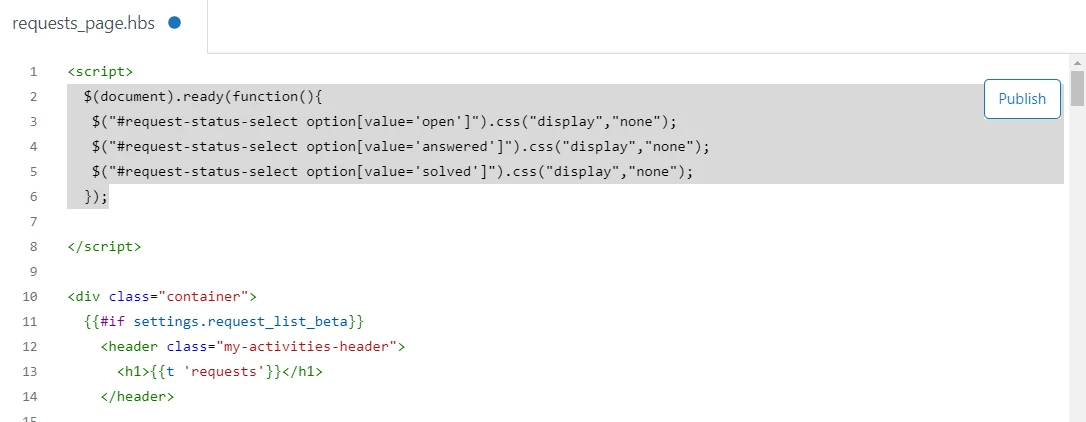
2). the answer is-

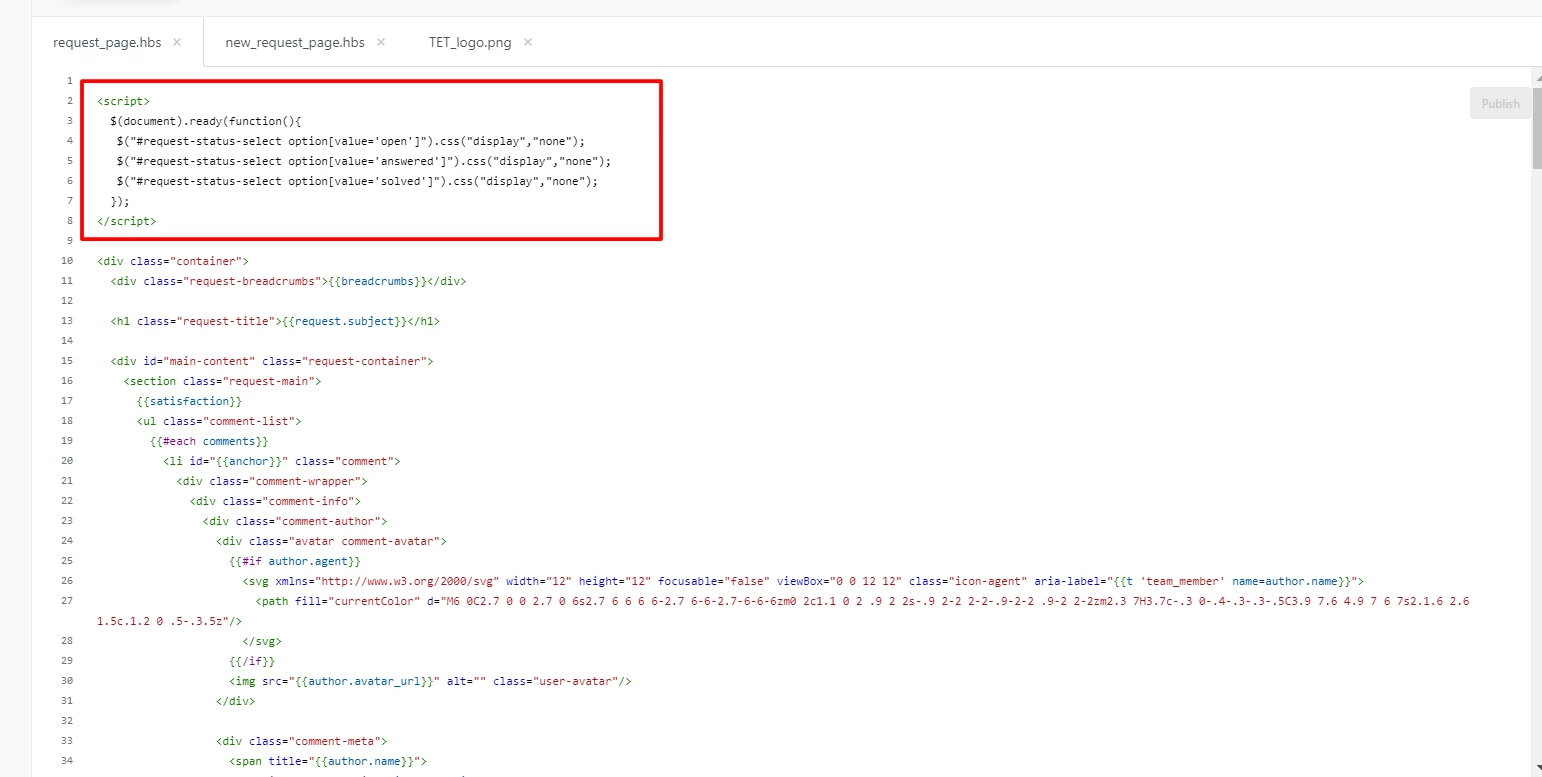
Add the given code to your requests_page.hbs file at the top of the file.

<script>
  $(document).ready(function(){
   $("#request-status-select option[value='open']").css("display","none");
   $("#request-status-select option[value='answered']").css("display","none");
   $("#request-status-select option[value='solved']").css("display","none");
  });
  
</script>


Screenshot for the same:


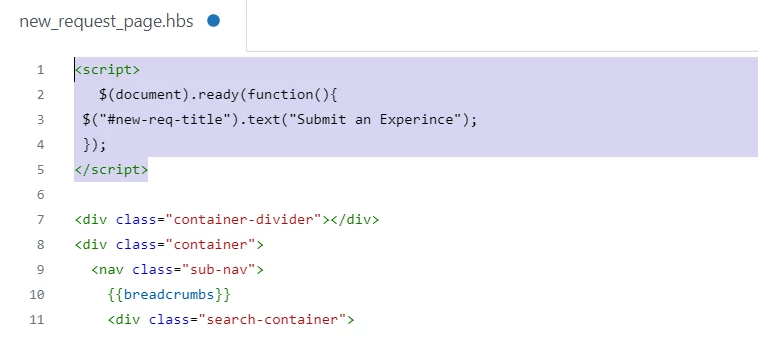
3). answer is -

Add the code snippet to the new-request-page file at the top.

<script>
   $(document).ready(function(){
$("#new-req-title").text("Submit an Experience");
 });
</script>


Screenshot for the same:


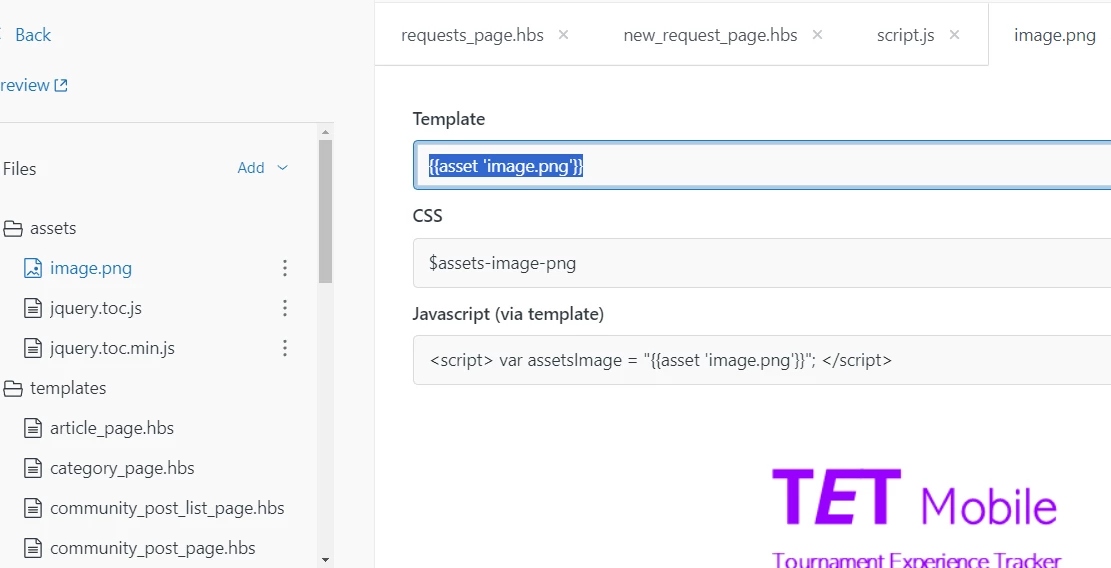
Upload your image to the assets folder and copy the Template version.


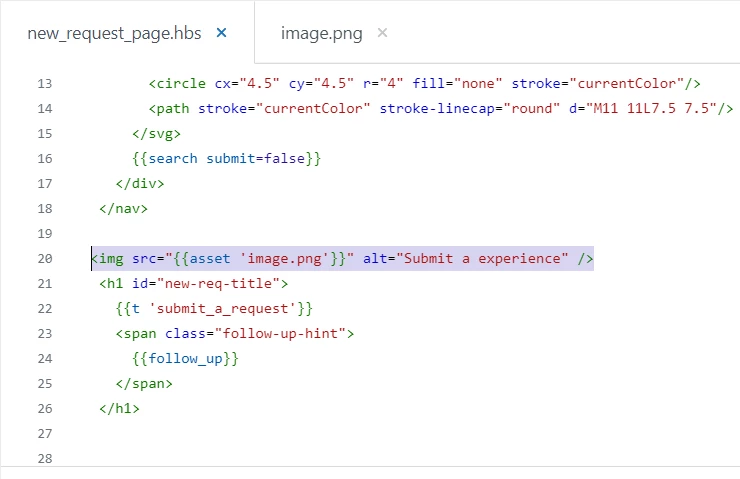
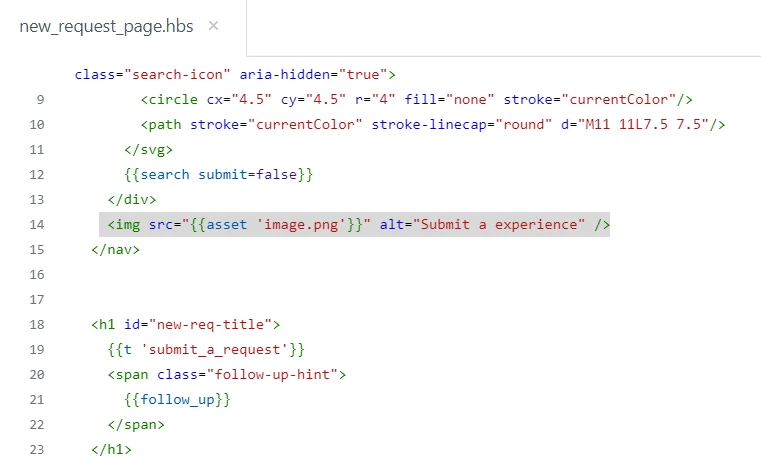
Paste the copied image to the new_request_page.hbs file with the <img> tag like the one given below.


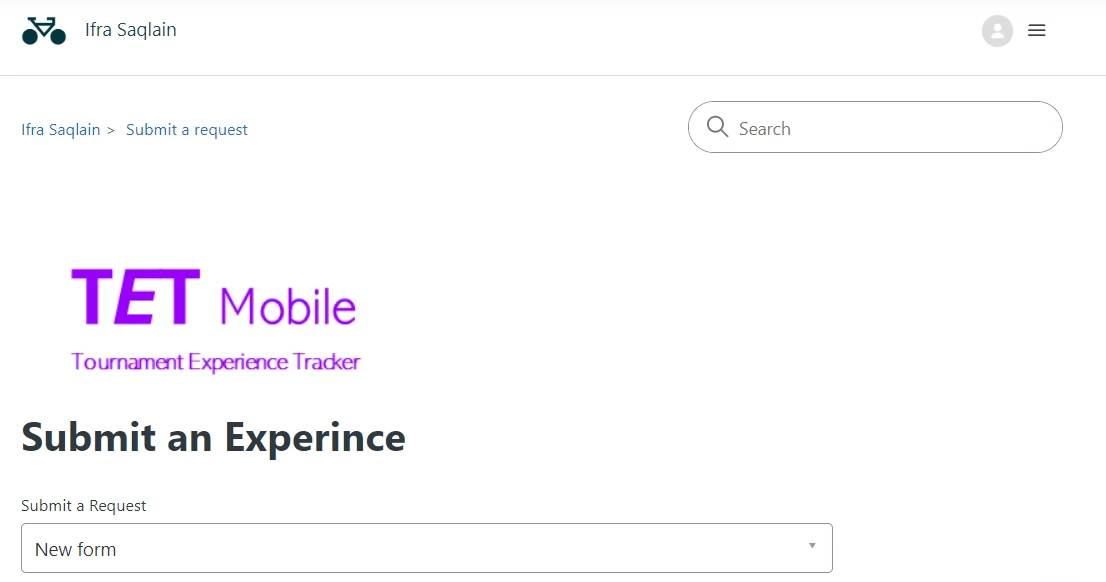
Output is:


If any confusion let me know.


Thanks


  • Author
  • March 6, 2024

Hi Ifra,

Thank you very much.

The first and third solutions work.

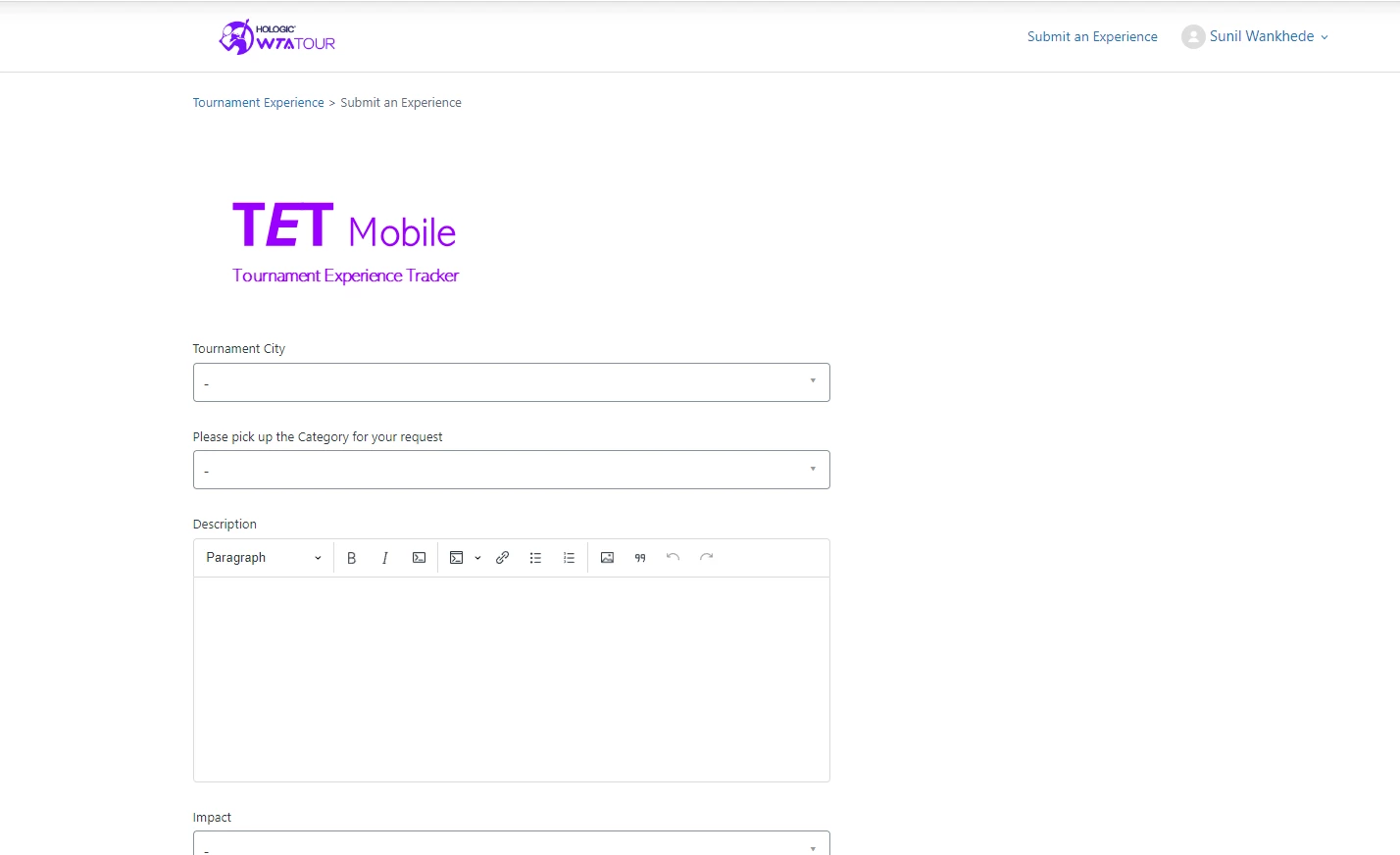
One question for the third, can we make this logo appear a little bit up, I see a lot of open space on the upper side of it.


Also, the second solution doesn't work, I followed the same steps.


It is still showing all the options:


Ifra
  • March 7, 2024

 the second solution doesn't work, I followed the same steps.

Did you add CDN of JQuery to document_head.hbs.

<script src="https://cdnjs.cloudflare.com/ajax/libs/jquery/3.7.1/jquery.min.js" integrity="sha512-v2CJ7UaYy4JwqLDIrZUI/4hqeoQieOmAZNXBeQyjo21dadnwR+8ZaIJVT8EE2iyI61OV8e6M8PP2/4hpQINQ/g==" crossorigin="anonymous" referrerpolicy="no-referrer"></script>


can we make this logo appear a little bit up, I see a lot of open space on the upper side of it.

Move the image to <nav> wrapper as in the given image.


  • Author
  • March 8, 2024

Hi Irfa,

I tried adding CDN of JQuery to document_head.hbs. but it still fails, will you please check and help.


Ifra
  • March 8, 2024

Check the error in the console, maybe any issue exists there.