Help Center : Adding article in white space beside "Submit Request field" | Community
Skip to main content

Help Center : Adding article in white space beside "Submit Request field"

  • March 27, 2022
  • 17 replies
  • 0 views

Is there any way to promote or show top articles of our choosing in the white space to the right of the contact form?

17 replies

Ifra
  • March 28, 2022

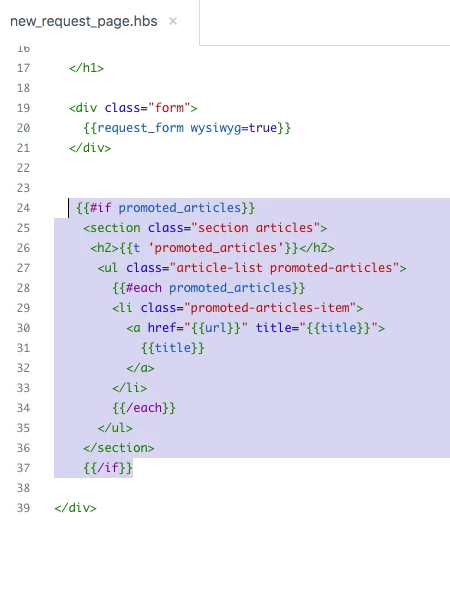
Hey Salim, use the below code to add the promoted article beside the form:

Code to be embedded: 

{{#if promoted_articles}}
    <section class="section articles">
     <h2>{{t 'promoted_articles'}}</h2>
      <ul class="article-list promoted-articles">
        {{#each promoted_articles}}
        <li class="promoted-articles-item">
          <a href="{{url}}" title="{{title}}">
            {{title}}
          </a>
        </li>
        {{/each}}
      </ul>
    </section>
    {{/if}}


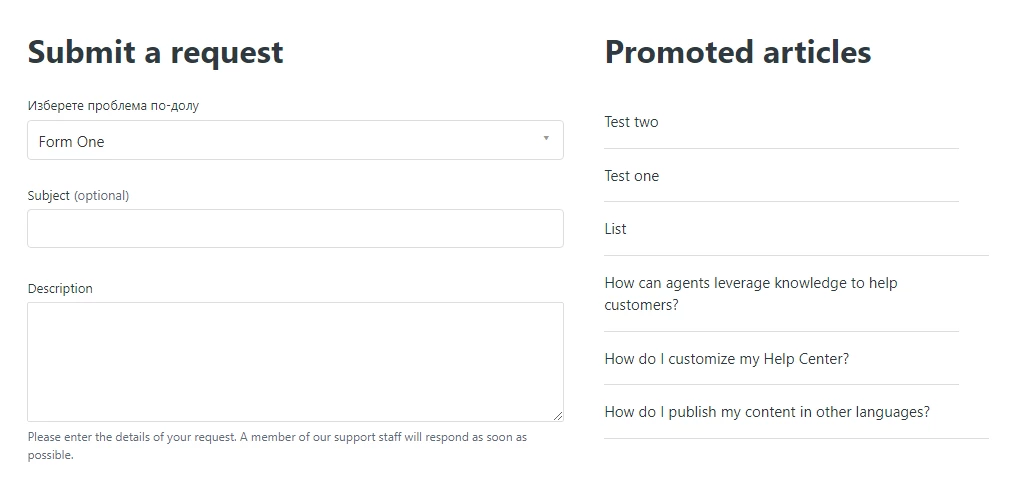
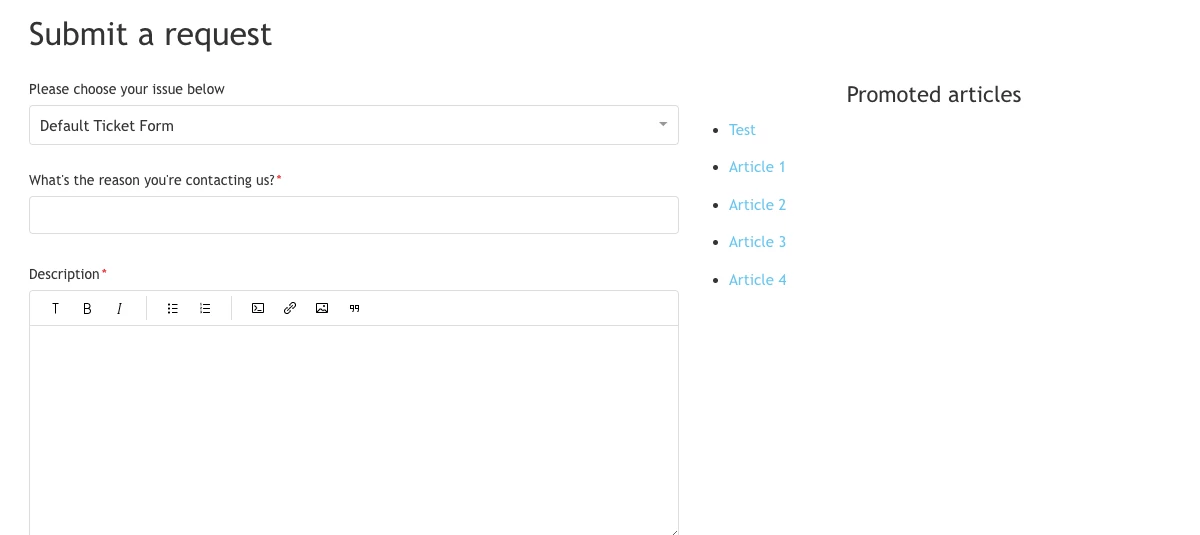
Screenshot for the same:


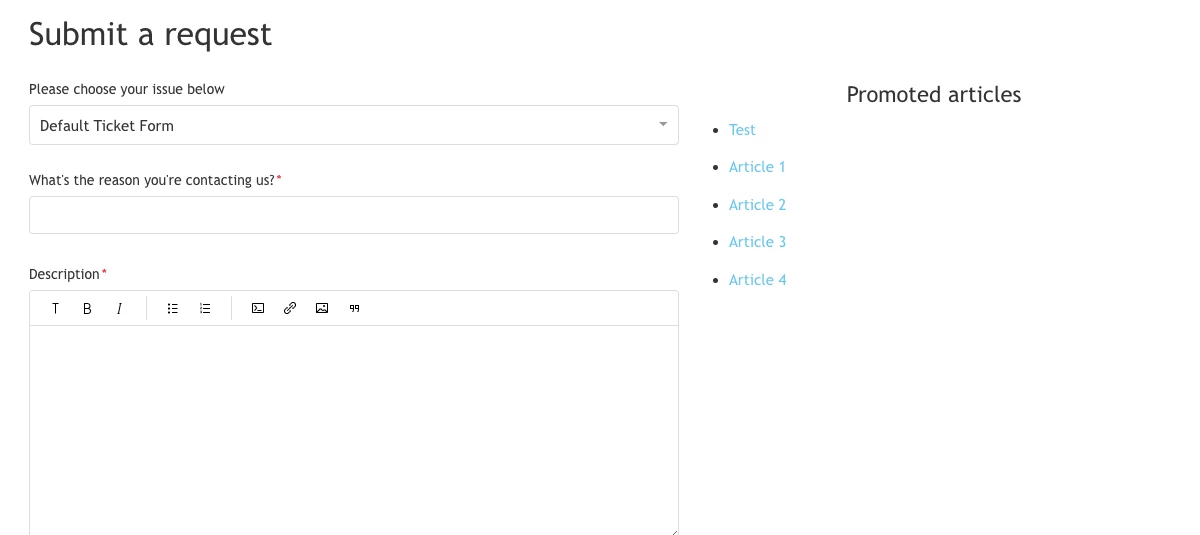
Output:


If any confusion, let me know :)


Thanks

Team


  • Author
  • March 28, 2022

Hi @ifra

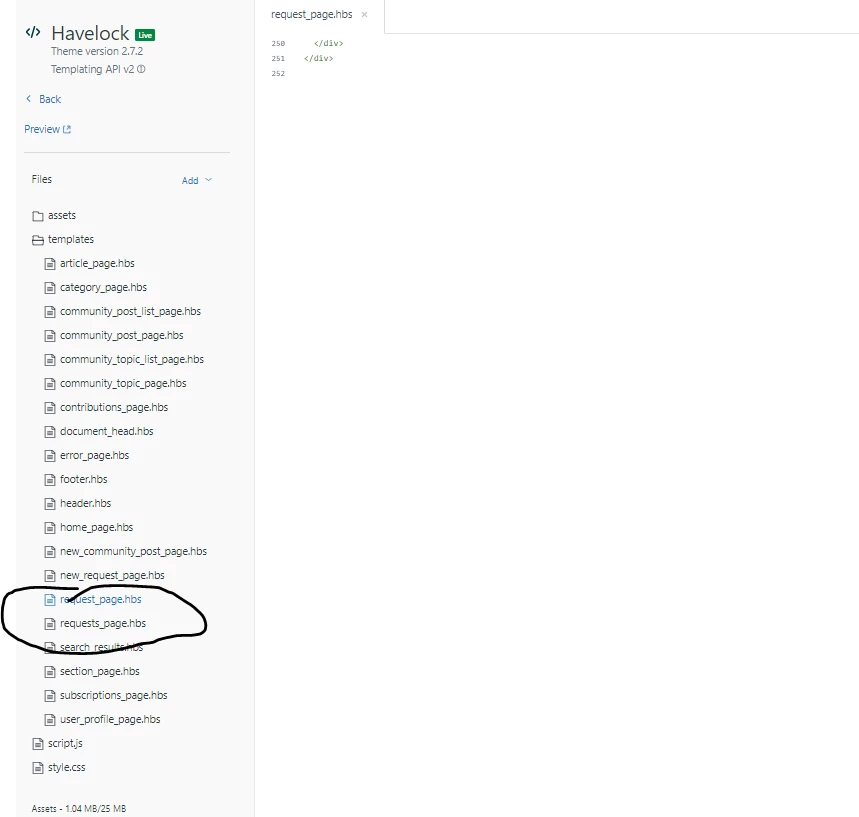
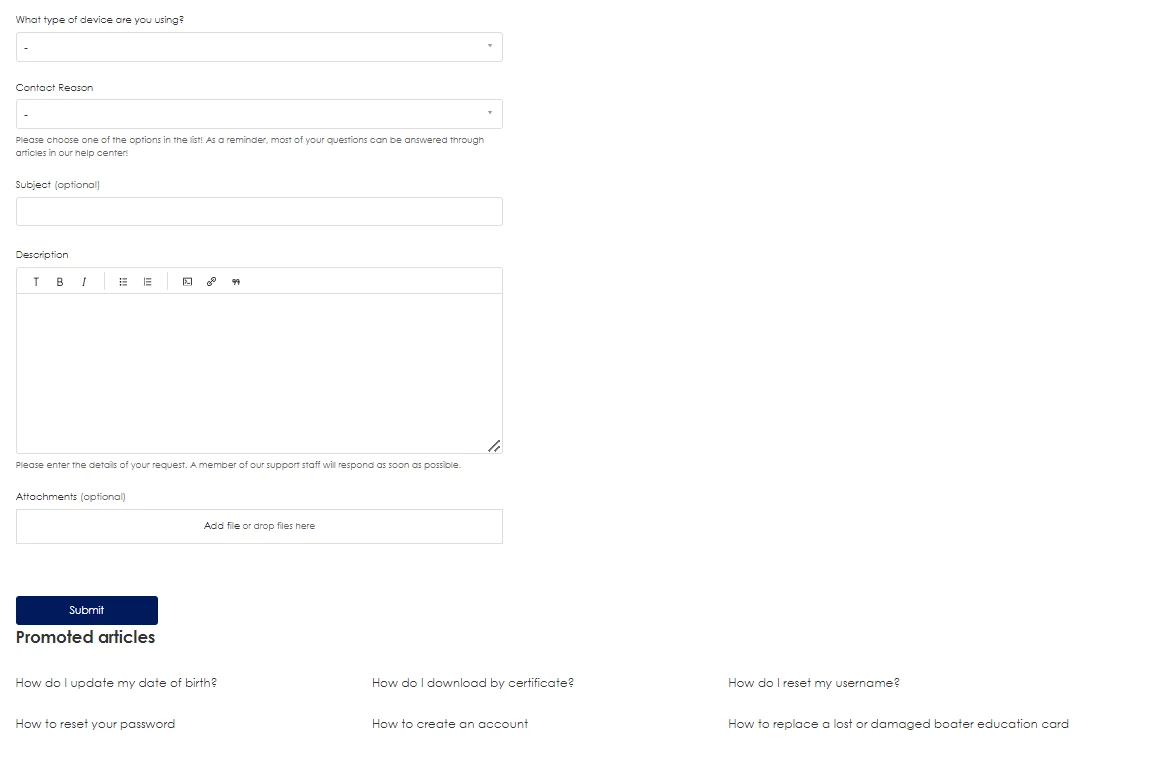
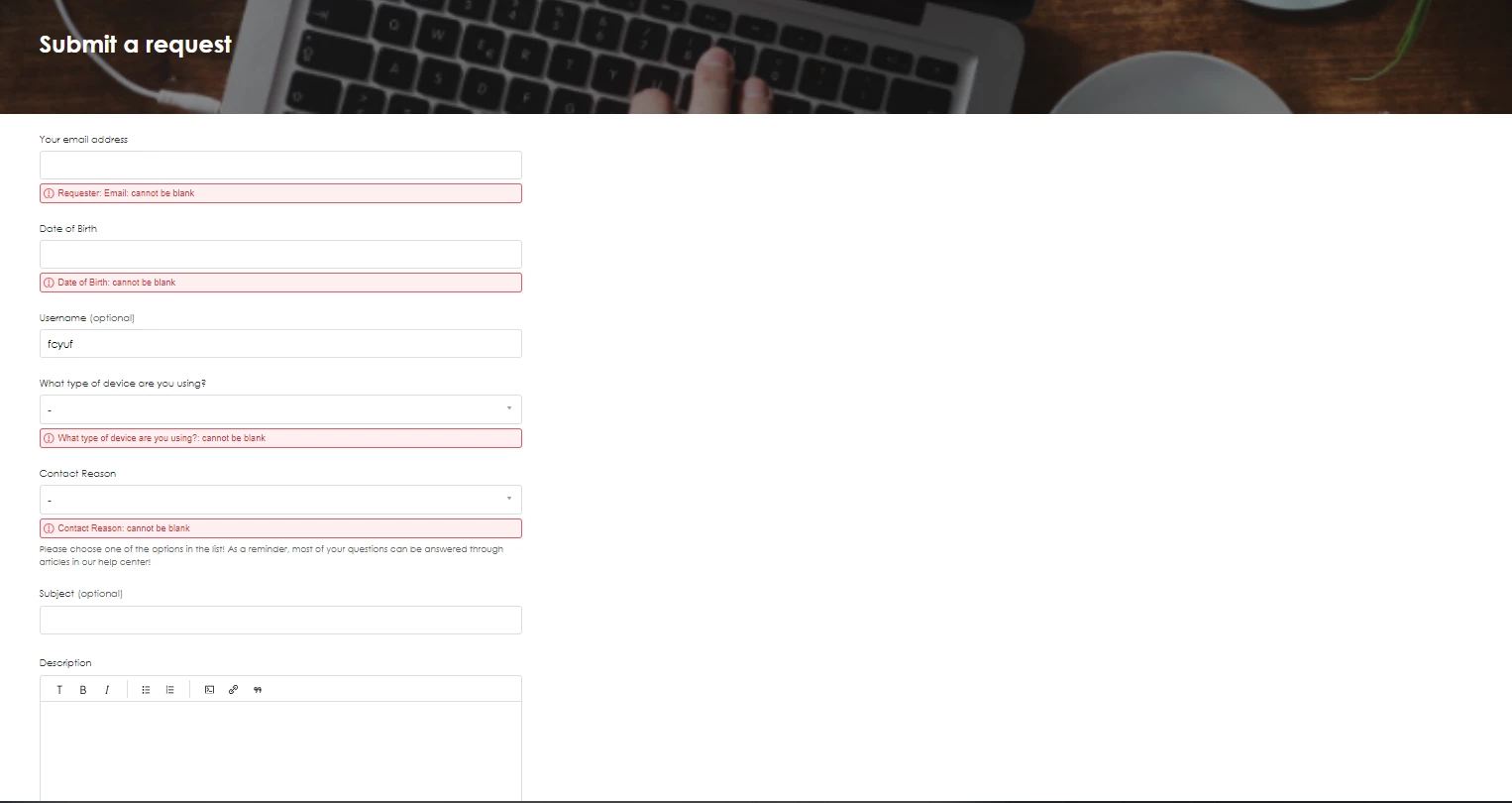
Thank you for the reply and solution. I tried adding it at the end of the following templates but it did not work. Am I doing it wrong? (removed them in the image)


  • Author
  • March 28, 2022

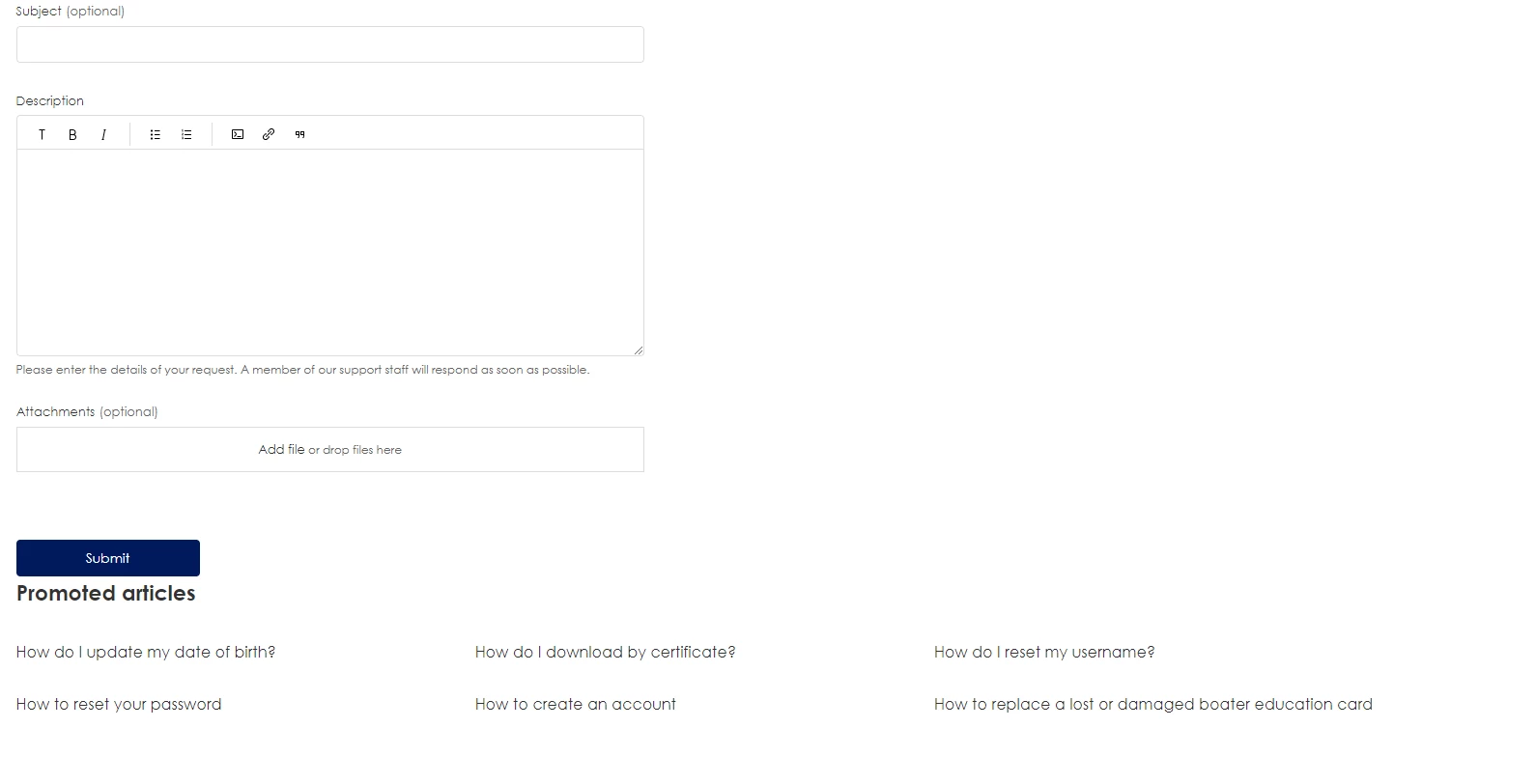
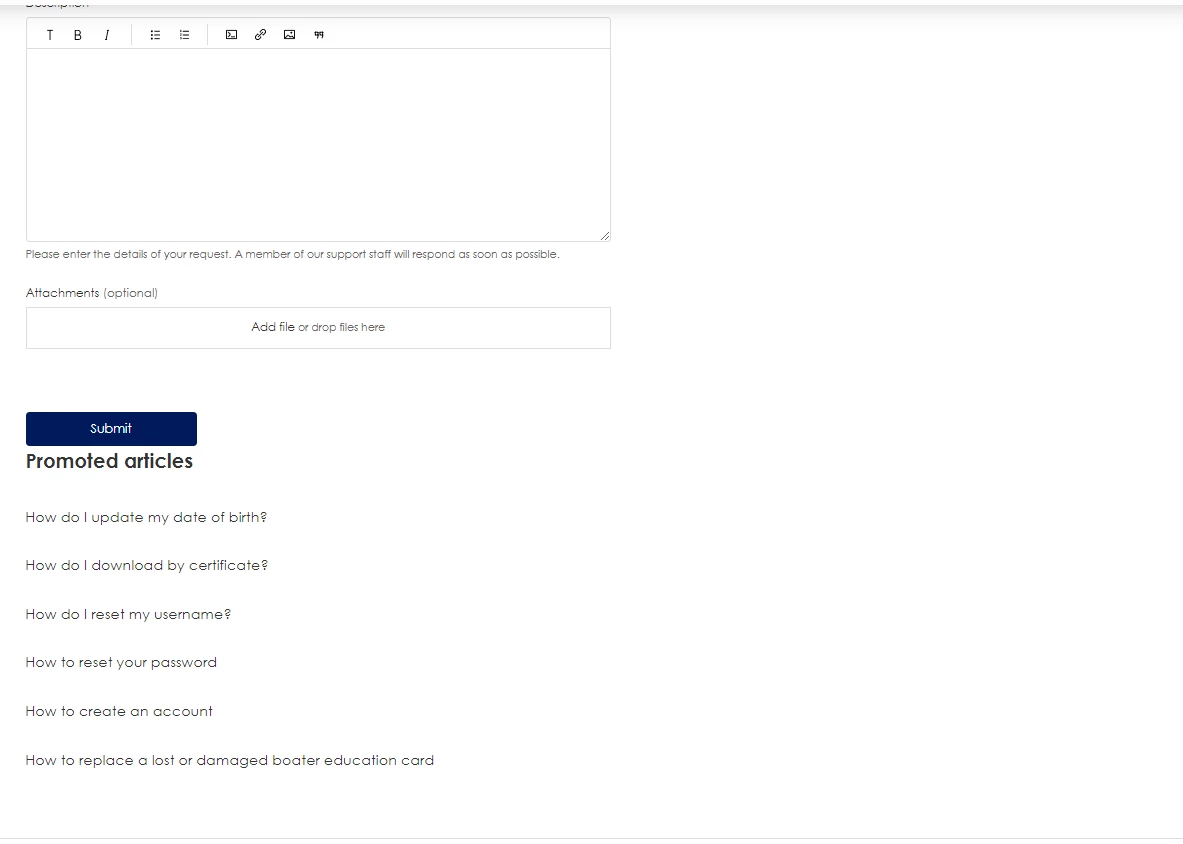
Update: It shows but it shows like this:


  • Author
  • March 28, 2022

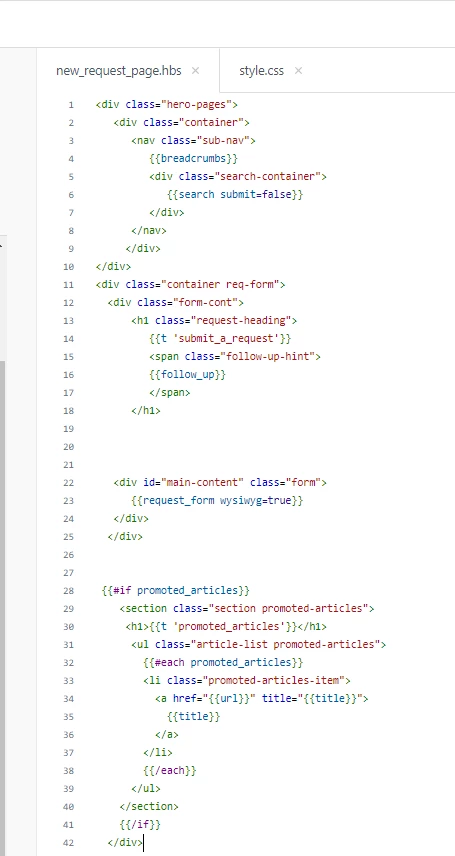
See code below @ifra

<div class="hero-pages">
   <div class="container">
      <nav class="sub-nav">
         {{breadcrumbs}}
         <div class="search-container">
            {{search submit=false}}
         </div>
      </nav>
      <h1 class="request-heading">
         {{t 'submit_a_request'}}
         <span class="follow-up-hint">
         {{follow_up}}
         </span>
      </h1>
   </div>
</div>
<div class="form-cont">
   <div id="main-content" class="form">
      {{request_form wysiwyg=true}}
   </div>
  
  
 {{#if promoted_articles}}
    <section class="section articles">
     <h2>{{t 'promoted_articles'}}</h2>
      <ul class="article-list promoted-articles">
        {{#each promoted_articles}}
        <li class="promoted-articles-item">
          <a href="{{url}}" title="{{title}}">
            {{title}}
          </a>
        </li>
        {{/each}}
      </ul>
    </section>
    {{/if}}
  
</div>

Ifra
  • March 28, 2022

@Salim, replace your code with the given below, new_request_page.hbs :-

<div class="hero-pages">
   <div class="container">
      <nav class="sub-nav">
         {{breadcrumbs}}
         <div class="search-container">
            {{search submit=false}}
         </div>
      </nav>
     </div>
</div>
<div class="container req-form">
  <div class="form-cont">
      <h1 class="request-heading">
         {{t 'submit_a_request'}}
         <span class="follow-up-hint">
         {{follow_up}}
         </span>
      </h1>


   <div id="main-content" class="form">
      {{request_form wysiwyg=true}}
   </div>
  </div>
  
  
 {{#if promoted_articles}}
    <section class="section promoted-articles">
     <h1>{{t 'promoted_articles'}}</h1>
      <ul class="article-list promoted-articles">
        {{#each promoted_articles}}
        <li class="promoted-articles-item">
          <a href="{{url}}" title="{{title}}">
            {{title}}
          </a>
        </li>
        {{/each}}
      </ul>
    </section>
    {{/if}}
  </div>


Go to your style.css file and copy paste the CSS code at the bottom area:-

.container.req-form{
  display: flex;
    flex-direction: column;
}

.section.promoted-articles {
      display: flex;
    flex-direction: column;
    width: 100%;
    flex: 1 0 100%;
    margin-left: 0;
  margin-top:40px;
}

.promoted-articles .promoted-articles-item{
  width:100%;
}

@media(min-width:992px){
  .section.promoted-articles {
    width: 40%;
    flex: 1 0 40%;
    margin-left: 40px;
    margin-top:0;
}
  .container.req-form{
    flex-direction: row;
}
}


Output is:-


Thanks


  • Author
  • March 28, 2022

Hi @ifra 

I've followed the instructions, it's changed however it still shows at the bottom


  • Author
  • March 28, 2022

It also updated the format of my main page promoted article so I removed the code from style.css


Ifra
  • March 29, 2022

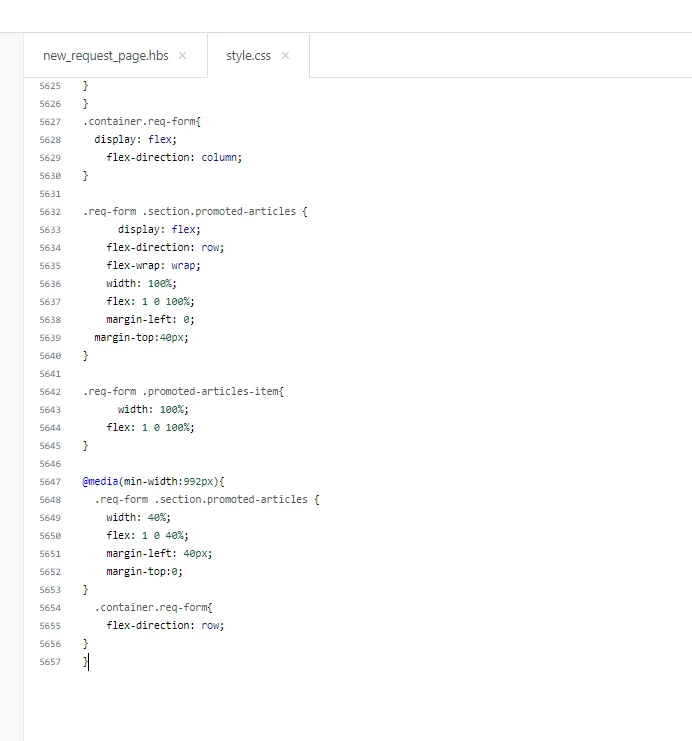
Update your CSS code:


.container.req-form{
  display: flex;
    flex-direction: column;
}

.req-form .section.promoted-articles {
      display: flex;
    flex-direction: row;
    flex-wrap: wrap;
    width: 100%;
    flex: 1 0 100%;
    margin-left: 0;
  margin-top:40px;
}

.req-form .promoted-articles-item{
      width: 100%;
    flex: 1 0 100%;
}

@media(min-width:992px){
  .req-form .section.promoted-articles {
    width: 40%;
    flex: 1 0 40%;
    margin-left: 40px;
    margin-top:0;
}
  .container.req-form{
    flex-direction: row;
}
}

  • Author
  • March 29, 2022

Still no luck, I copied the above code at the end of the style.css but the issue persists. @ifra


Ifra
  • March 30, 2022

@Salim, did you copy and paste your HBS code on new request page ? if not , do this.


Remove your new_request_page.hbs code and copy-paste the below code, I have added some divs with the classes in your code which I have given above but you didn't do copy-paste.

<div class="hero-pages">
   <div class="container">
      <nav class="sub-nav">
         {{breadcrumbs}}
         <div class="search-container">
            {{search submit=false}}
         </div>
      </nav>
     </div>
</div>
<div class="container req-form">
  <div class="form-cont">
      <h1 class="request-heading">
         {{t 'submit_a_request'}}
         <span class="follow-up-hint">
         {{follow_up}}
         </span>
      </h1>


   <div id="main-content" class="form">
      {{request_form wysiwyg=true}}
   </div>
  </div>
  
  
 {{#if promoted_articles}}
    <section class="section promoted-articles">
     <h1>{{t 'promoted_articles'}}</h1>
      <ul class="article-list promoted-articles">
        {{#each promoted_articles}}
        <li class="promoted-articles-item">
          <a href="{{url}}" title="{{title}}">
            {{title}}
          </a>
        </li>
        {{/each}}
      </ul>
    </section>
    {{/if}}
  </div>


Now, add the given CSS code:

.container.req-form{
  display: flex;
    flex-direction: column;
}

.req-form .section.promoted-articles {
      display: flex;
    flex-direction: row;
    flex-wrap: wrap;
    width: 100%;
    flex: 1 0 100%;
    margin-left: 0;
  margin-top:40px;
}

.req-form .promoted-articles-item{
      width: 100%;
    flex: 1 0 100%;
}

@media(min-width:992px){
  .req-form .section.promoted-articles {
    width: 40%;
    flex: 1 0 40%;
    margin-left: 40px;
    margin-top:0;
}
  .container.req-form{
    flex-direction: row;
}
}

  • Author
  • March 30, 2022

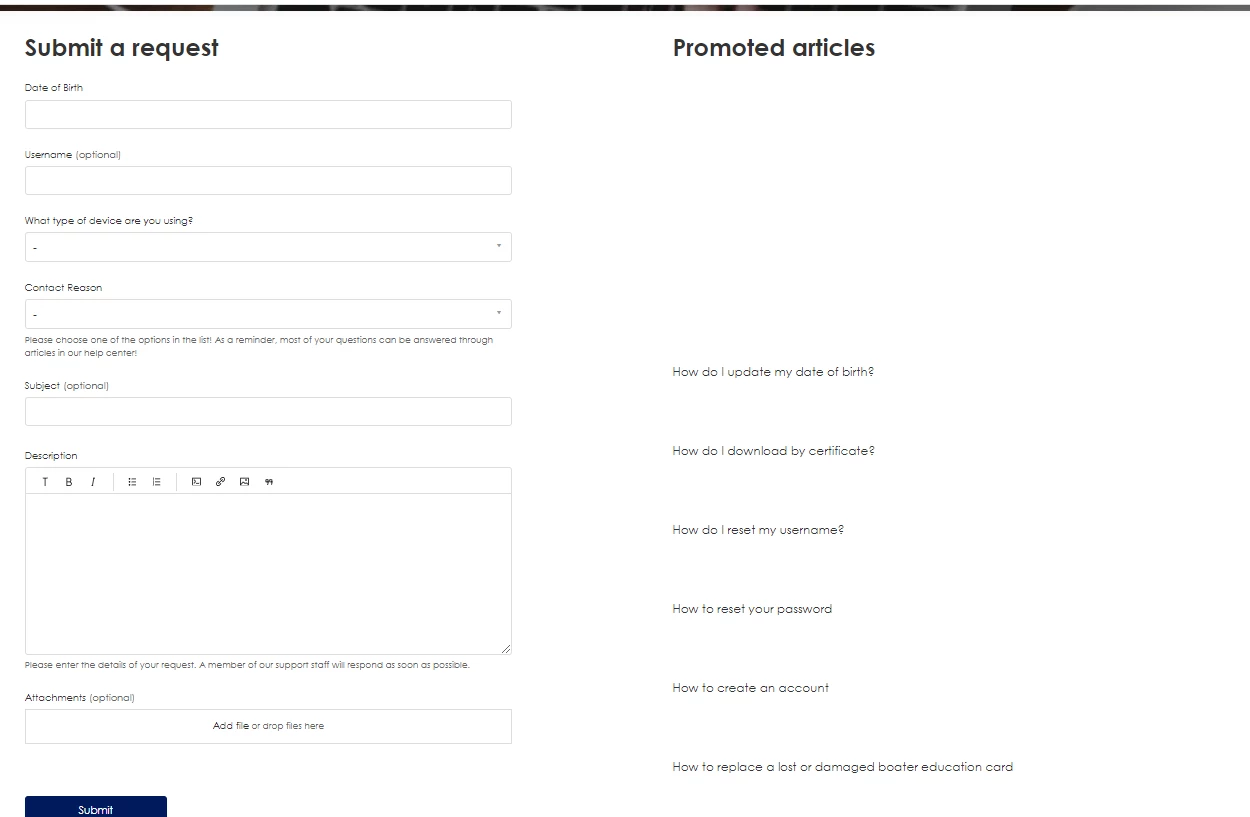
Hello , I copied the above snippet you provided and the below is the outcome. @ifra


Ifra
  • March 31, 2022

I don't have this kind of issue in the Copenhagen theme. Can share your HC public URL here? so I can figure it out.


  • Author
  • March 31, 2022

The link is https://boat-ed.zendesk.com/hc/en-us I am using the Havelock theme @ifra


Ifra
  • March 31, 2022

Okay,

Remove your previous added CSS code (ALL) which I shared above and add the below code:

.container.req-form{
  display: flex;
    flex-direction: column;
}

.req-form .section.promoted-articles{
      display: block;
    width: 100%;
    margin-left: 0;
  margin-top:40px;
}

.req-form .promoted-articles-item{
      width: 100%;
    flex: 1 0 100%;
}

@media(min-width:992px){
  .req-form .section.promoted-articles{
    width: 40%;
    margin-left: 40px;
    margin-top:0;
}
  .container.req-form{
    flex-direction: row;
}
}


and let me know.


Thanks


  • Author
  • March 31, 2022

You're awesome, Thank you! Looks much better now! One last thing, any way to get point form like your very first image? @ifra


Ifra
  • March 31, 2022

Like this one:-


Bullets in the article, add the given CSS at the bottom on style.css file:

.req-form .section.promoted-articles ul {
  list-style: disc;
    padding-left: 16px;
}

  • Author
  • March 31, 2022

Success, thank you very much for all your help!