
Gather - How to adjust number of Recent Activity items? | Community
Skip to main content

Gather - How to adjust number of Recent Activity items?

  • January 5, 2024
  • 5 replies
  • 0 views

Hello All,

I am working on the Community Topic List page in Gather. I would like to know how to adjust the number of Recent Activity items that are shown to my users:
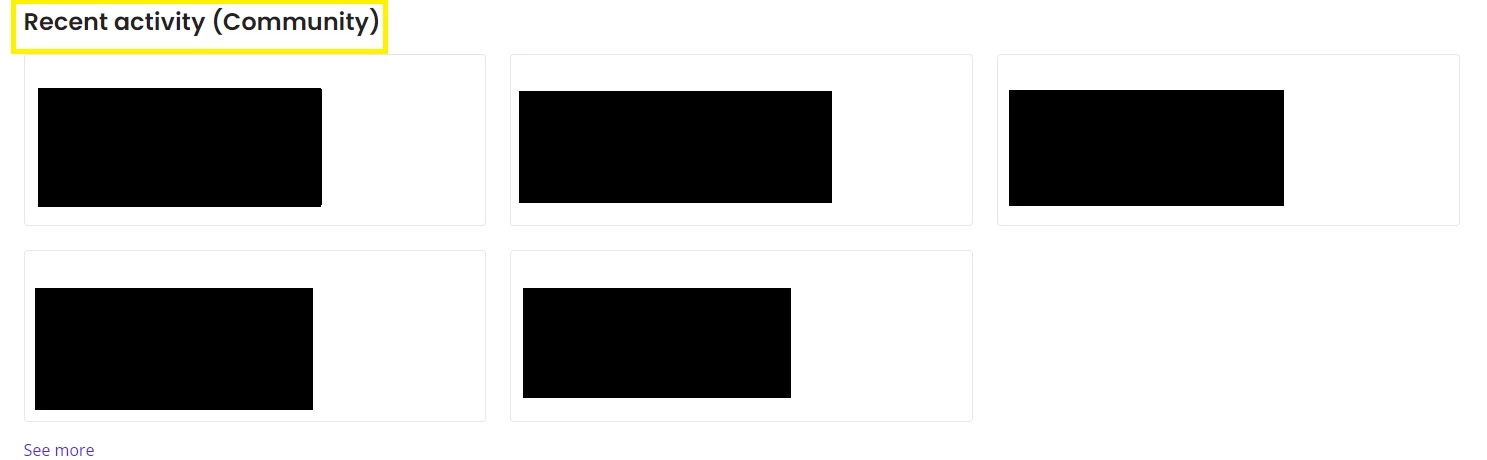
 

As of now, Recent Activity shows 5 items as a default. When you select "See more" it shows all recent activity. I would like to limit how much is shown in Recent Activity and when a user clicks "See more". I would also like to know how I can reposition the Recent Activity section of Gather. Any advice?

Much appreciated!
Tai

5 replies

Brandon12
  • January 6, 2024

Hey Tai,

The Copenhagen theme uses Handlebars (.hbs) templates. For the "Recent Activity" section, you'll likely need to edit the community_topic_list.hbs template. Here's how to locate and edit it:

Access Your Theme:

Go to Guide Admin.
Click the Customize design icon.
Choose your Copenhagen theme and click Edit code.
Find the Community Topic List Template:

In the list of templates, look for community_topic_list.hbs.
Locate the Recent Activity Section:

Inside this template, find the section of code that renders the "Recent Activity". It might be a loop that iterates over a list of activities.
Edit the Code:

If it's a loop, you can usually limit the number of iterations to control the number of items displayed. This might involve setting a fixed number for the loop or adding a condition.

Beyond that, you may need the help of a Premier Partner like 729Solutions.com or a custom theme available in the marketplace: https://www.zendesk.com/marketplace/themes/

Hope this helps!

Brandon


  • Author
  • January 8, 2024

Hi Brandon!

Thanks for jumping on this. I'm on the community_topic_list_page.hbs in Thora. Here's my Recent Activity section under Edit Code:

{{~#if help_center.community_enabled}}
  {{~#if settings.show_recent_activity_community}}
    {{!---------------
       Recent activity
       ---------------}}
    <div class="container py-1">
      {{recent_activity scope='community'}}
    </div>
  {{/if~}}
{{/if~}}

It's the only section to references Recent Activity - how can I adjust the code to limit the number of iterations shown under Recent Activity (Community)? 

Thanks!
Tai


Tipene
  • January 22, 2024

Hey Tai!

You can’t directly alter the default behavior of the recent_activity helper but as Brandon touched on, you can make some custom code additions to your javascript file that will update the behavior to suit your needs. Here’s a basic example that will allow you to limit the amount of articles that are displayed after clicking the “See more” button.

// gets the "see more" button element
const seeMoreBtn = document.querySelector('.recent-activity-controls').firstElementChild

const getRecentActivityItems = () => {
//  gets all recent activity item elements as an array
  const activityItems = document.querySelectorAll('.recent-activity-item');
//  sets display: 'none' for all articles returned over a specified number
  for(let i = 0; i < activityItems.length; i++){
//   set article number here e.g (i>= 5) will display 5 articles when the button is clicked
    if(i >= 5){
      activityItems[i].style.display = 'none';
    }
  }
}

// checks seeMoreBtn exists, attaches onClick event to see more button, and delays by 500ms to account for articles loading in DOM
seeMoreBtn && seeMoreBtn.addEventListener('click', () => setTimeout(() => {getRecentActivityItems()}, 500));

With regard to moving the position of the element on the page, there’s a couple of options. First, you can just move the code block within the community_topic_list_page.hbs file to have it above or below other elements on the page. This option doesn’t give you much flexibility but is fine if you just need basic repositioning. Another option will be updating the positioning in the style.css file, which will require a bit more custom code the be added to your help center.

I hope this helps! Feel free to reach out with any questions.

Tipene


  • Author
  • January 23, 2024

Hi Tipene!

Thank you so much for the support! Much appreciated. The solution you've provided definitely work with the "See More" button. 

Is there a way to reduce the amount of default articles shown under "Recent Activity"? For example, the default is 5. Is there a way to bring down that number to 3?

Thanks!
Tai


Tipene
  • January 25, 2024

Hey Tai,

Yep it's definitely possible but again will require some custom code - it's not native functionality to the helper, unfortunately. I've made some changes to the previous example which should get you the behaviour you're after. To be clear: there are probably cleaner, more efficient ways to do this that you can explore on your side, but this example should get you moving in the right direction!

const getRecentActivityItems = () => {
//  gets all recent activity item elements as an array
 let activityItems = document.querySelectorAll('.recent-activity-item');
//  sets display: 'none' for all articles returned over a specified number
  for(let i = 0; i < activityItems.length; i++){
//   set article number here e.g (i>= 3) will display 3 articles by default
    if(i >= 3){
      activityItems[i].style.display = 'none';
    }
  }
}

// run function after 500ms to allow DOM content to load in full
setTimeout(() => {getRecentActivityItems();}, 500)

// gets the "see more" button element
const seeMoreBtn = document.querySelector('.recent-activity-controls').firstElementChild

const getSeeMoreActivityItems = () => {
//  gets all recent activity item elements as an array
  let activityItems = document.querySelectorAll('.recent-activity-item');
    
//  Set the i variable to the number you set to display in getRecentActivityItems. 
  for(let i = 3; i < activityItems.length; i++){    
    //   set article number here e.g (i >= 5) will display 5 articles when the button is clicked
    if(i < 5) {
      activityItems[i].style.display = 'block';
    } else if(i >= 5){
      activityItems[i].remove();
    }
  }
}

// checks seeMoreBtn exists, attaches onClick event to see more button, and delays by 500ms to account for articles loading in DOM
seeMoreBtn && seeMoreBtn.addEventListener('click', () => setTimeout(() => {getSeeMoreActivityItems()}, 500));

Basically what I've done here is separated the work out in to two separate functions. getRecentActivityItems() now runs on page load (after a 500ms delay). You'll set the number of articles you want displayed by default in the if statement of this function. Next, you have getSeeMoreActivityItems() which fires on the button click. You'll need to set the iterator variable in the for loop to be the same as the number you set in the getRecentActivityItems() function. Then just set the total number of articles you want displayed in the if/else statement.

Again, feel free to play around with this on your end but as it stands, it should get the job done!

Tipene