Embedding another site as articles | Community
Skip to main content

Embedding another site as articles

  • July 29, 2022
  • 4 replies
  • 0 views

Lisa28

I want to know if I can take the list of news events here https://bullish.com/news-insights/#News and have them show up under a section in the help center. We would like to add a section called "New and updates" but have the articles at this site show as individual articles. Or can I create a new page template and have them show up as a list there?

I would like to do this so I don't have to create a new article for each news release. 

4 replies

Ifra
  • July 30, 2022

Hey Lisa Sedlak,


You can do like this:


Create an article.

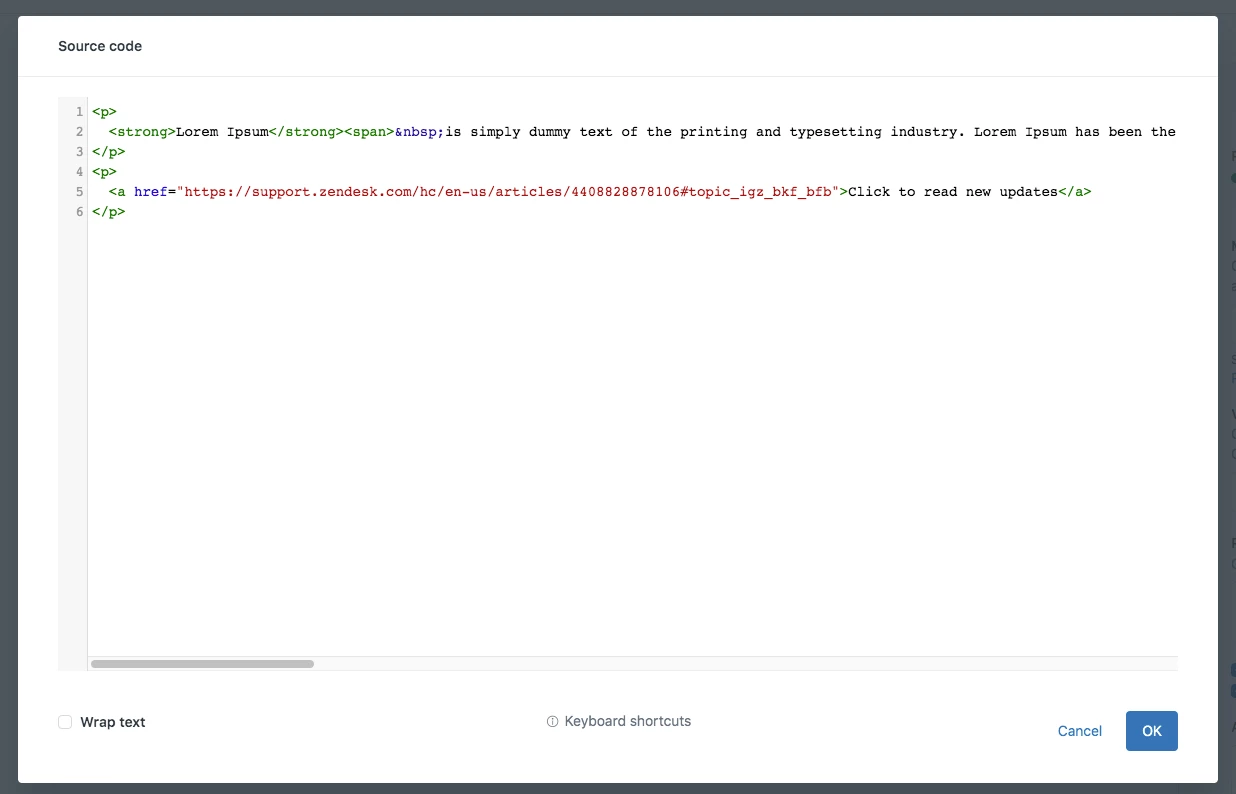
Add anchor link to the article and target the specific section of that website.

So, when user clicks that link, he is redirected to that news section of the website.


Thanks


Lisa28
  • Author
  • August 1, 2022

@ifra Thanks, but that is not what I am looking for exactly. I would like the list of news releases to show.

So let's say the marketing site has news releases:
News Release 1
News Release 2
News Release 3

When someone goes to the help center, under the section "News releases" they would see:
News Release 1
News Release 2
News Release 3


Ifra
  • August 3, 2022

Hey,

I found a post which relates to your query:

https://support.zendesk.com/hc/en-us/community/posts/4408868864282-How-do-I-embed-an-article-or-page-from-another-site-into-an-article-?sort_by=votes


I think you'll have to create article one by one for each news :(


Lisa28
  • Author
  • August 3, 2022

@ifra- Thanks. That's what I was afraid of.