Embed external content onto a particular ticket form | Community
Skip to main content

Embed external content onto a particular ticket form

  • October 7, 2022
  • 5 replies
  • 0 views

Kathy16

Hello, 

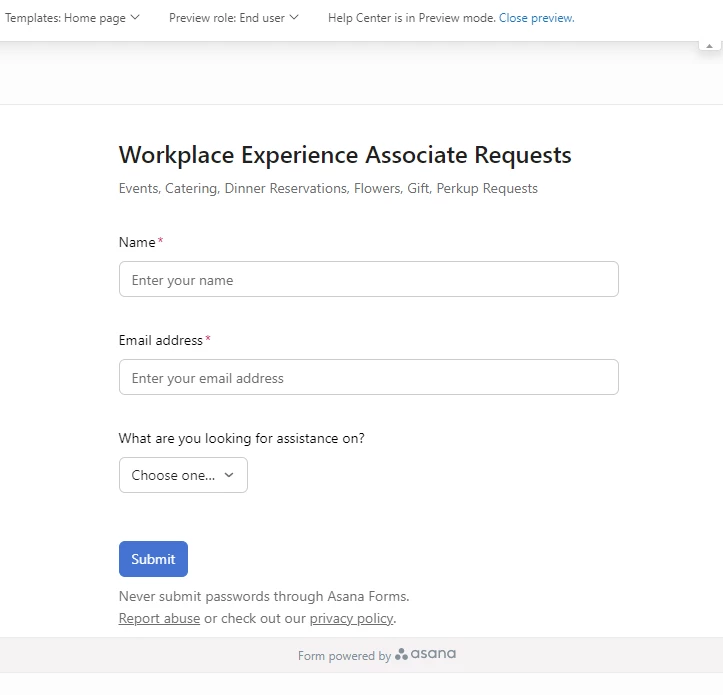
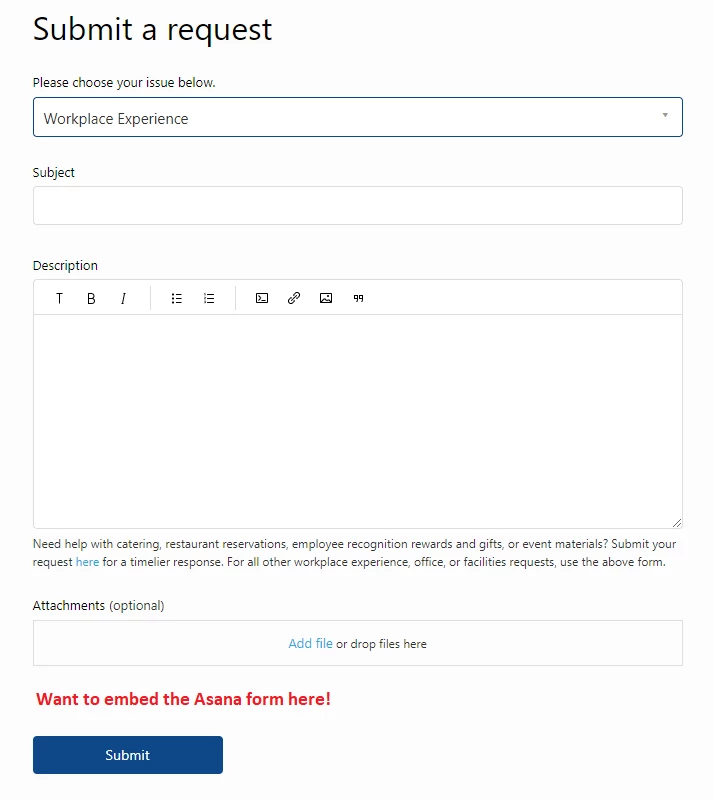
I am trying to embed external content (an Asana form) into a particular ticket form since we would like to redirect certain requests there. 

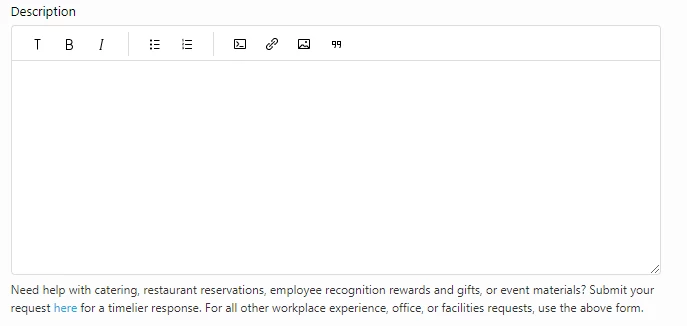
In the script.js, I've set this description up to link employees to the other form but it would be great to just embed it directly. Adding the embed code at the end of this section doesn't do anything. 

Not well-versed in code so excuse me if this is a simple fix! :-) 

5 replies

Ifra
  • October 8, 2022

Hi Kathy Zheng,

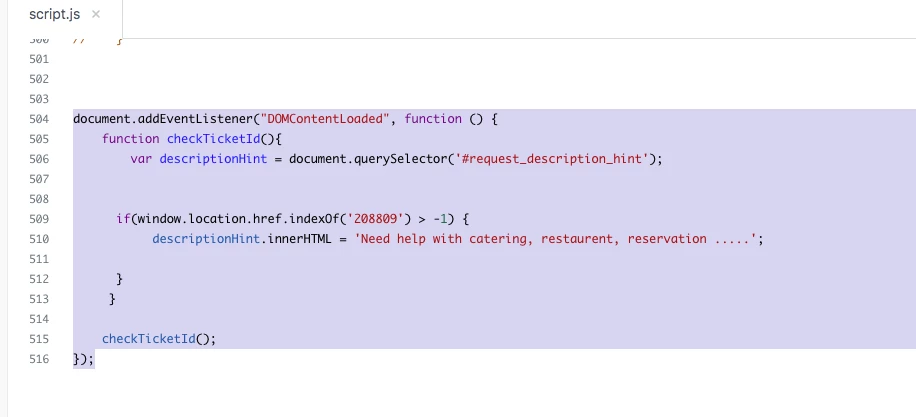
Copy and paste the below code to your script.js file at bottom and remove yours which you have add.

document.addEventListener("DOMContentLoaded", function () {
    function checkTicketId(){
        var descriptionHint = document.querySelector('#request_description_hint');
        
      
    if(window.location.href.indexOf('00000000') > -1) {
         descriptionHint.innerHTML = 'Need help with catering, restaurent, reservation .....';
      
      }
     }
    
    checkTicketId();
});


Note: Remove 00000000 in the script code and add your "Asana form" form ID.
Remove this text Need help with catering, restaurent, reservation ..... write your tex here


Screenshot for the same:


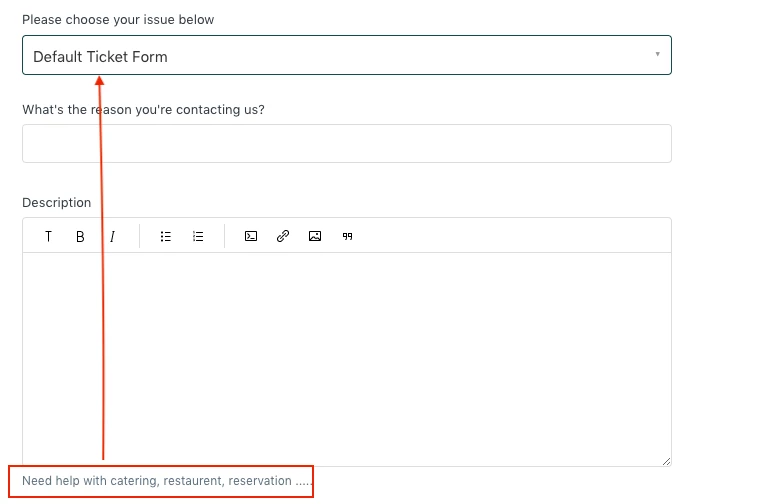
Output: My form ID is for the Default Ticket Form

Default Ticket Form:


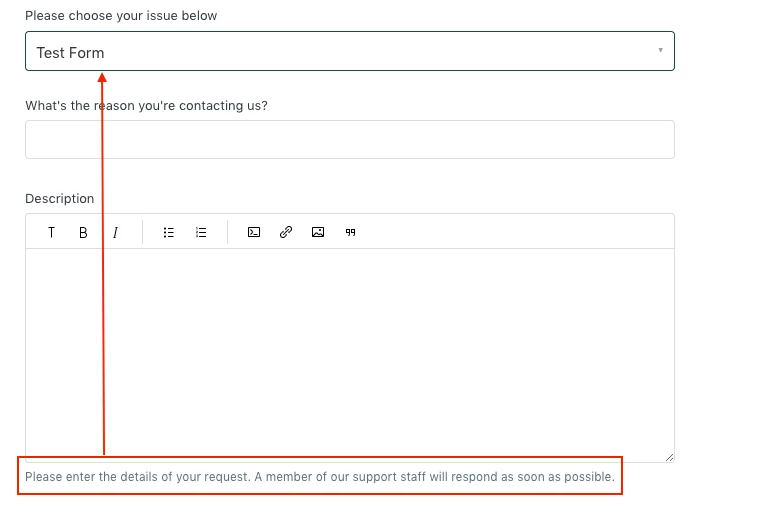
Test Form: I didn't add ID for any other form so the description is default by Help center.


If any query feel free to ask :)

Team


Kathy16
  • Author
  • October 11, 2022

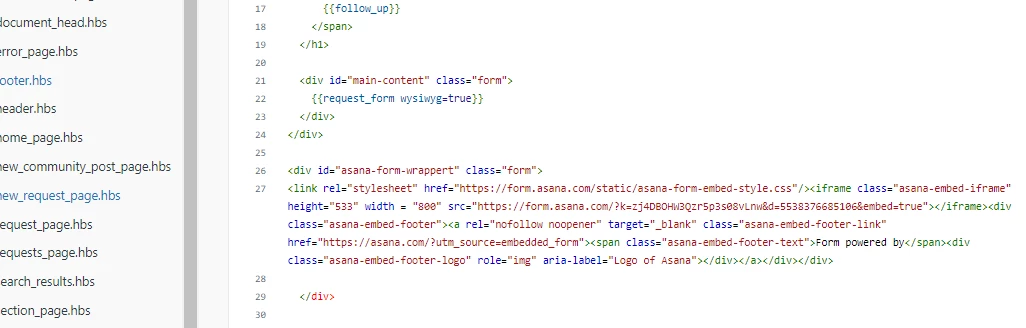
@ifra Appreciate the response! Realize my post was a little confusing... I'm trying to embed a third party form from Asana into an existing Zendesk form (i.e. "If your request is related to XYZ, please fill out the Asana form instead.") 

I see it works and shows up on the help desk home if I drop the embed code into home_page.hbs...

 But I want this to appear only if someone is trying to submit a ticket to our "Workplace Experience" form. 

Hope that makes more sense! Would love any insight you have. :-) 


Ifra
  • October 11, 2022

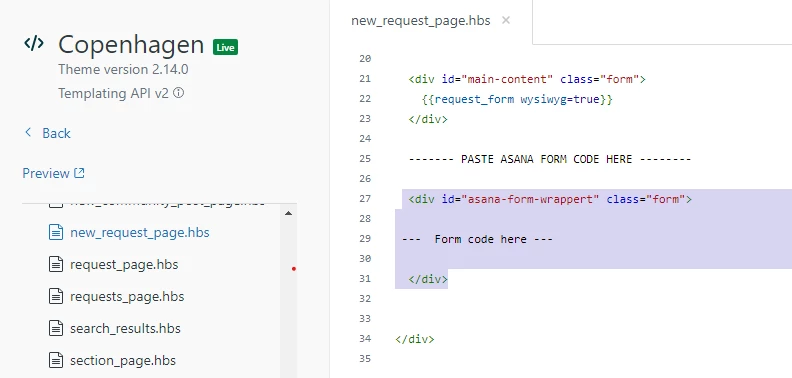
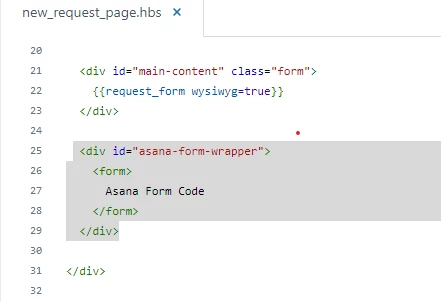
Kathy Zheng, cut your asana form code and paste it to the new_request_page.hbs file just below the default form. See the below screenshot:


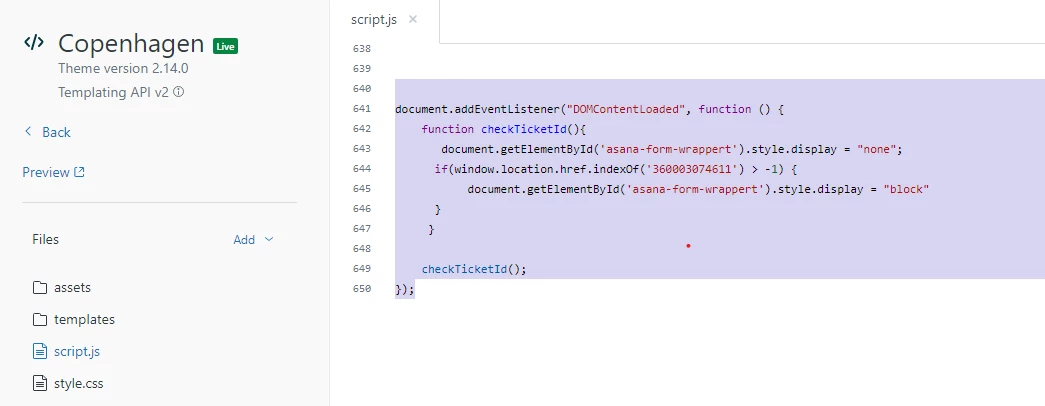
And copy the form id of 'Workplace Experience' form,  paste that to the script code and rest code would be same:


document.addEventListener("DOMContentLoaded", function () {
    function checkTicketId(){
       document.getElementById('asana-form-wrappert').style.display = "none";
      if(window.location.href.indexOf('360003074611') > -1) {
           document.getElementById('asana-form-wrappert').style.display = "block"
      }
     }
    
    checkTicketId();
});


Note: remove this form ID 360003074611 and add yours for (Workplace Experience), rest code would be same, only copy and paste it.

Kathy16
  • Author
  • October 12, 2022

@ifra

Doing this makes the embedded form appear on the request page and each individual Zendesk form - not sure if I've entered something incorrectly? Appreciate the patience! 


Ifra
  • October 12, 2022

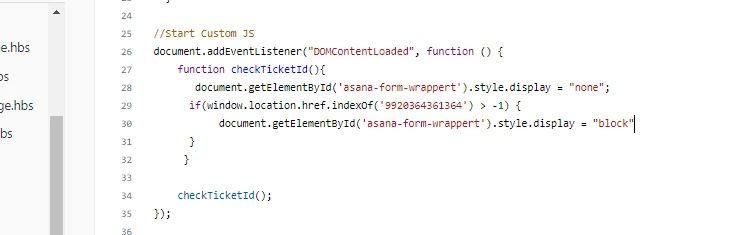
@Kathy Zheng, remove previous added code and add this updated snippet and make sure new_request_page.hbs file shouldn't have red div tag as I saw in your shared screenshot.


Script code:

document.addEventListener("DOMContentLoaded", function () {
    function checkTicketId(){
       document.getElementById('asana-form-wrapper').style.display = "none";
    if(window.location.href.indexOf('0000000') > -1) {
           document.getElementById('asana-form-wrapper').style.display = "block"
      }
     }
    
    checkTicketId();
});


Note: remove 0000000 and add your form ID.


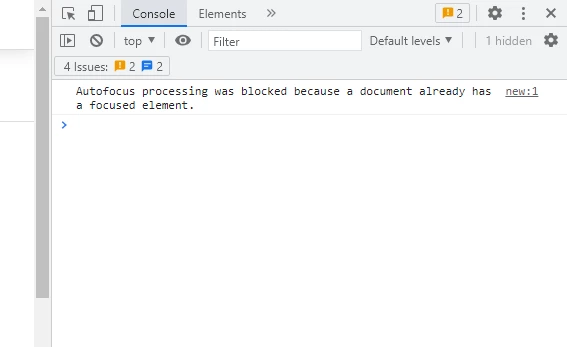
Also, check your console in dev-tool, there may be any error.

I have clean console that's why provided code is working for me.


Or, you can share the URL of your HC so I can see by myself.