Displaying promoted articles from a particular section on the Help Center home page | Community
Skip to main content

Displaying promoted articles from a particular section on the Help Center home page

  • October 28, 2015
  • 31 replies
  • 0 views

Show first post
This topic has been closed for replies.

31 replies

Brett13
  • Community Manager
  • August 5, 2019

@Liam it doesn't look like you received a response to your question. While I'm not able to assist with any sort of custom coding on my end, it may be worth taking a look at some documentation we have available:

@Bonne, have you had a chance to look at our Editing your Help Center theme. The steps mentioned in the article I attached will walk you through editing your Guide theme where you can paste the above code.

Cheers!


  • August 6, 2019

Hi Brett, i have been using the edit code to create my own site. I am also using one of your opensource templates from github. However when it comes to this snipit i have been unable to figure it out.
Cheers


Brett13
  • Community Manager
  • August 6, 2019

Hey Bonne,

Where exactly are you running into issues? Are you just trying to find the location where you need to paste the code or are you running into issues with the code working on your site?


  • August 6, 2019

Hi Brett,
I think a little of both.
However i have had other issues trying to implement other components.
I started with the Nest template from Zendesklabs. I have edited it to how i like. However i would love to get preview of posts for the promoted articles which are the landing page, in addition to featured community posts which i guess are also promoted articles?

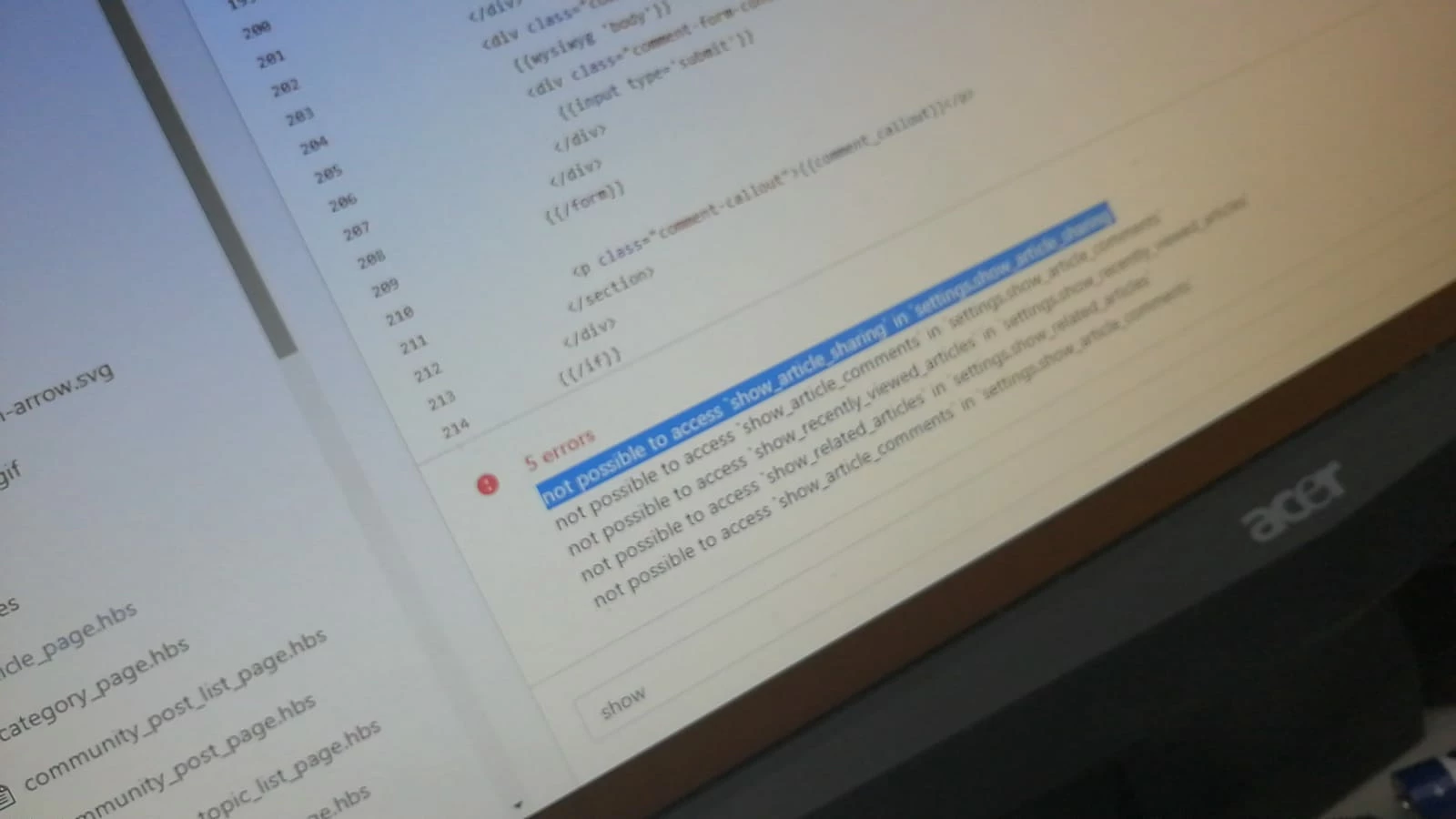
I ran into another issue today trying to add the ability to comment on articles, see image below. Support.fabcreator.com is the hc.


  • August 6, 2019

To find the above code i basically went into the default Copenhagen. Trying to do this guide in reverse. https://support.zendesk.com/hc/en-us/articles/221356508-Hiding-article-comments-with-curly-bars 
However i feel like maybe i am missing some other code this code is trying to refer to?
Kind regards,
Bonne  


Brett13
  • Community Manager
  • August 7, 2019

Hey Bonne,

This could be an issue with the theme your using. You may want to reach out to the developers of that theme on the Github page to see if they can point you in the right direction. I'd be curious to know if the code you're trying to implement would work if you switched back to the default Copenhagen theme. I'll leave this here in case other users are able to provide some additional guidance for you :)

Cheers!