Display Note on Help Centre Ticket page if the ticket contains a particular tag | Community
Skip to main content

Display Note on Help Centre Ticket page if the ticket contains a particular tag

  • August 20, 2021
  • 2 replies
  • 0 views

Robert17

Hi,

I would like to display a note on tickets that contain a certain tag, so when an end user views a particular request, they would see a note about it.

My thinking was, if there is a way to access the Ticket Tags via a Help Centre object, I could create a Handlebars expression that would check if a tag existed and display the content.

However, based on the documentation, I can't see how I would access a tickets tags via the Help Centre Request object.

Any advice on how I could achieve something like this?

Best regards,
Stephen

This topic has been closed for replies.

2 replies

Tipene
  • August 23, 2021

Hey 1015417426,

Thanks for reaching out!

There are a couple of ways you could approach this, depending on your circumstances:

  1. Create a trigger that checks if a new ticket has a specific tag, and notify the end-user via email. Here’s a link with an in-depth explanation of triggers and how they work: https://support.zendesk.com/hc/en-us/articles/203662246-About-triggers-and-how-they-work
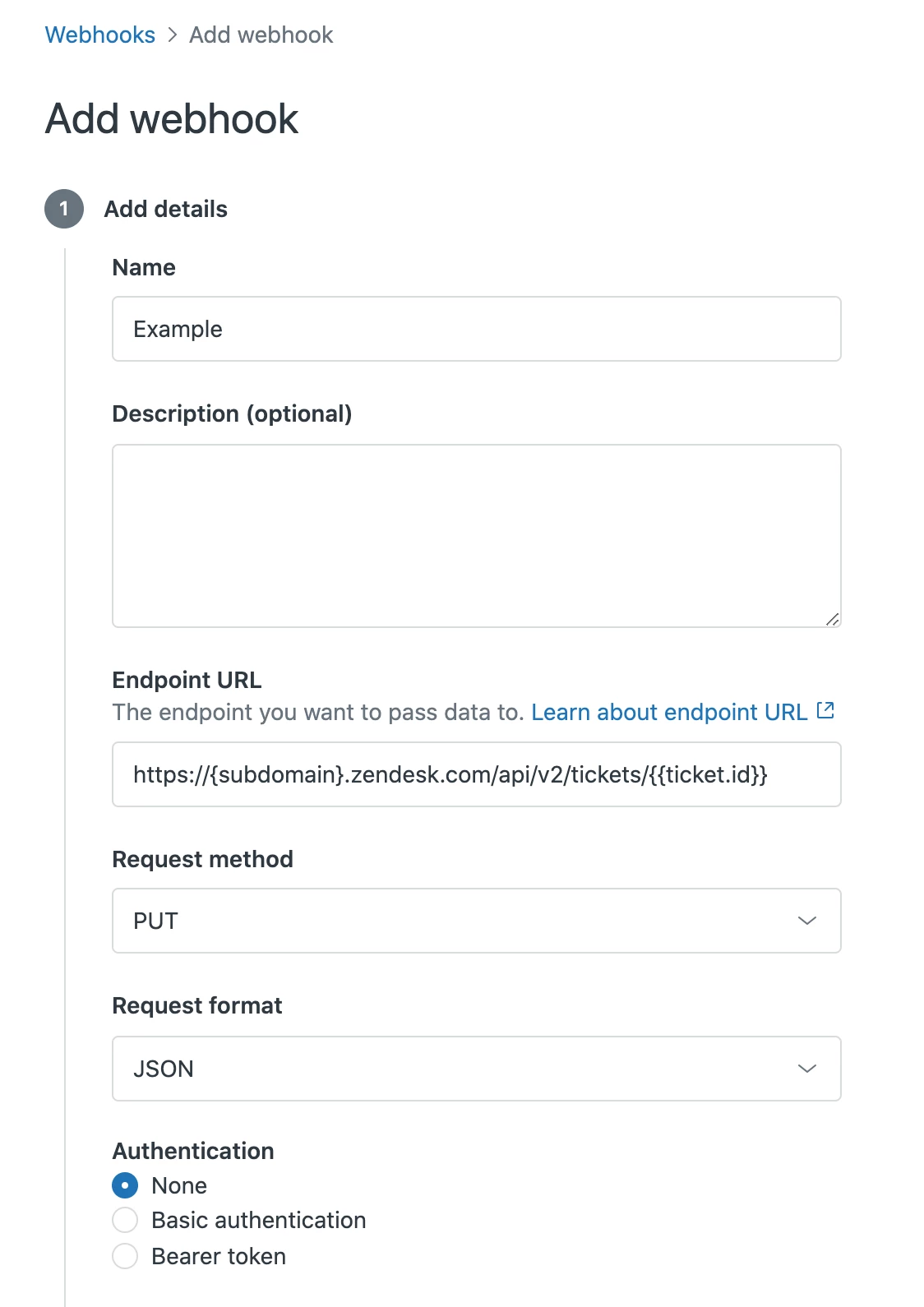
  2. Create a web hook that works together with the Tickets API, in conjunction with a trigger. Here’s a link with more information on creating a webhook: https://support.zendesk.com/hc/en-us/articles/1260803996569

This image is one example of how you could set up the webhook. You’ll also need to enable authentication.

If either of these methods aren’t going to work with the workflow you have in mind, please let me know your use case in a bit more detail and I’ll be happy to look in to it more.

Thanks!

Tipene


Robert17
  • Author
  • August 27, 2021

Hi,

Thanks for taking a look at this.

I understand how to add the tag to the ticket - the tag is being added via a Trigger.

What I would like to do, is have some kind of note display on the Help Centre - Request page for a given ticket, if it contains a certain tag.

I think I will be able to do something with javascript - thanks again for the response though! :)

Best regards,
Stephen