Customizing Category page | Community
Skip to main content

Customizing Category page

  • July 12, 2021
  • 58 replies
  • 0 views

Show first post

58 replies

  • June 14, 2024

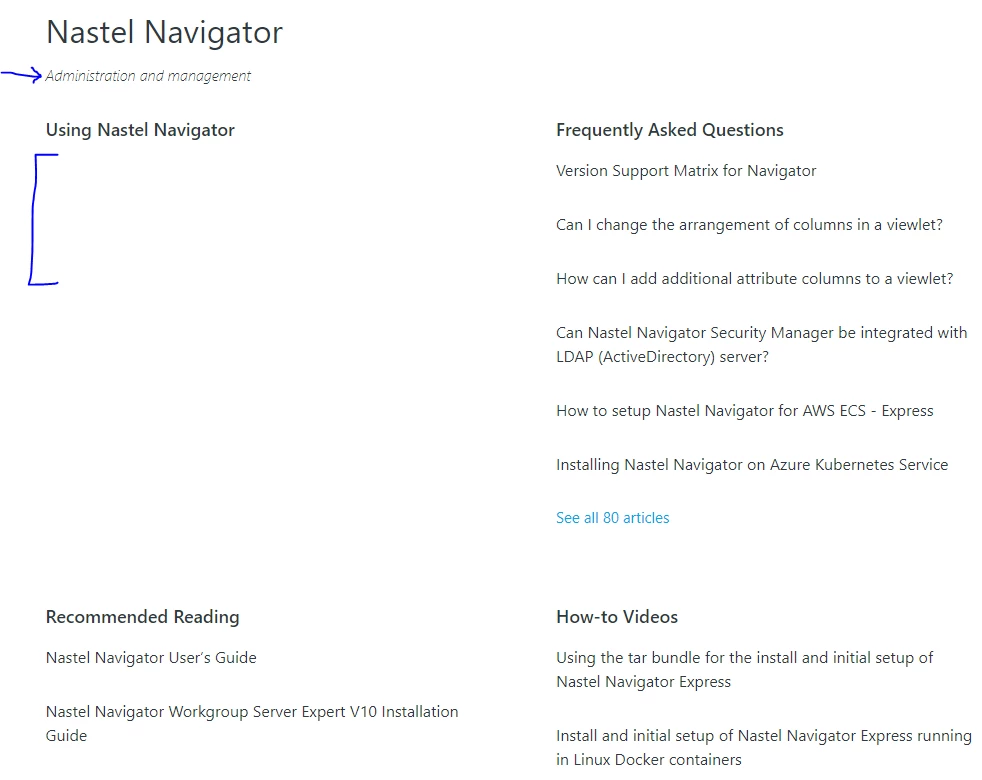
@pulkit12 articles in our sub-sections to be in 2 columns 


Pulkit12
  • June 14, 2024

Joane Bonghanoy,  Is it possible to share the URL of  your help center where these subsection are listed so that I will share the exact solution for that 


  • June 14, 2024

Pulkit12
  • June 14, 2024

Hi Joane Bonghanoy


Please add the below CSS at the bottom of your style.css file


.section-content .article-list {

  display: flex;

  justify-content: space-between;

  flex-wrap: wrap;

  list-style-type: disc;

  list-style-position: inside;

}


.section-content .article-list .article-list-item {

   flex: 1 0 320px;

}


Let me know if it solves your issue 


Thank You 

Pulkit

Team Diziana


  • June 14, 2024

@pulkit12 thanks so much! that worked. 


One last ffup Q promise! If I want to use an icon instead of the normal bullet icon, how do I go about that? is that possible?


Pulkit12
  • June 14, 2024

Joane Bonghanoy,  do you want to use font icons (i.e Font Awesome) or want add image?


  • June 15, 2024

@pulkit12 an image, one of our branded image


Pulkit12
  • June 18, 2024

Hi Joane Bonghanoy,


Sorry for the late reply :)


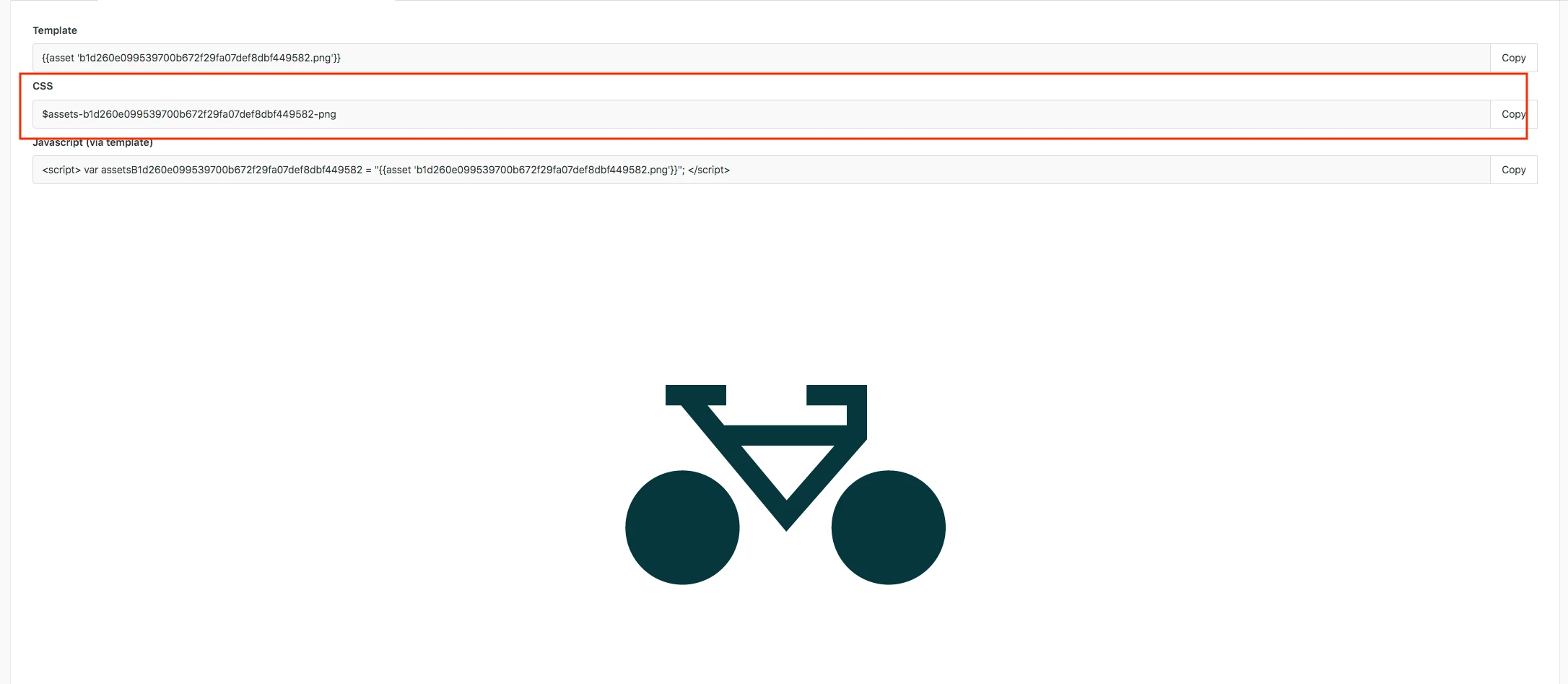
First, upload your branded image to an assets folder and then copy the image URL, as shown in the attached screenshot.


Now replace the copied image URL with the YOUR IMAGE URL GOES HERE in the code below


.section-tree .article-list .article-list-item {
 position: relative;
}

.section-tree .article-list .article-list-item a {
 margin-left: 40px;
}

.section-tree .article-list .article-list-item:before {
  content: '';
 background: url("YOUR IMAGE URL GOES HERE");
  height: 30px;
   display: inline-block;
   width: 40px;
   position: absolute;
   left: -4px;
   right: auto;
   background-size: contain;
   background-repeat: no-repeat;
   background-position: center;
   top: 13px;
 
}


Let me know if it solves your issue 


Thank You

Pulkit

Team Diziana