

Does anybody know how I can customise the new request page? I've tried looking around in the code but can't seem to find the relevant section. Specifically I want to edit the text above the form drop-down box that currently states "Please choose your issue below".
Maybe i'm being blind but I cannot find it :-)


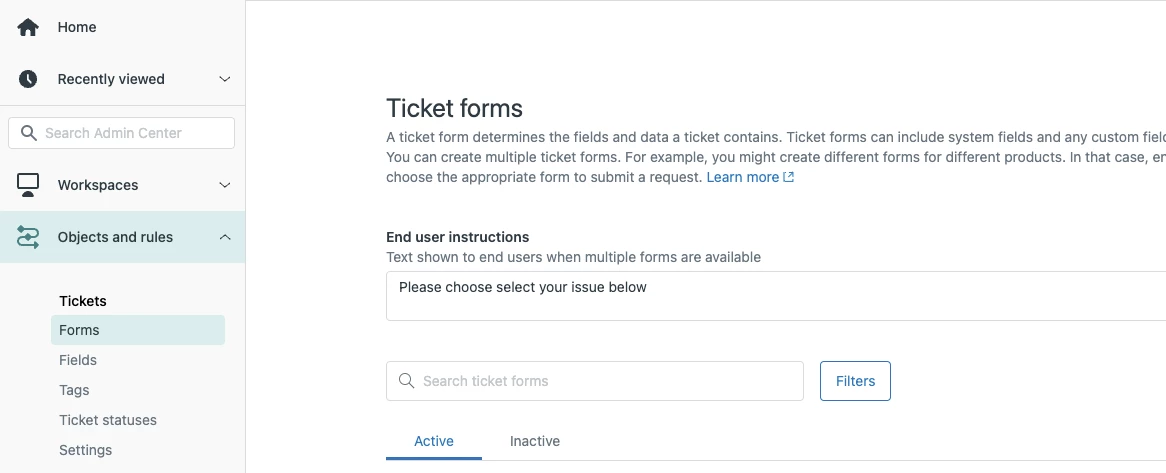
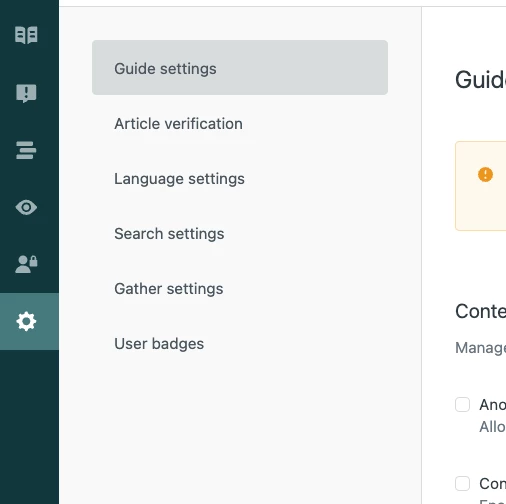
Thank you for posting your question to the Community! If you go to the Admin page (the gear icon ⚙️ in the Support nav), then navigate to Manage > Ticket Forms, you'll find the End User Instructions and should be able to edit that text from there.
Hope this helps!
Best,
Erica - Dev Support