Custom font not showing | Community
Skip to main content

Custom font not showing

  • July 7, 2021
  • 4 replies
  • 0 views

Hello! 

Im new to Zendesk and I am trying to use a custom font.

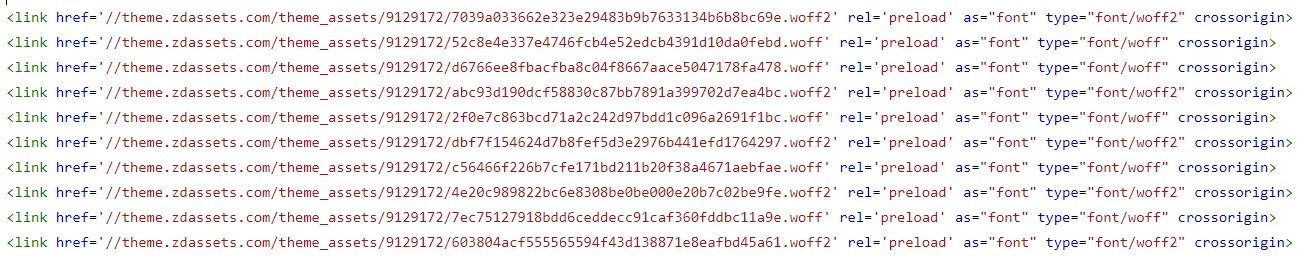
I have added the fonts in the assets folder, made a @fontface in css file and preload the fonts in head. What am I missing here? 

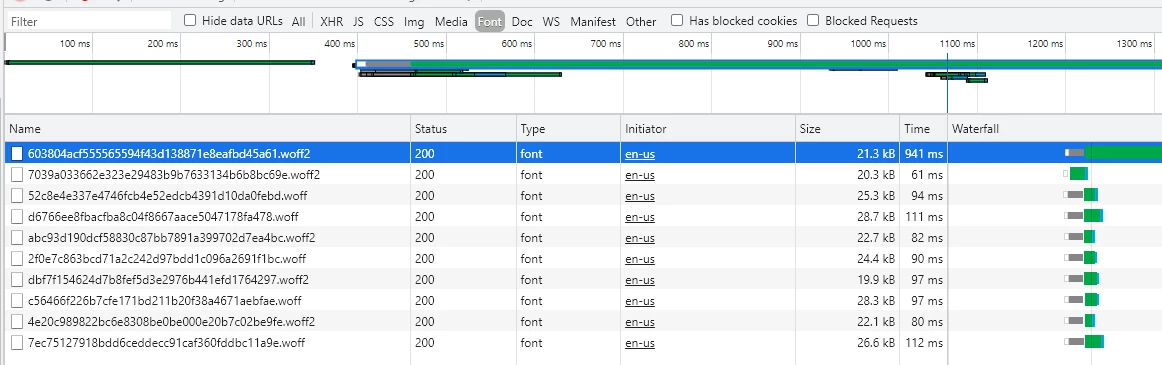
In network in DevTools I can see the fonts are downloaded. And I can see text have my text has right font-family, but it is not showing.
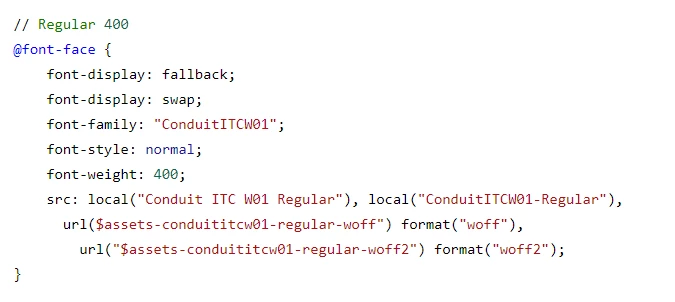
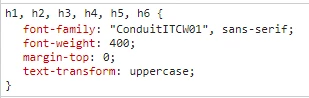
Thank you in advance // Evelina

4 replies

Ifra
  • July 15, 2021

DevCore,

You have uploaded the font files to the assets folder, made CSS for @font-face and map font-family to the <h> tags and body. So now -

Once, try to update your @font-face CSS code:

@font-face {
font-family: 'ConduitITCW01',
src:url($assets-fontfamily-regular-ttf) format("truetype");
font-weight: 400;
}


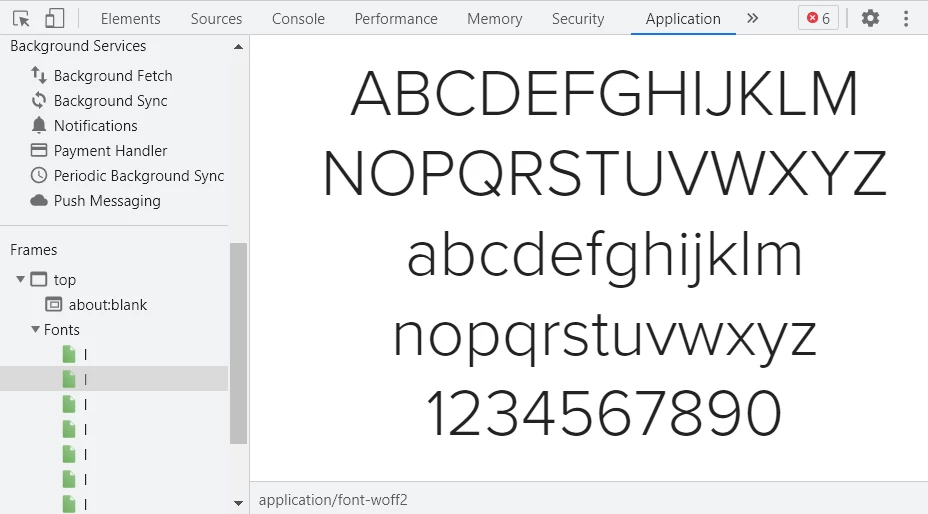
and then check in the application tab under inspect tool:


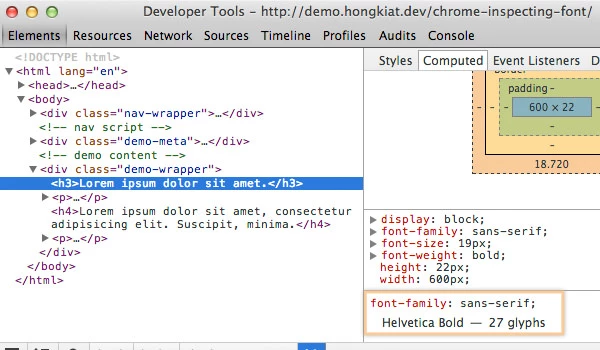
also you can check this way:


Thanks


Team


  • Author
  • August 9, 2021

@Ifra Saqlain Thank you for your comment!

Do I need a TrueType Font file for it to work? I do not have it, only woff and woff2.
I have the font and the diffrent fontweights in the application tab. 

And it also gets the font family name:

Thanks


Ifra
  • August 10, 2021

Hi,

Please have a look at this chart:

https://caniuse.com/woff


  • Author
  • August 10, 2021

Ifra, thank you

I am using Chrome 92, should be working.