

I would like to make a continuous numbered list on an article, but have a few headings I need to insert to segment parts of the instructions. I tried using <ol class="list-number" start="5"> to have the list pick back up where it left off, and it is displayed correctly in the article edit area, but when I preview the actual article the numbers start back at 1 (see photos).
Any suggestions for how to troubleshoot this? I am using a theme from Zenplates.

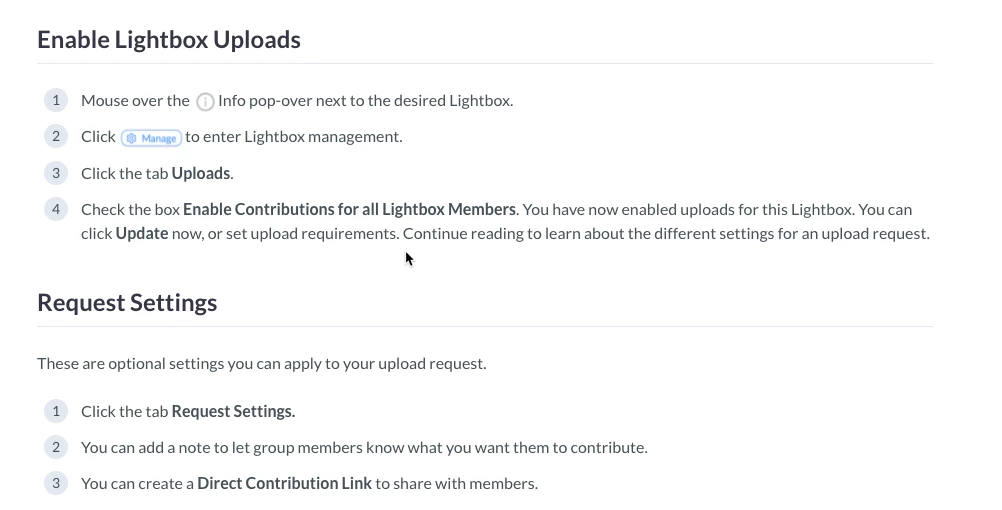

The "start" attribute is not considered "safe" by our system, so it's stripped out when the page is displayed. You do have the ability to allow unsafe HTML: Allowing unsafe HTML in help center articles
However, that can be hazardous (hence the warning in the above documentation). However, you can also accomplish this by adding the following to your style.css page:
This will reset the ordered list count each time a new ordered list is found on a given page.
(Credit were credit is due, I found this on Stack Overflow)