Code to Insert Linebreak or Sections on Form | Community
Skip to main content

Code to Insert Linebreak or Sections on Form

  • January 26, 2024
  • 4 replies
  • 0 views

Hello! Was wondering if anyone has code they'd be willing to share where you have attempted to enter groups, line breaks, or sections onto a form.  I thought I could possibly use JQuery to change the title of the first field in the 'section' to insert html into the title, but was wondering if anyone had other thoughts/examples. Thanks!

4 replies

  • January 26, 2024

Hey @Alek Reed could you provide more details on this use case, I am not sure I fully understand your goal, if you were able to give some more context or draft the final result how the form should look like, I will try to see if I can advise something. 


  • Author
  • January 26, 2024

Thank you for the prompt reply @jakub20!

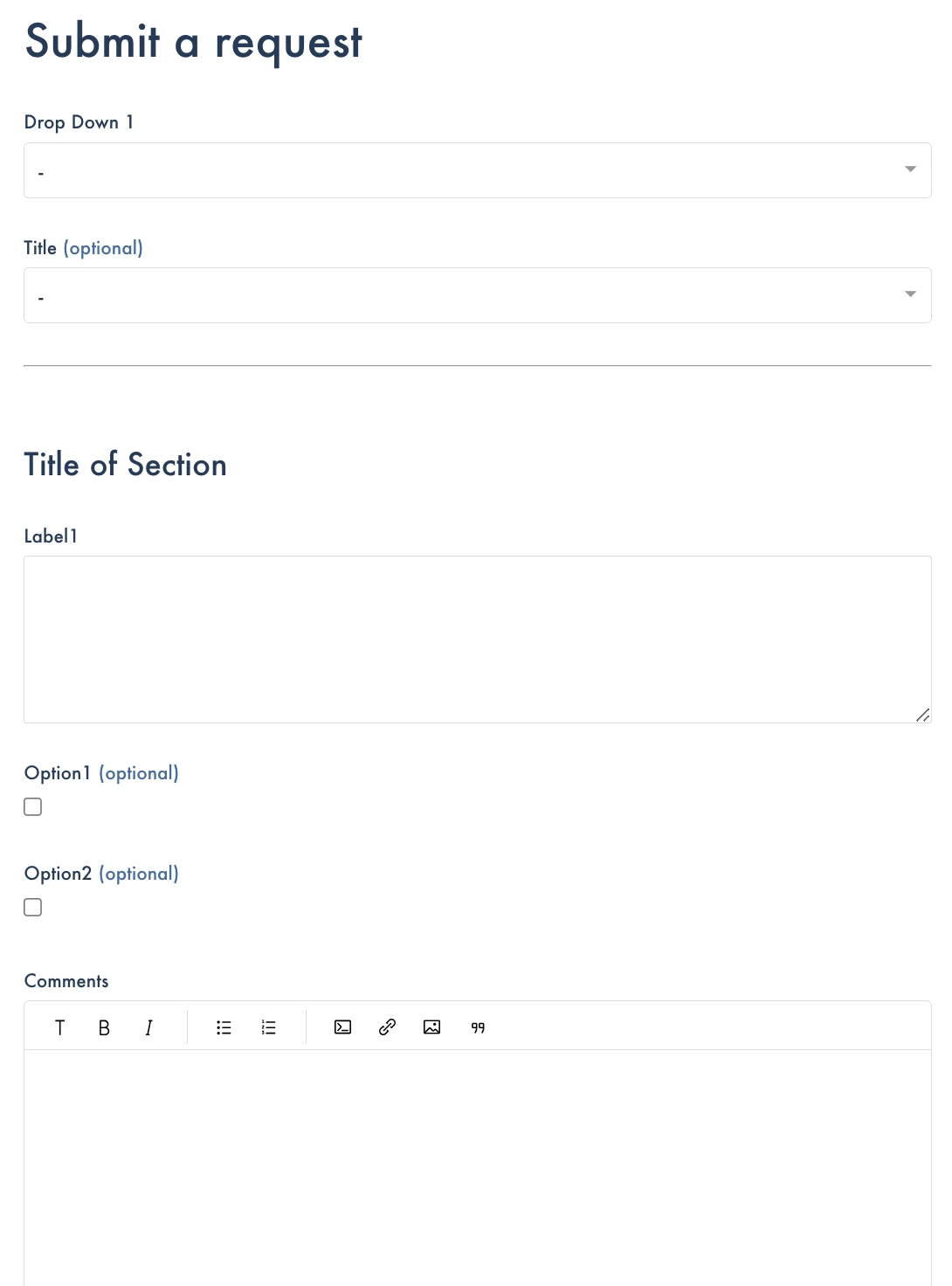
Here is a quick rough version of what I am trying to describe. Basically, I want a group of questions to stand out as their own, so I want to interject some code for an hr break and some text or something similar. 


  • January 26, 2024

Ok, I was able to make it possible but as you said, using some jQuery and JS.

This is my snippet that I used to add a line break + a title section (h2). Additionally, I took it up a notch and added the conditional for ticket form id, this way it will only apply on one ticket form of your choice and not on all of them. 

var ticketForm = location.search.split('ticket_form_id=')[1];
if (ticketForm === '19023876691732') {
$(document).ready(function() {
    // Find the .request_subject element and insert an <hr> tag before it
    $('.request_subject').before('<hr>');
    // Insert an <h2> tag with the text "New Section" after the .request_subject element
    $('.request_subject').before('<h2>New Section</h2>');
  });
};

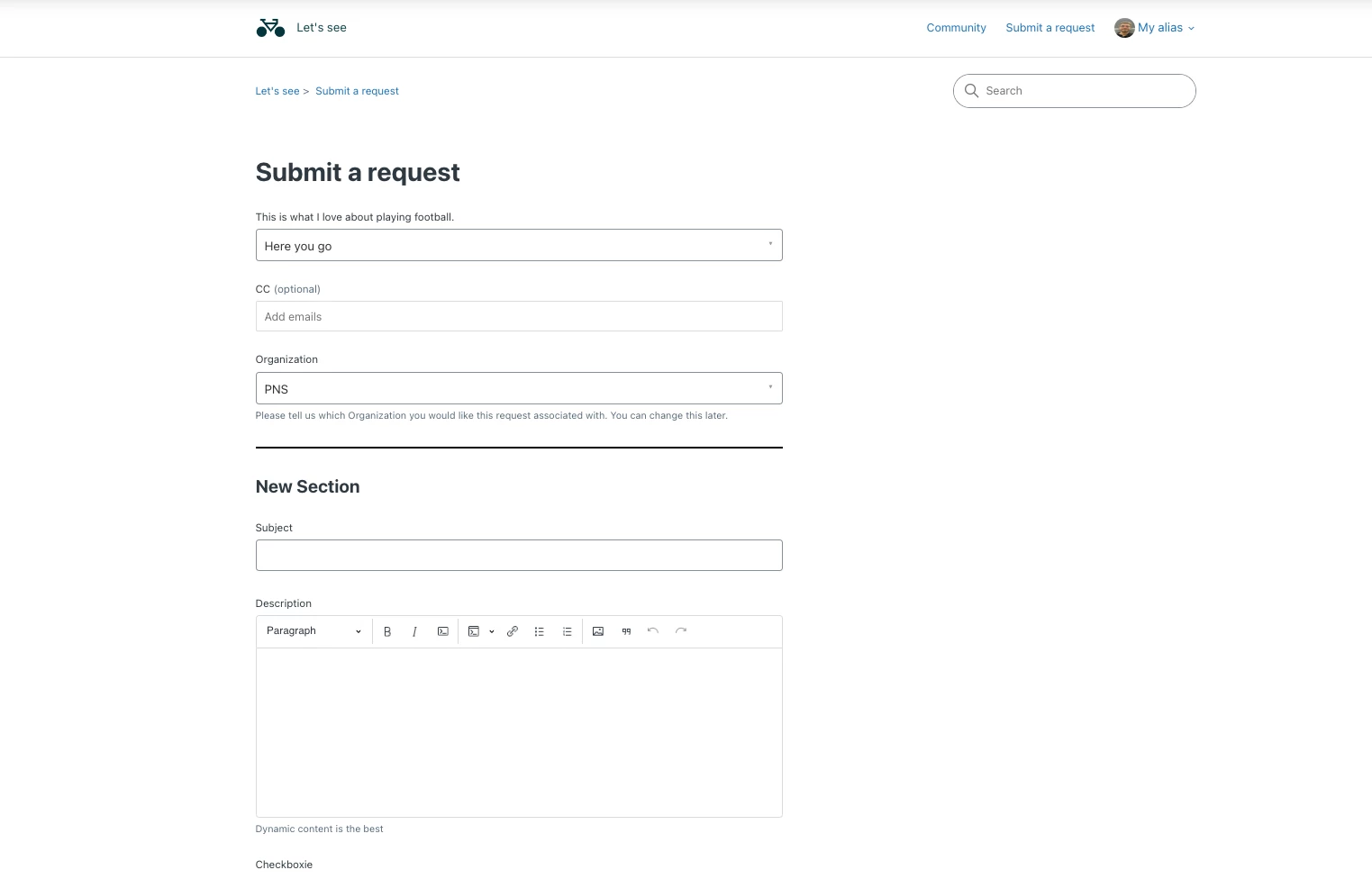
This produced the following design on the form:


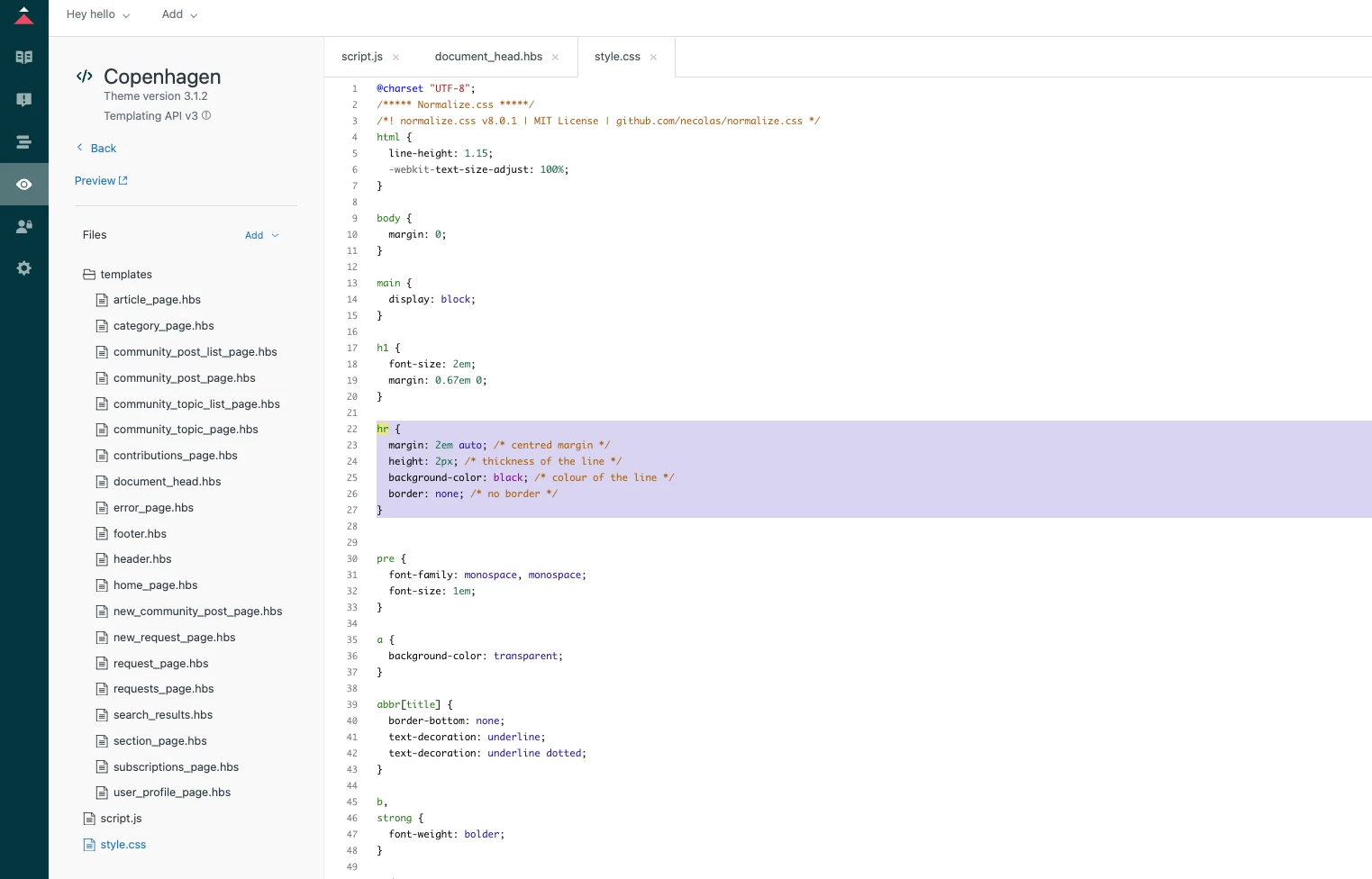
Beforehand, I edited the default <hr> style to my liking:

hr {
  margin: 2em auto; /* centred margin */
  height: 2px; /* thickness of the line */
  background-color: black; /* colour of the line */
  border: none; /* no border */
}


  • Author
  • January 26, 2024

Wow!! @jakub20 - that was quick, thank you! I will test this. Very much appreciate it!