code from zendesk's help center. | Community
Skip to main content

code from zendesk's help center.

  • January 5, 2023
  • 5 replies
  • 0 views

We are currently using a custom code from zendesk's help center.
We are trying to collect user information on the end user side using snippets from other solutions. (I want to embed snippets from other solutions in the header section)
However, when I look at the Help Center HTML code, I see that the user information is generated at the bottom of the HTML. (HelpCenter , HelpCenter.account , HelpCenter.user)
Is it possible to change the position of the user information generation so that the user information can be passed in the header section?

5 replies

Ifra
  • January 5, 2023

Hey 阿部 聖志朗,

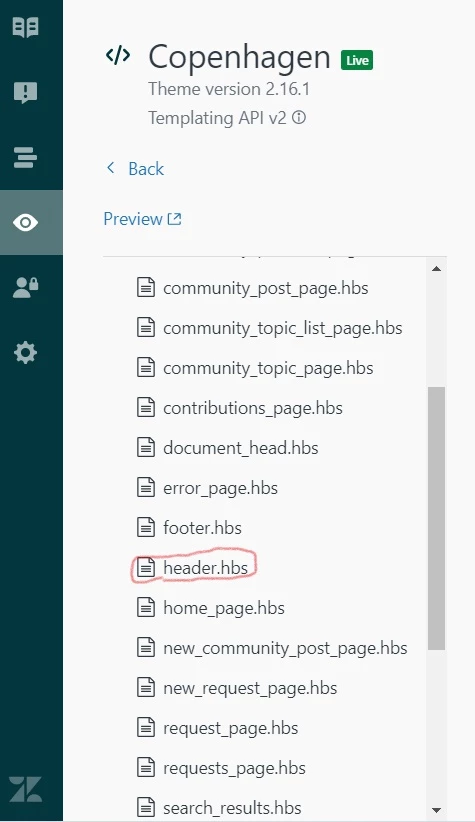
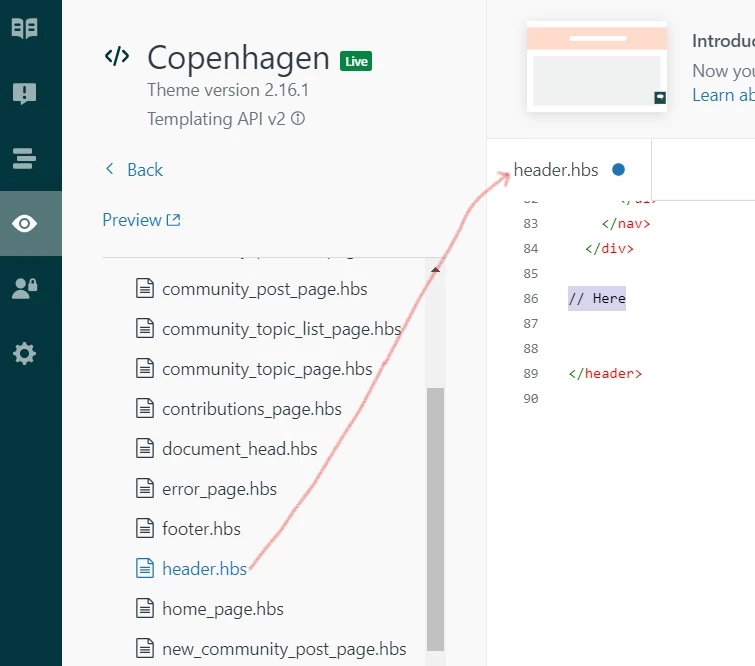
If you have handlebar code like (HelpCenter , HelpCenter.account , HelpCenter.user), add the snippet to your header.hbs file:


and, if you have JS code snippet then move your wrapper <div></div> to the header.hbs file from the current file,


and if you have created the wrapper by JS code instead of HTML tag then add that wrapper inside the header tag using JS.

If any confusion feel free to ask :)

Thanks


  • Author
  • January 6, 2023

@ifra

Thank you for your explanation.

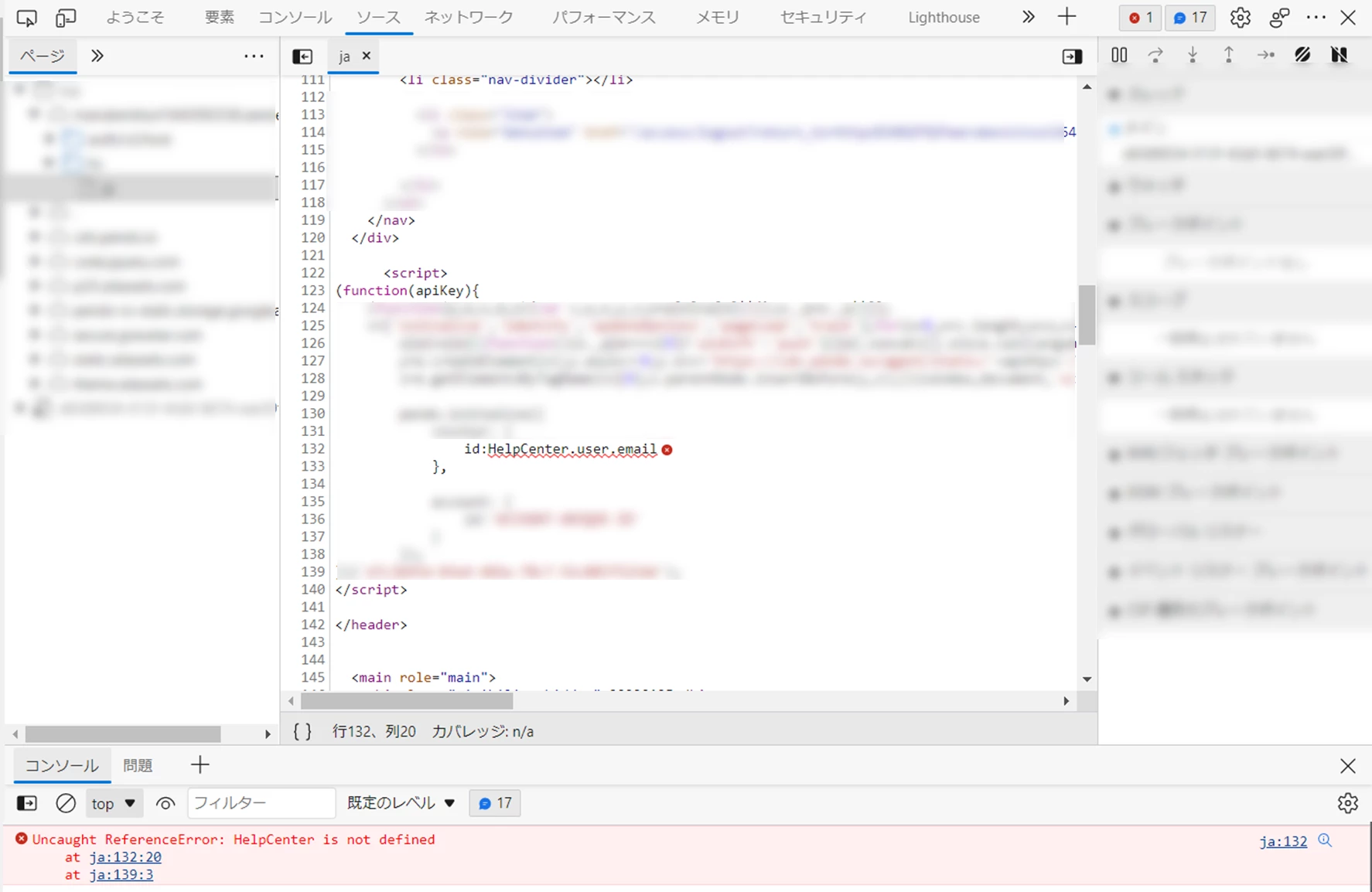
As you indicated, we are embedding the snippet in header.hbs and using HelpCenter.user in the snippet, but it does not seem to recognize HelpCenter.user.

I have little knowledge of JS and HTML and may not be able to perform basic operations.
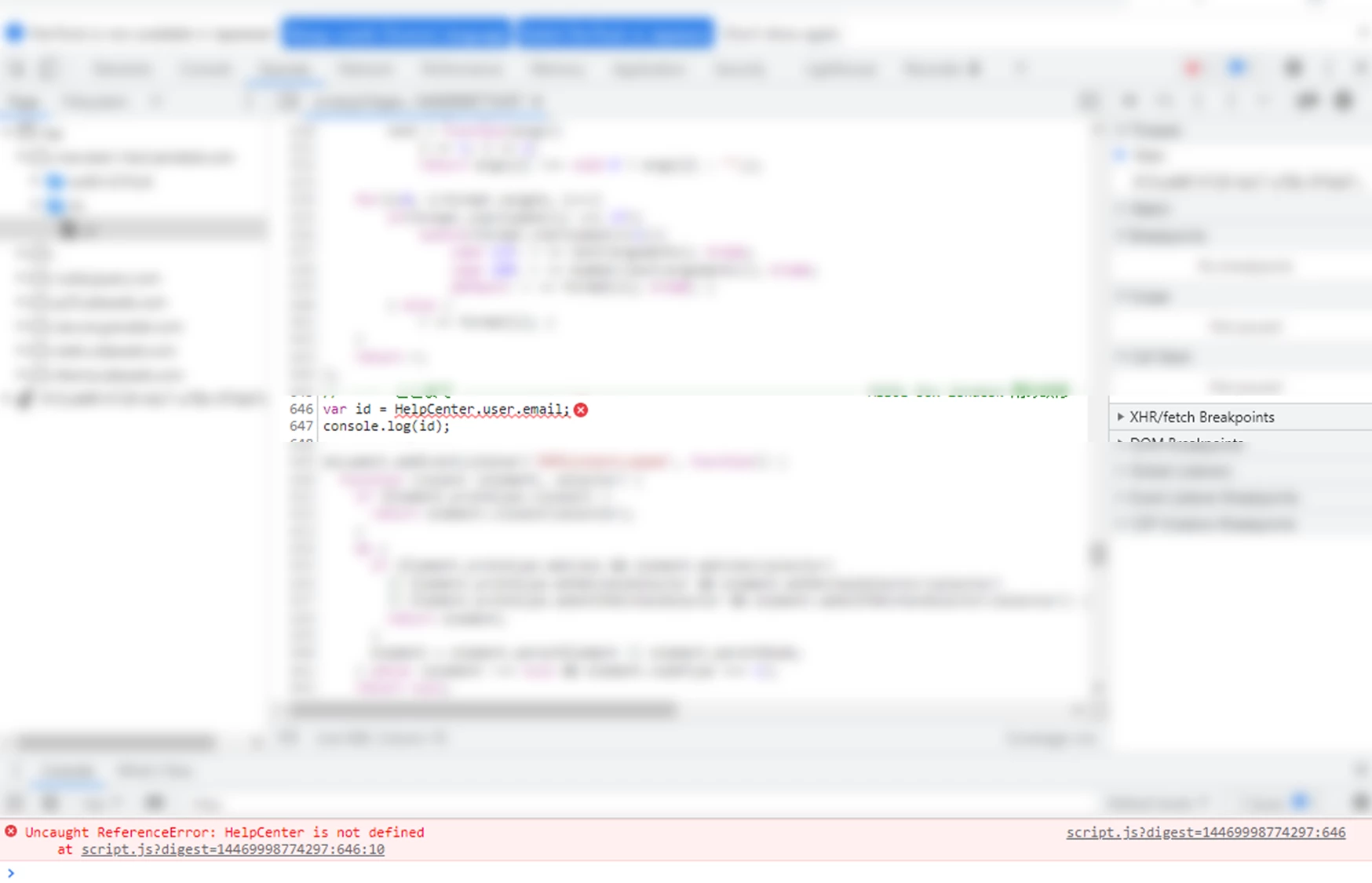
I checked with chrome's developer tools and it does not seem to recognize HelpCenter.user as shown in the image.


Ifra
  • January 6, 2023

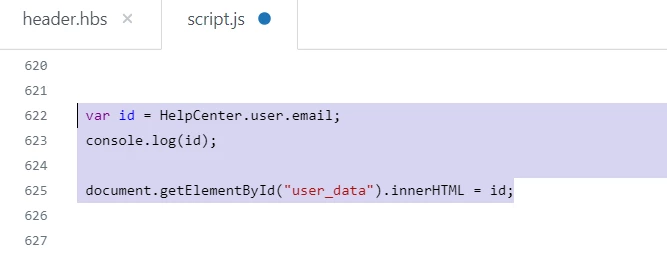
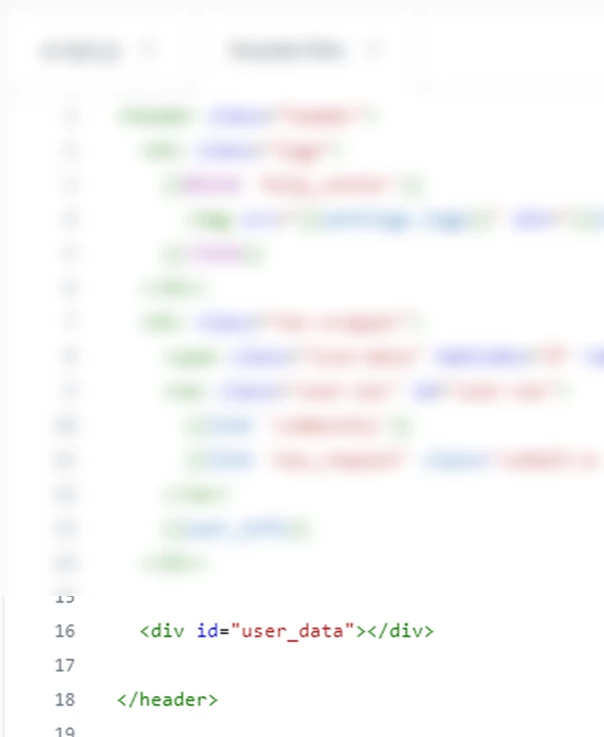
阿部 聖志朗,  add a div with the id user_data to your header.hbs file:

Get the details into that div:  

document.getElementById('user_data').innerHTML = here is your variable in which you saved user data.

Ex.


Or you can append data inside that div.


  • Author
  • January 12, 2023

@ifra

Thank you for your kind comments.

I have successfully retrieved the email address of the user who is logged in in the environment that zendesk is verifying, using the method you have suggested.

However, when I tried to retrieve the user's email address in a different environment of zendesk, it failed again.

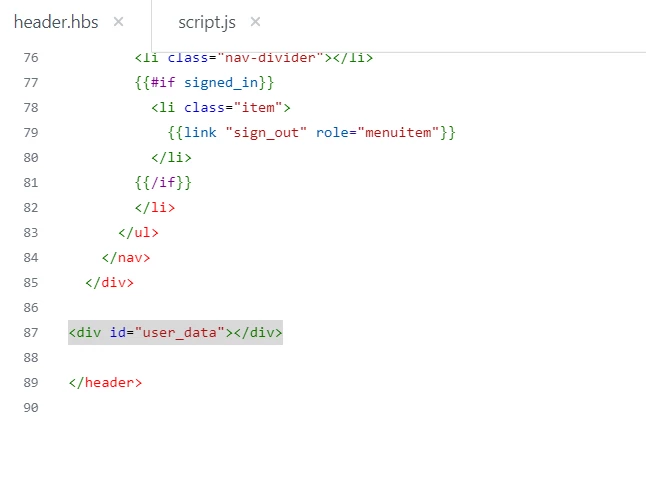
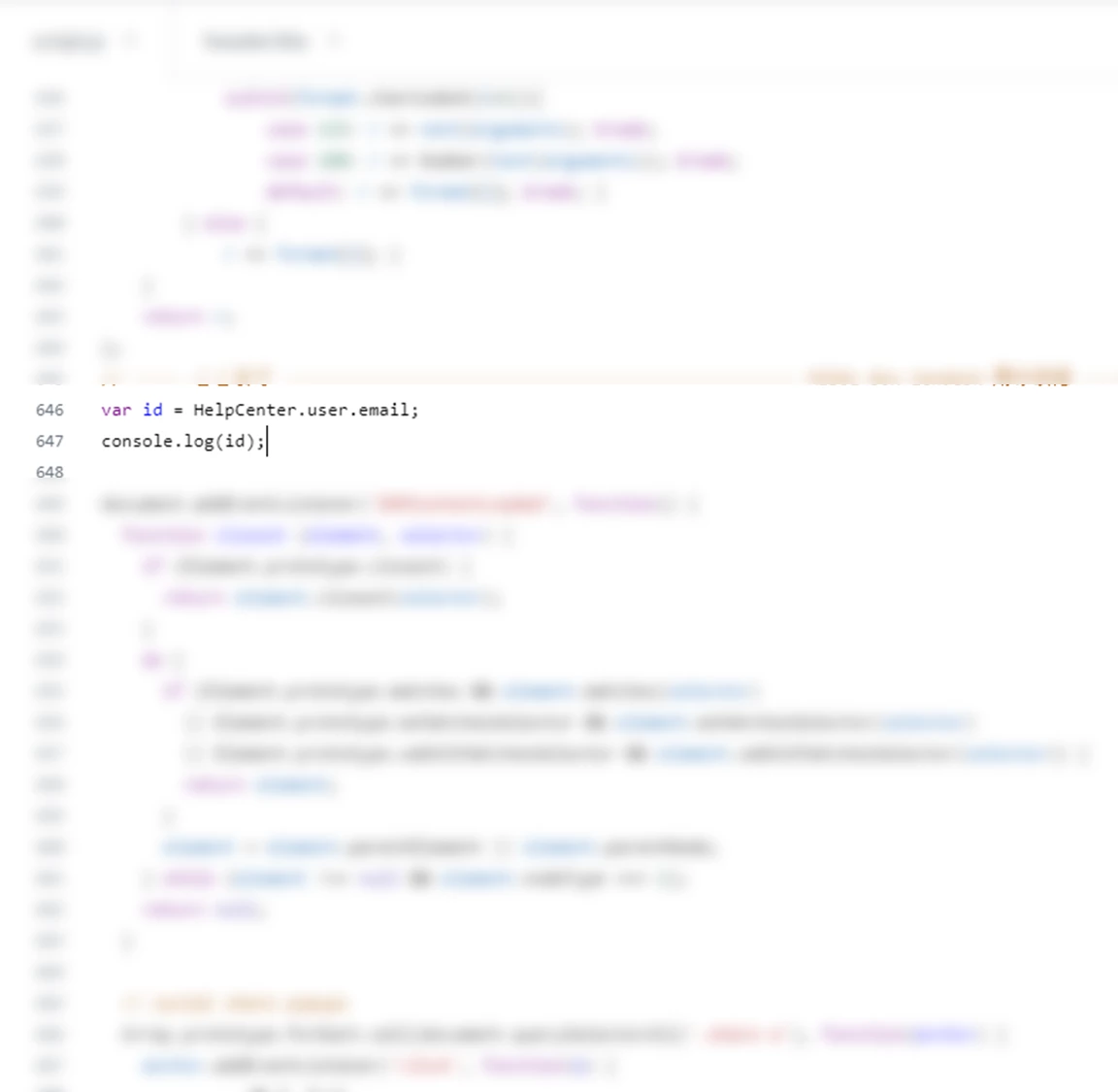
script.js


header.hbs


As displayed in chrome's developer tools


In the previous environment, HelpCenter.user.email() was recognized in script.js, but when I changed the environment as shown in the image above, it was not recognized.

I would like to make HelpCenter.user.email() recognized.


Ifra
  • January 18, 2023

阿部 聖志朗, you only want your data should be shown at the head section not at the bottom. Using JS, you can wrap the data inside a div and then append beside the header using the JS.