

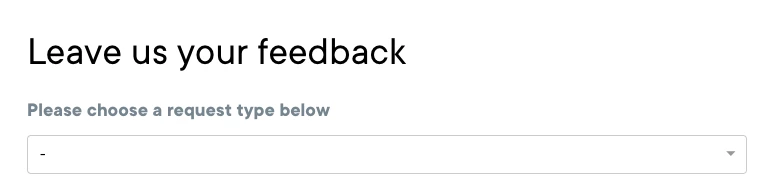
Hi, as the title says, I'm working on the Guide page and I'd like to change the subtitle "Please choose a request type below", putting a different one by using the dynamic content so I have it translated to different languages. I went through the code on Zendesk Guide but I couldn't find where to change this.
Thanks for your help!
This line of text is controlled by whats set in the End user's instructions in the Ticket Forms settings.
To change the instructions that end users see for multiple ticket forms
If you want that to be translated depending on the language, you must create a dynamic content which includes all your supported language variants and use that placeholder in the setting.
For more information see Creating dynamic content.
I hope that helps!