Change specific field header and comments text font | Community
Skip to main content

Change specific field header and comments text font

  • January 23, 2024
  • 4 replies
  • 0 views

Hi

Is there a way to change the font color of a specific field header and also the data entered (comment) into the field by field ID?

For example: I have field ID 12345678 with a header of 'User's Name'

The end user adds the name Joe Bloggs in the field comments

Can I have a Red for the header and Blue for the comment?

Thanks

4 replies

Mike53
  • January 24, 2024
Hi John!
 
As of now, there's no way to edit the colors of the field and the field value. 
 
I would love to do with your partnership is attack this from both fronts; on my side, I'll flag a couple of articles for revisions as there are places we can call this out that could expressly mention it so others don't experience the frustrations you've experienced, and on your end if you could submit product feedback as outlined here to communicate use case, headaches caused, etc. so our product team can take it into future roadmap + release consideration I would be greatly appreciative.

  • January 25, 2024

Hey @john48

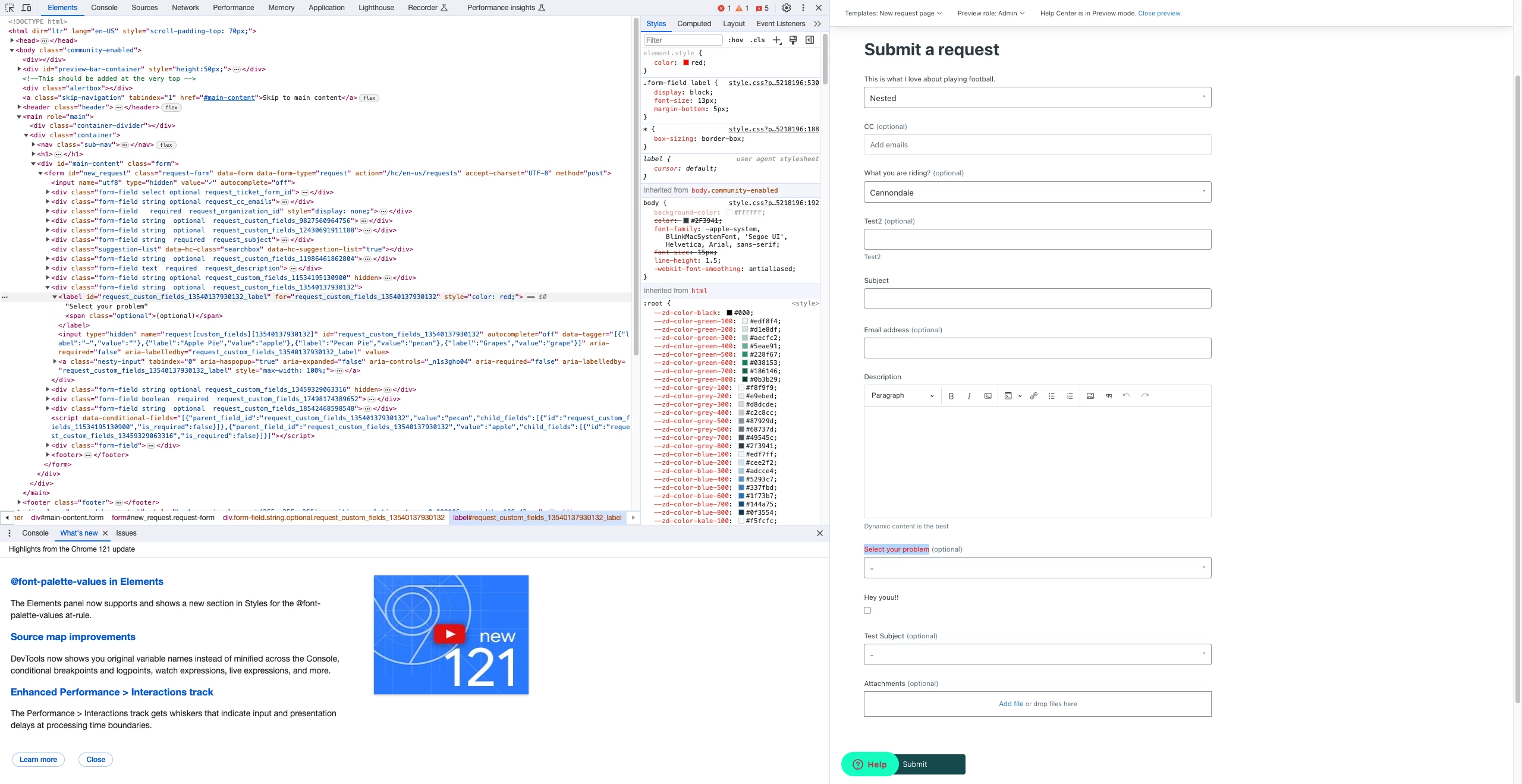
I was able to change the header color for that field with some custom jQuery if this is the path you would like to explore:

jQuery(document).ready(function($) {
    $('#request_custom_fields_12345678_label').css('color', 'red');
});

This should be added unde the script.js in your theme's code: Guide Admin > Customize > Edit code > script.js

If you don't have jQuery in your theme loaded, you can follow this guide beforehand


  • Author
  • January 28, 2024

Thank Kuba

Seems to work fine on the form.

Is there a way to format the text on the requests page.

I.E the one the end user receives showing the request details.


  • Author
  • January 29, 2024

@jakub20 - sorry forgot to tag you on the above comment.

Please can you review it?

Thanks