Bulk approve categories and sections rather than going one by one. | Community
Skip to main content

Bulk approve categories and sections rather than going one by one.

  • December 14, 2020
  • 1 reply
  • 0 views

Hey guys, we are translating our product into multiple languages using a third party translation service.

We setup the whole thing correctly, until I saw that our Spanish guides were showing up on admin, but not on our users.

The reason was that even thought our articles were correctly approved and translated into Spanish, our categories and sections were marked as draft (they were auto-translated by our translation service).

I solved the issue just going one by one the category and section and uncheck draft (a very tedious process and error prone whenever we´ll onboard new languages).


Is there any way to get a similar view as with ¨manage articles¨ but for categories? The more languages we add, the harder will be to go through every category any time we change stuff or add a new one.

Thoughts?


1 reply

Dave12
  • January 14, 2021

Hi Jorge,

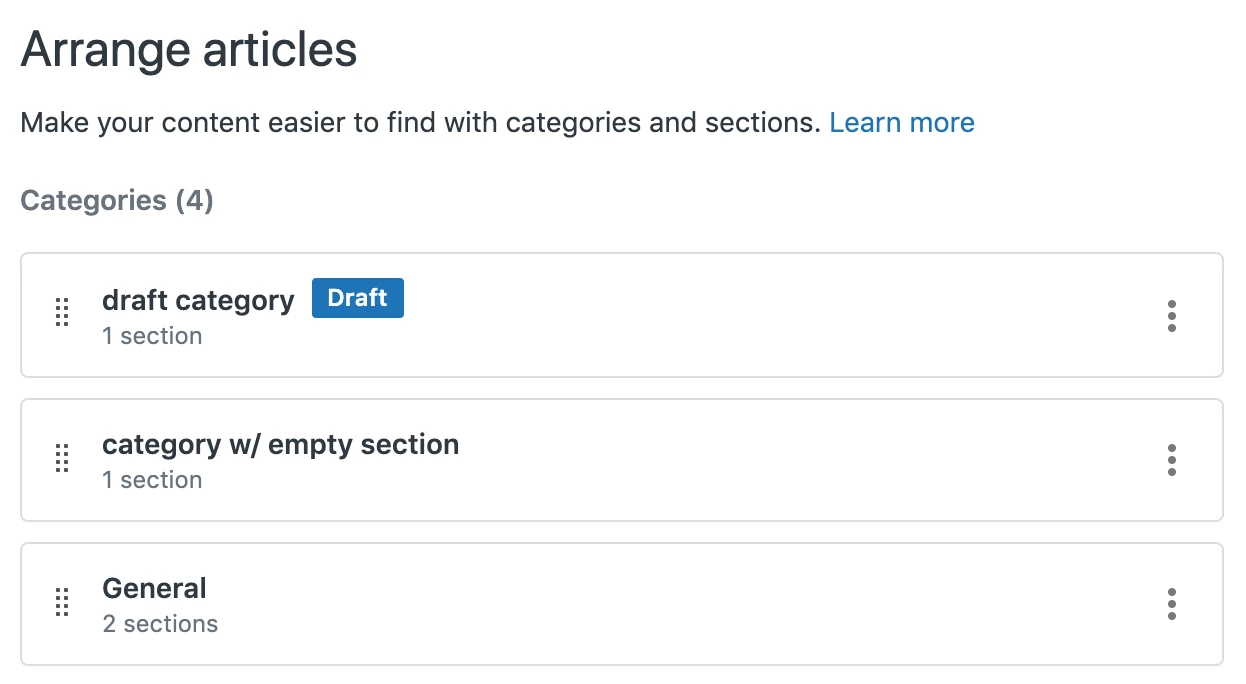
I think the best solution for you on this will be to use the Arrange Content feature - if you click the Arrange Content button in the left-hand toolbar in Guide Admin, it will show you a list of your Categories. Any Categories marked as Draft will be highlighted:

(Note that although the toolbar button is called Arrange Content, it does say Arrange Articles once you get there)

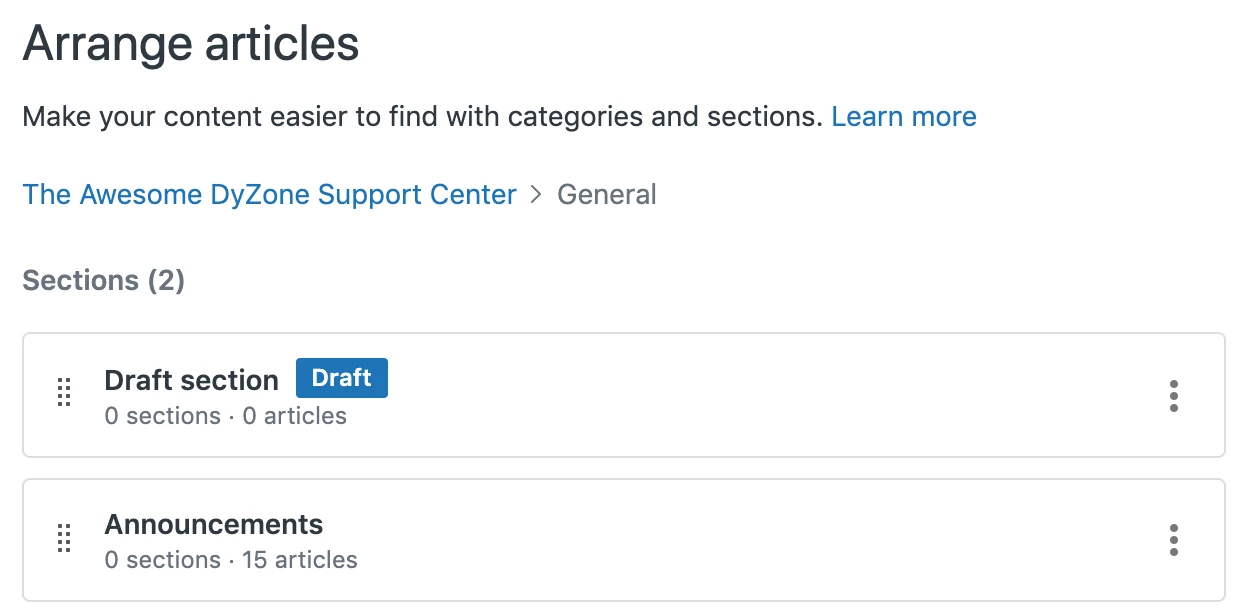
In order to see any Sections that are marked as Draft, you'll need to click through from here to each of your categories – any sections marked as Draft will also be highlighted:

I realize this may still be a considerable amount of work if you have a lot of sections, but it should be much quicker and more reliable than clicking through each category and section in your help center. Hope this helps!