Bing Template: Search icon on sticky header not working | Community
Skip to main content

Bing Template: Search icon on sticky header not working

  • September 17, 2021
  • 6 replies
  • 0 views

If you see here,

https://support.seekout.io/hc/en-us/categories/360004806592-Getting-Started

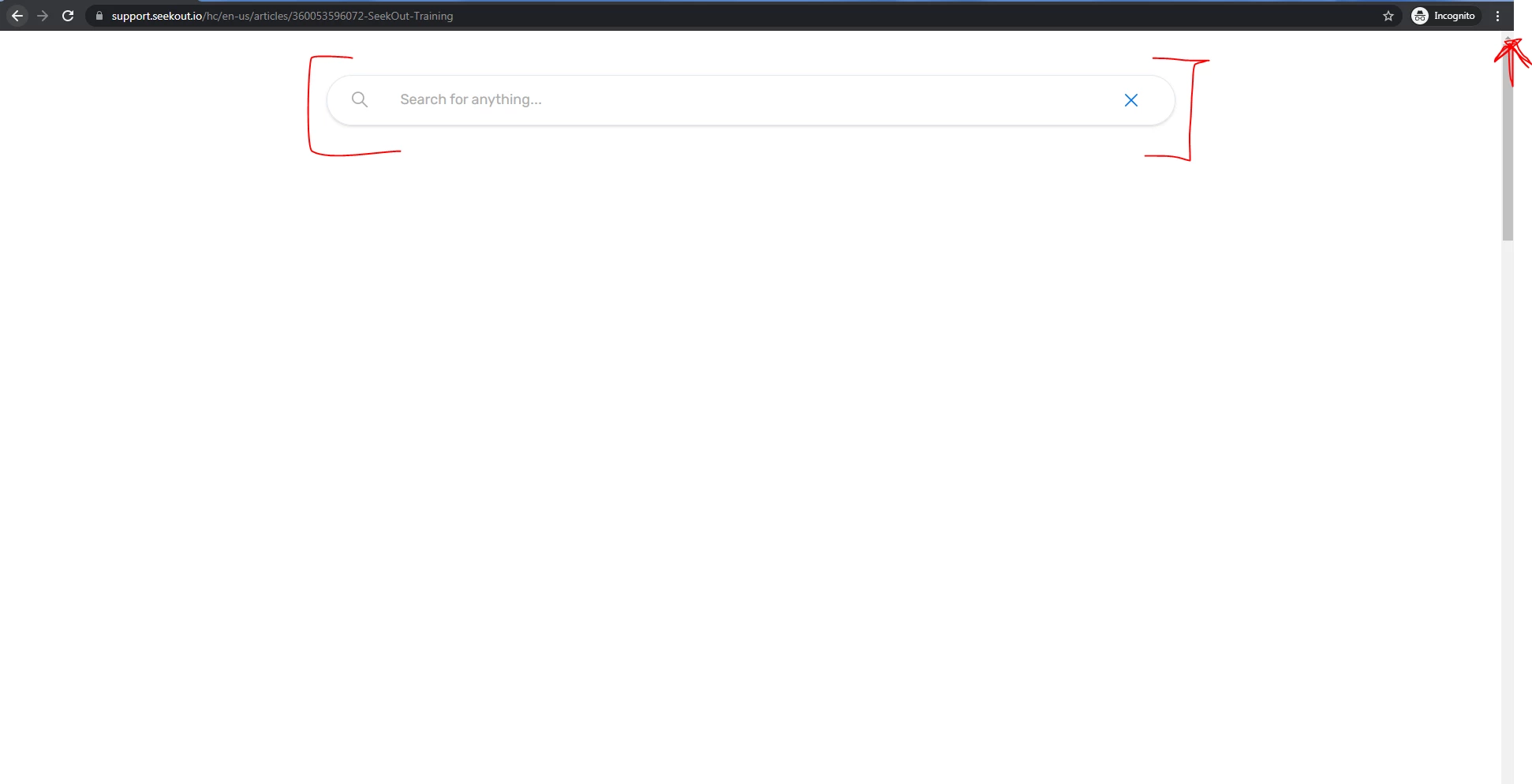
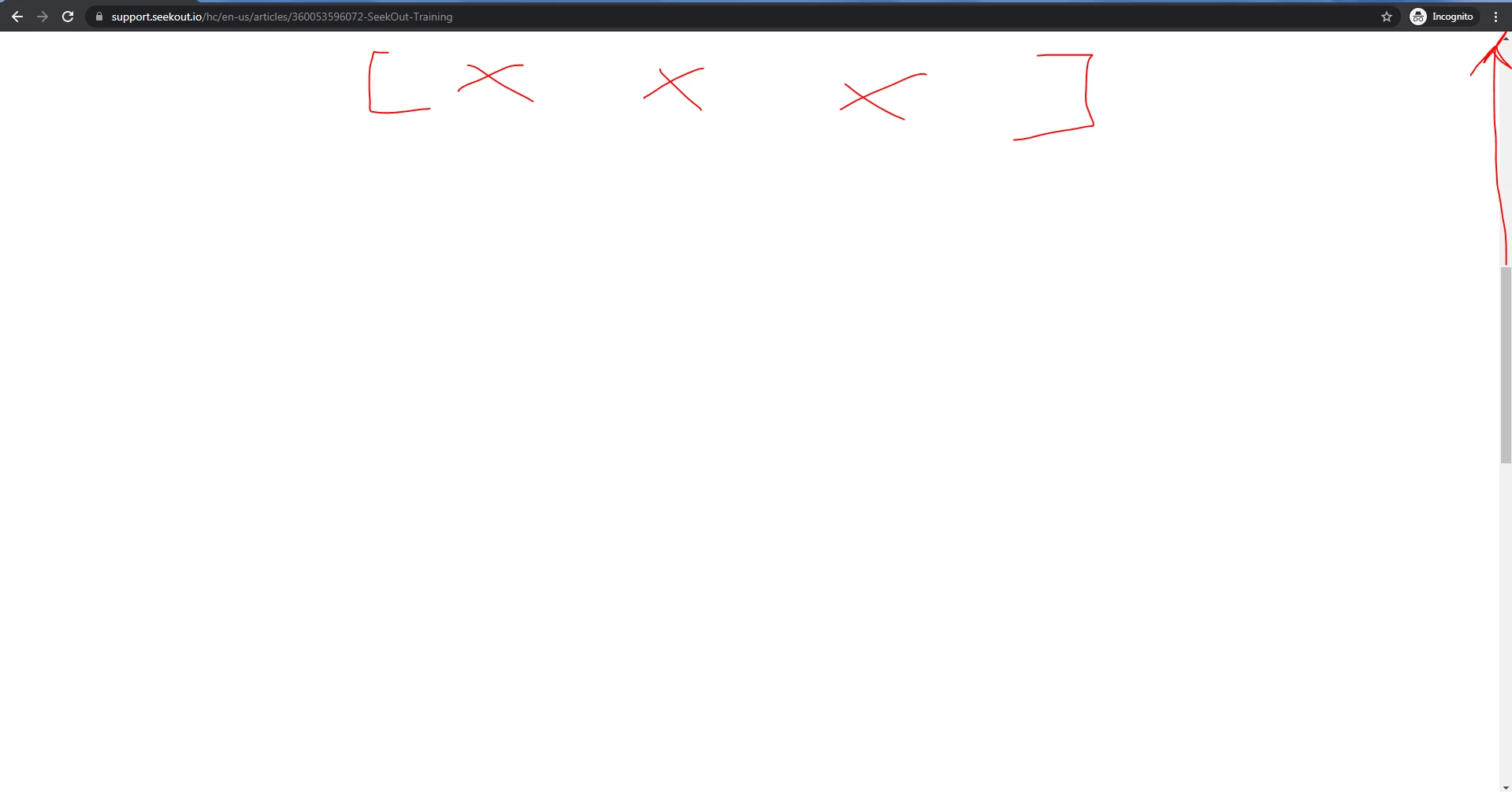
when header bar is on the top, and you click on search icon, search field appears, but  when you are scrolling down the page, clicking the search icon doesn’t show the search field until you scroll back up to the top, any solution on this?

Thanks in advance.

6 replies

Cheeny
  • September 19, 2021

Hi Aditya Pujari,

Is your Help Center custom coded? If yes, these articles might be helpful to you in editing your HC code. Customizing your help center theme, Help center CSS cookbook and Help center JavaScript cookbook


  • Author
  • September 21, 2021

Hi @Cheeny Aban thanks for the reply, and yes the Help Center is bit custom coded. Is it possible to give some brief code for my query instead of going through these link, as I have some limited knowledge of coding/JS. Appreciate your help, thanks again. 


Cheeny
  • September 23, 2021

Hi Aditya,

Unfortunately, we can only check the built-in code of Zendesk Guide HC, any alterations will depends on how the user would like to code their Help Center, and since custom coding is broad, suggested codes may or may not work depending on your settings.


o2dis
  • September 23, 2021

Hello @Aditya Pujari,

You can use this CSS in your style.css.

.absolute-top {inset: 0;}

When you'll click on the search icon only your search field will be visible on the whole page.

Thanks
Team Customer Support Theme


  • Author
  • September 24, 2021

Hi 8452152587 thanks for the reply, I used the css code you suggested, but still my problem is not overcome, as when we scroll the page, the search bar remains on the top of the page with the white background.


o2dis
  • September 24, 2021

Hello @Aditya Pujari

Please use this CSS

.absolute-top {
position: fixed;
inset: 0;
}

If you don't want the white area on the whole page then remove the inset: 0;

Please have a look and let us know.

Thanks
Team Customer Support Theme