Adding category images to the Copenhagen Theme | Community
Skip to main content

Adding category images to the Copenhagen Theme


Show first post

114 replies

Bruce19
  • April 1, 2021

Just add it in. (I couldn't remember if it's a theme default or one I added.)


  • April 1, 2021

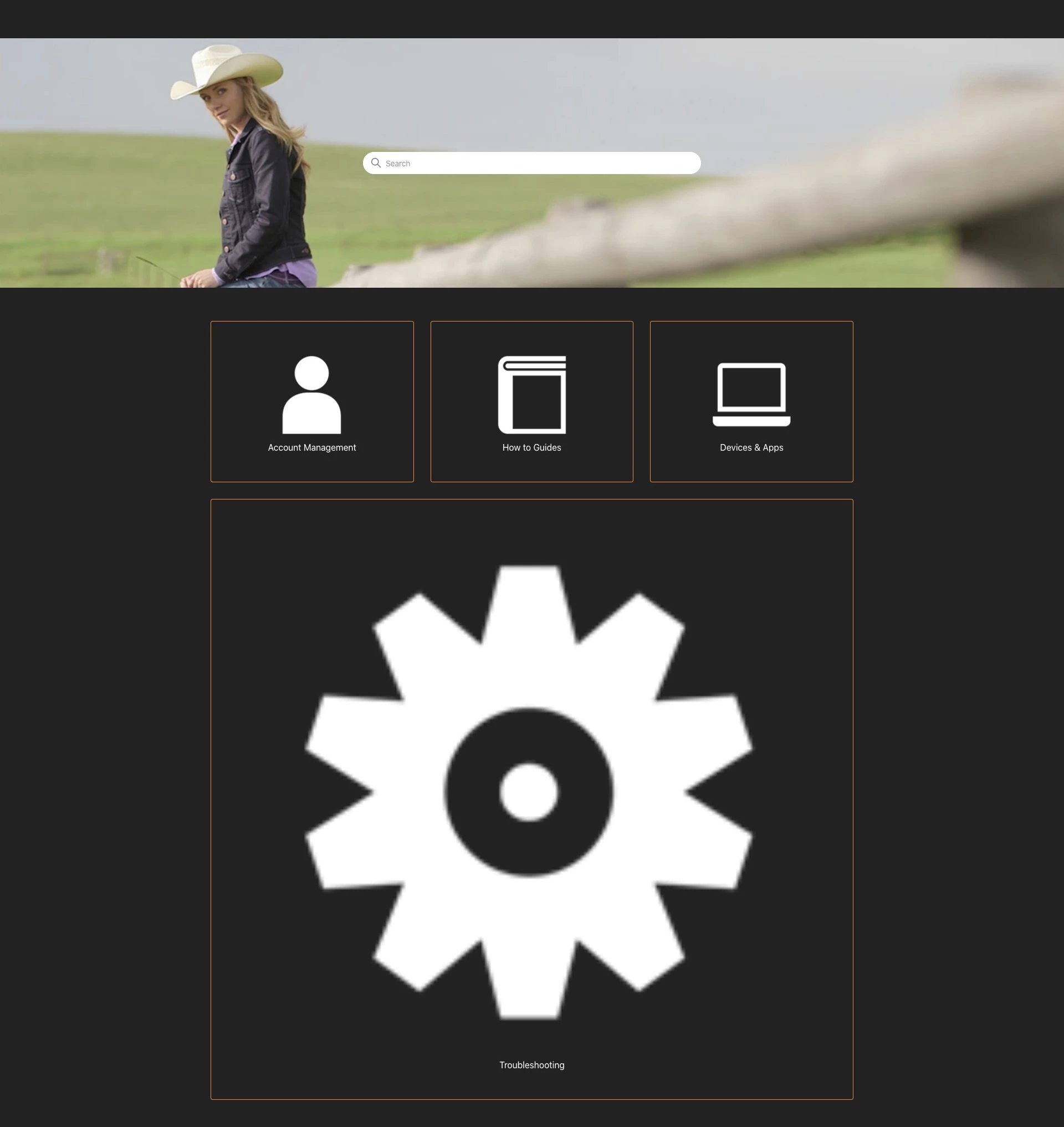
I've added the code and it didn't change anything. See screenshots below.


Bruce19
  • April 1, 2021

Are you setting the class="home-page-images" where you specified the image?

<img src="{{asset 'Troubleshoot-Icon-1-White.png'}}" class="home-page-images" />

  • April 21, 2021

Hi,

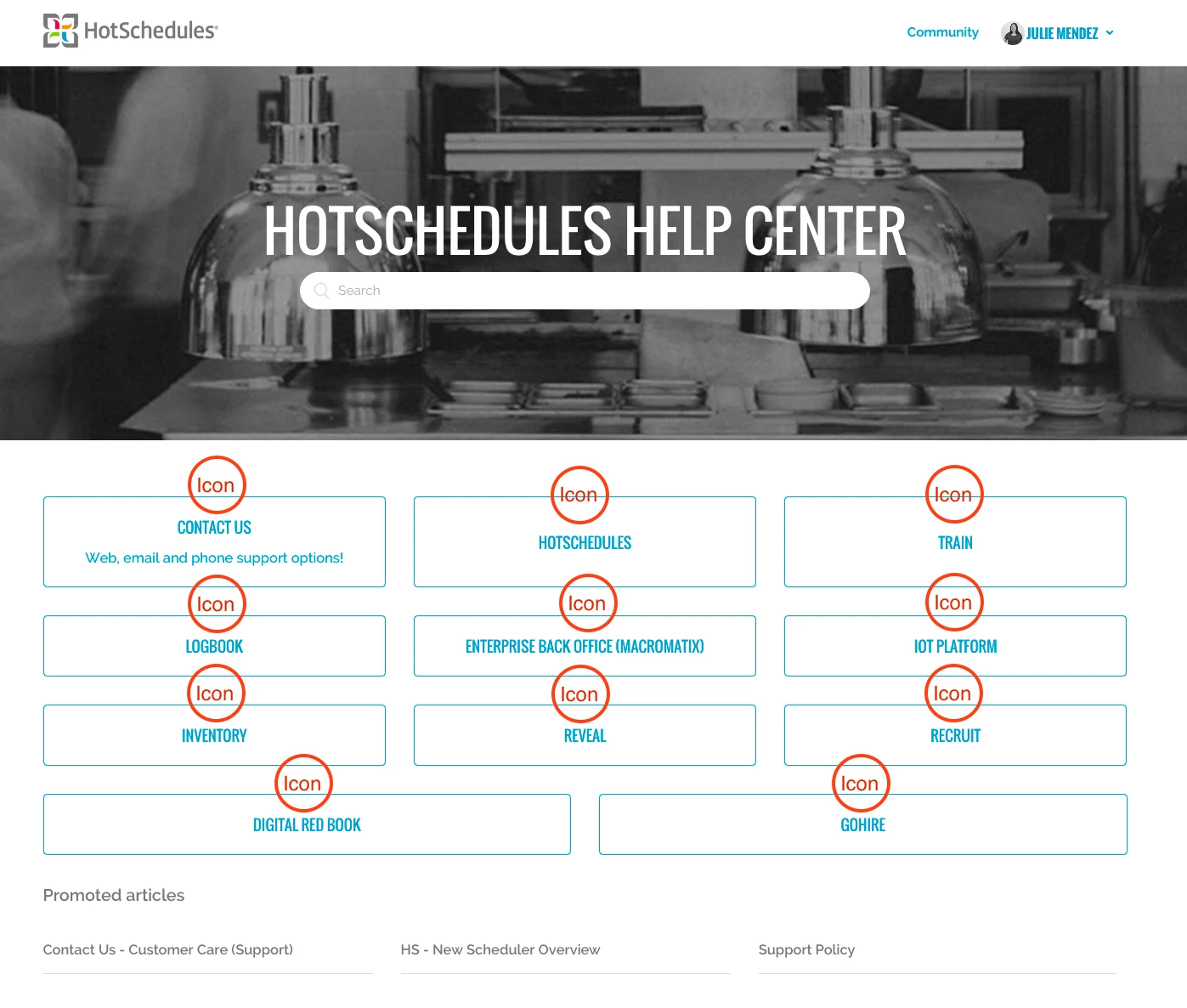
I'm also trying to add icon to the categrory and used the code provided by @Wes Drury but it doesn't work.

I receive this error:

1 error
.. {{/ `if` }} .. is not permitted in this context in line 38
 
Here is the code that I'm using in home_page.hbs

<h1 class="visibility-hidden">{{ help_center.name }}</h1>

<section id="main-content" class="section hero">
<div class="hero-inner">
<h2 class="visibility-hidden">{{ t 'search' }}</h2>
<svg xmlns="http://www.w3.org/2000/svg" width="12" height="12" focusable="false" viewBox="0 0 12 12" class="search-icon" aria-hidden="true">
<circle cx="4.5" cy="4.5" r="4" fill="none" stroke="currentColor"/>
<path stroke="currentColor" stroke-linecap="round" d="M11 11L7.5 7.5"/>
</svg>
{{search submit=false instant=settings.instant_search class='search search-full'}}
</div>
</section>

<div class="container">
<section class="section knowledge-base">
<section class="categories blocks">
<ul class="blocks-list">
{{#each categories}}
{{#if ../has_multiple_categories}}
<li class="blocks-item">
{{#is name 'Delivery'}}<img src="{{asset 'free-delivery-truck-icon-2049-thumb.png'}}" />

</li>
{{else}}
{{#each sections}}
<li class="blocks-item {{#if internal}}blocks-item-internal{{/if}}">
<a href='{{url}}' class="blocks-item-link">
<h4 class="blocks-item-title">
{{name}}
{{#if internal}}
<span class="icon-lock" title="{{t 'internal'}}"></span>
{{/if}}
</h4>
<p class="blocks-item-description">{{excerpt description}}</p>
</a>
</li>
{{/each}}
{{/if}}
{{/each}}
</ul>
{{pagination}}
</section>

{{#if promoted_articles}}
<section class="articles">
<h3>{{t 'promoted_articles'}}</h3>
<ul class="article-list promoted-articles">
{{#each promoted_articles}}
<li class="promoted-articles-item">
<a href="{{url}}">
{{title}}
</a>
</li>
{{/each}}
</ul>
</section>
{{/if}}
</section>

{{#if help_center.community_enabled}}
<section class="section home-section community">
<h2>{{t 'community'}}</h2>
{{#link 'community' class='community-link'}}
{{t 'join_conversation'}}
{{/link}}

<div class="community-image"></div>
</section>
{{/if}}

<section class="section home-section activity">
{{#if settings.show_recent_activity}}
{{recent_activity}}
{{/if}}
</section>
</div>

I hope someone can help me with this issue ;) Thanks.


Bruce19
  • April 21, 2021

Make sure you close the is statement:

{{#is name 'Delivery'}}
<img src="{{asset 'free-delivery-truck-icon-2049-thumb.png'}}" />
{{/is}}


  • May 4, 2021

@bruce19,

Thank you so much!

It's working now 


  • May 4, 2021

Hi @bruce19,

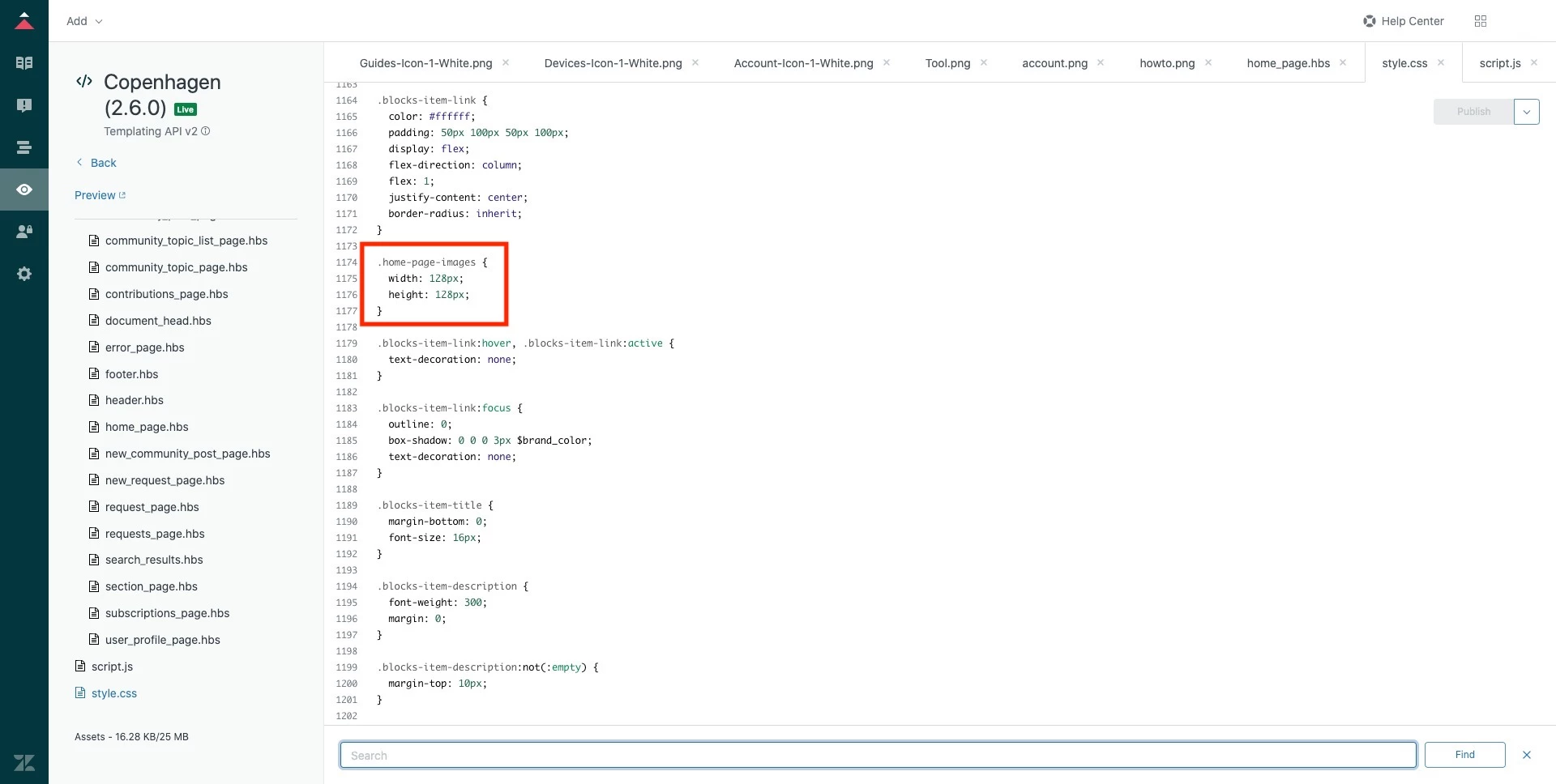
I actually have another issue now with the icon after using your code to limit the size. Now the icon in not in the center anymore:

.home-page-images {
width: 128px;
height: 128px;
}

Any idea why and how to fix it?


Marie-Cathrine

Hi @Marius Tendick,

Try adding:

align-items: center;

to the .blocks-item-link class in the CSS. This should center the image.

#helpsome regards,
Marie-Cathrine Sørensen
Developer @ helphouse.io


  • May 4, 2021

Hi Marie,

Thank you for your help!

Cheers,

Marius


  • September 30, 2022

Hi all,

I'm having issues with this and must be missing something obvious (apologies, I'm no expert).

I've added what I believe is the correct code and linked my asset but when I hit preview no image is added.

Any idea what I'm missing?


<section class="section hero">
  <div class="hero-inner">
    {{search submit=false instant=true class='search search-full'}}
  </div>
</section>

<div class="container">
  <section class="section knowledge-base">
    <section class="categories blocks">
      <ul class="blocks-list">
        {{#each categories}}
          {{#if ../has_multiple_categories}}
            <li class="blocks-item">
              <a href='{{url}}' class="blocks-item-link">
            {{#is name 'CRi-Pro'}}
            <img src="{{asset 'CRiPro.png'}}" />
            {{/is}}
                
                <h4 class="blocks-item-title">{{name}}</h4>
                <p class="blocks-item-description">{{excerpt description}}</p>
              </a>
            </li>
          {{else}}
            {{#each sections}}
              <li class="blocks-item {{#if internal}}blocks-item-internal{{/if}}">
                <a href='{{url}}' class="blocks-item-link">
                  <h4 class="blocks-item-title">
                    {{name}}
                    {{#if internal}}
                      <span class="icon-lock" title="{{t 'internal'}}"></span>
                    {{/if}}
                  </h4>
                  <p class="blocks-item-description">{{excerpt description}}</p>
                </a>
              </li>
            {{/each}}
          {{/if}}
        {{/each}}
      </ul>
      {{pagination}}
    </section>

    {{#if promoted_articles}}
      <section class="articles">
        <h3>{{t 'promoted_articles'}}</h3>
        <ul class="article-list promoted-articles">
          {{#each promoted_articles}}
            <li class="promoted-articles-item">
              <a href="{{url}}">
                {{title}}
              </a>
            </li>
          {{/each}}
        </ul>
      </section>
    {{/if}}
  </section>

  {{#if help_center.community_enabled}}
    <section class="section community">
      <h2>{{t 'community'}}</h2>
      {{#link 'community' class='community-link'}}
        {{t 'join_conversation'}}
      {{/link}}

      <div class="community-image"></div>
    </section>
  {{/if}}

  <section class="section activity">
    {{recent_activity}}
  </section>
</div>


Greg29
  • September 30, 2022

Hi Thomas! I'm not immediately seeing anything obvious as the issue. Is the category name and/or asset spelled correctly? Are you seeing any errors in the editor?


  • October 5, 2022

Hi Greg,

Thanks for the quick reply!

I'm glad there's nothing obvious that I'm missing. I'm using the copy/paste feature of the asset library to avoid typos and I don't see any errors - although perhaps I don't know what I'm looking for. There are no pop-up errors certainly.


Kevin26
  • November 30, 2022

Incredibly helpful! Thank you!


Sheena11
  • July 25, 2024

Hi @moderatorwes Can you please help with the code customization to  add a hyperlink to a article title.