Adding Bold, Underline, Italics and Bulleted List to Portal Description | Community
Skip to main content

Adding Bold, Underline, Italics and Bulleted List to Portal Description

  • July 28, 2022
  • 7 replies
  • 0 views

Tom21

Hi there.

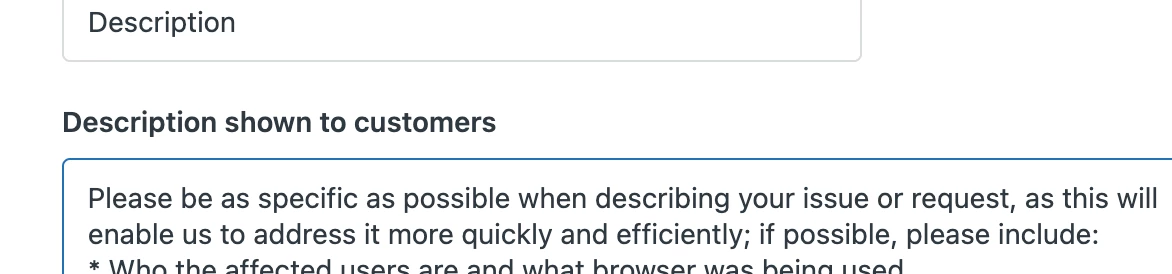
On the New Request form in our customer facing portal, we have hints to what details should be added for each item.  For example, for the description item we have this
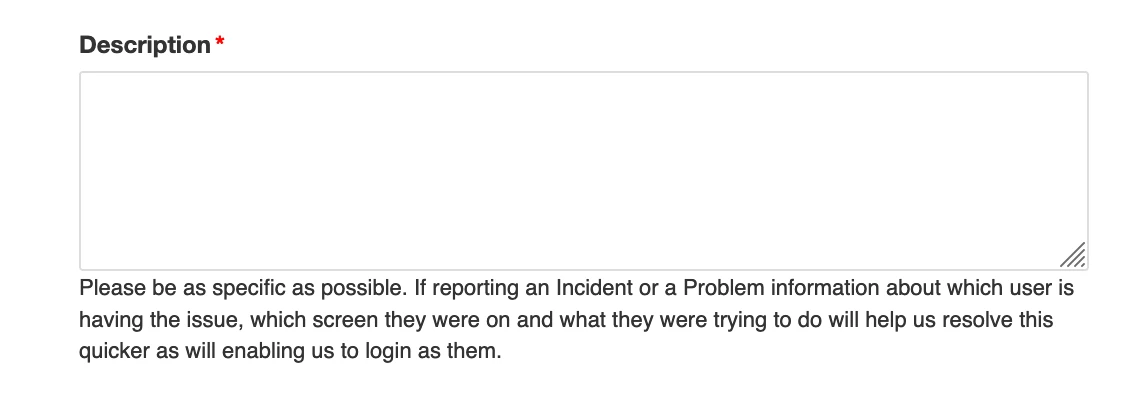
I'd like to be able to format this better so it stands out with this
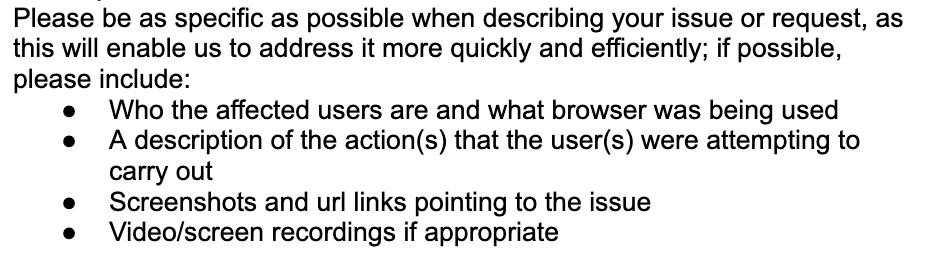
Can this be done.  If so can you tell me how.

Thanks

Tom


7 replies

Ifra
  • July 29, 2022

Hi Tom Thompson,


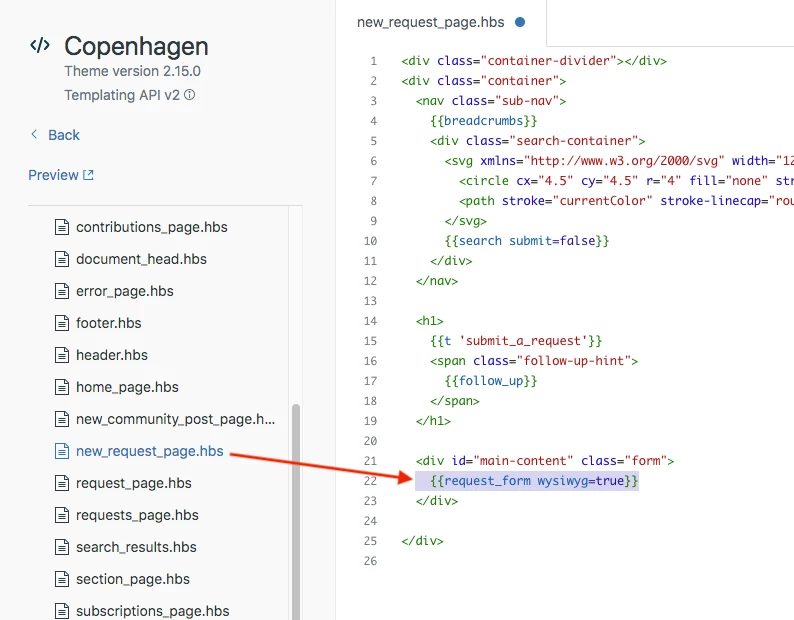
Please make sure your request_page.hbs file should has the helper  with the string (wysiwyg=true) as given in the image below:


Thanks

Team


Tom21
  • Author
  • July 29, 2022

Hi Ifran.

Thanks for getting back to me.

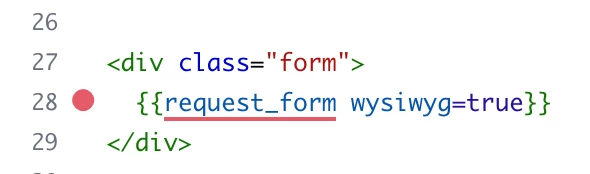
I added the recommended to the code

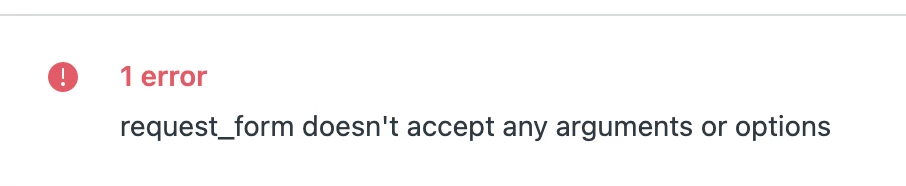
but get this error

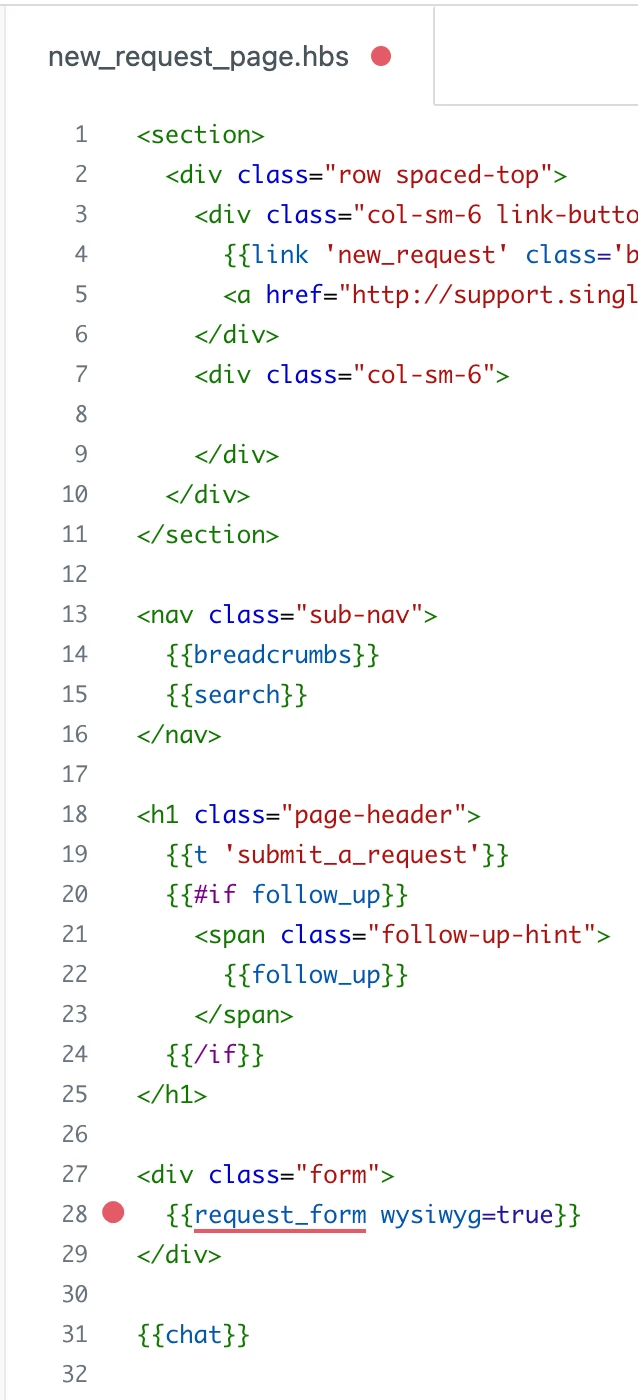
This is the full code for the page

I've inherited this system so I'm not sure what has been done in the past!

Thanks

Tom


Sam15
  • July 29, 2022

Hi Tom!

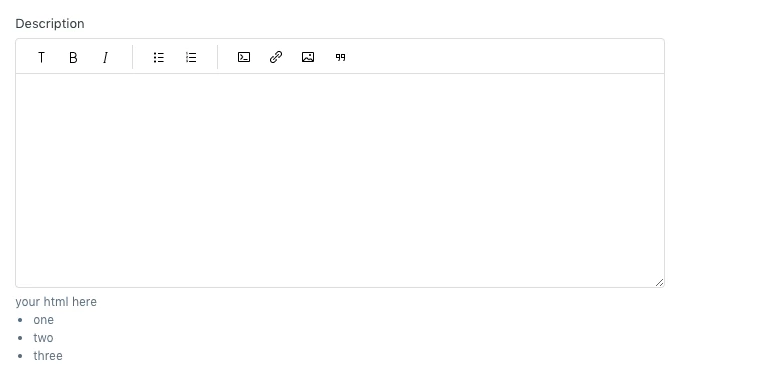
It looks like you are trying to update the text of the hint that appears below the description, is that correct? If so, you can accomplish this by using jQuery and modifying the script.js file.

You will need to make sure jQuery is installed in your environment.

  1. Go to Zendesk -> Guide -> Guide Admin -> Customize Design and click Customize for the theme you'd like to edit
  2. In the lower-right, select Edit code
  3. In your code editor, locate script.js
  4. Use the following code (the first line is included in case you don't already have a document ready function in your script.js file):
  5. $(document).ready(function() { 
    $('#request_description_hint').html('your html here');
    }
  6. Publish your changes

Let us know how that works out!


Ifra
  • July 30, 2022

Tom Thompson, remove that which I was provide and go through the @Sam's solution.

I was provided the solution for the text-area.


Thanks


Tom21
  • Author
  • July 30, 2022

Thanks Sam.

Yes you are correct, it is the hint and I'm trying to update this in the field section in admin

I've added the required to the script.js file

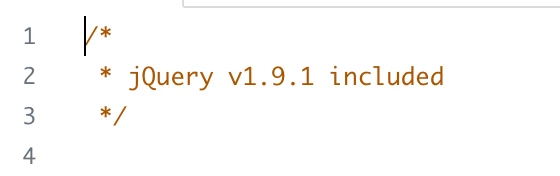
and hopefully added the correct JQuery to the document_head.hbs based on what is installed 

Still no bullet points.

My knowledge on this is very limited so please bear with me.

Do I now need to use Java tags in the hint description?

Thanks

Tom


Ifra
  • August 2, 2022

Tom Thompson,

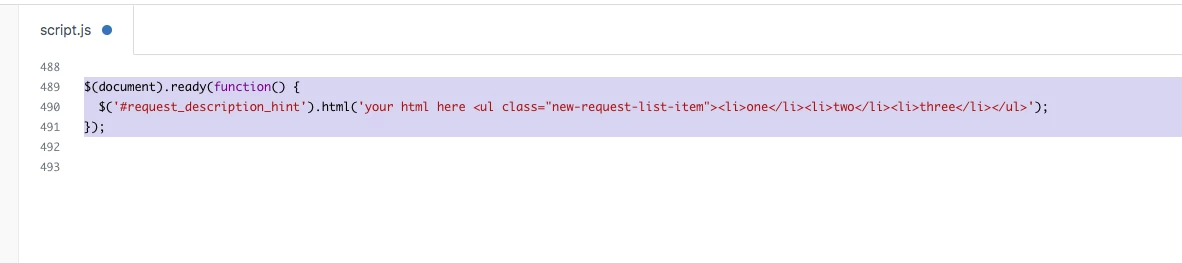
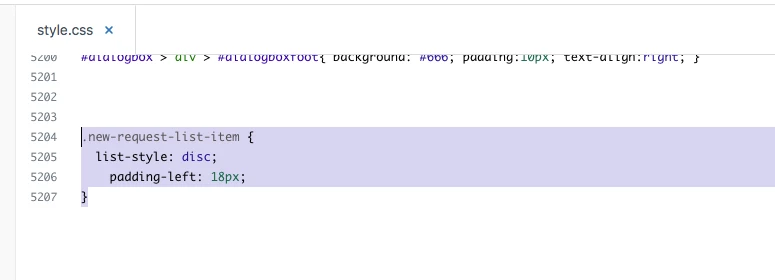
Do like this:


Script code:


style.css file:


Output:


Sam15
  • August 2, 2022

@tom21 As @ifra mentioned, you'll need to replace the "your html here" portion of my code block with the HTML you'd need for the bullet points and the remainder of your text. Ifra provided an excellent example above of how to do so. If you run into any other problems, let us know!