I want to include a clickable banner image linked to our website on the help center just like this. How can I do that?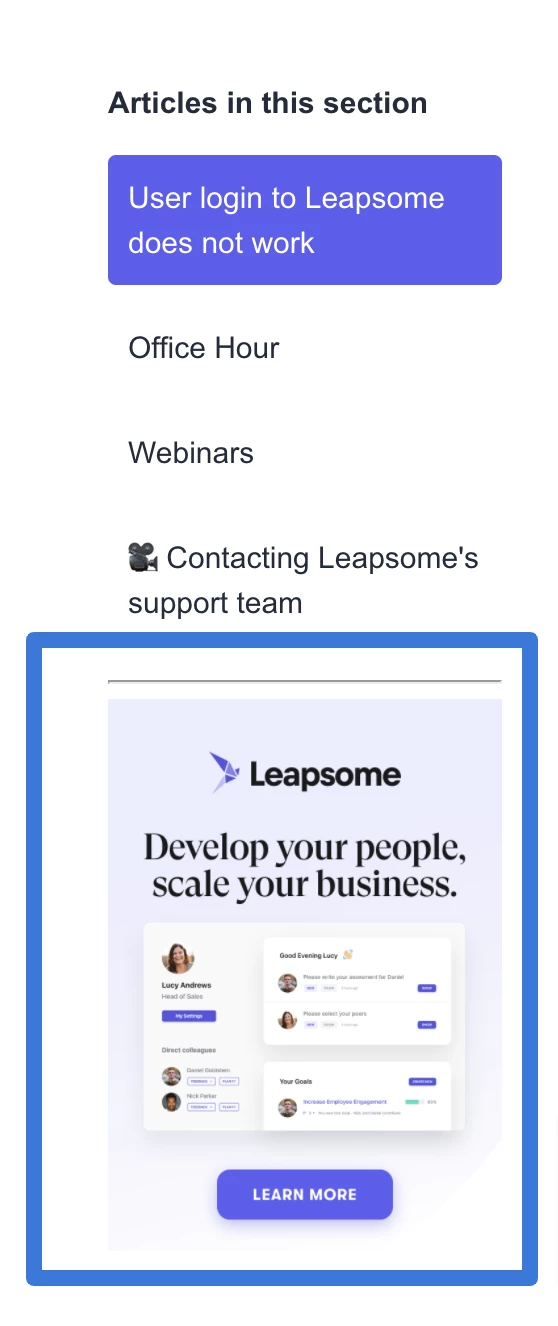

Add Website Banner Image anywhere on Help Center


Login to the community
No account yet? Create an account
Enter your E-mail address. We'll send you an e-mail with instructions to reset your password.
Thanks for reaching out!
One way you could go about achieving this is by adding the image to the aside element within the article_page.hbs file in your help center. You'll need to add the image as an asset in your help center first, and then insert that image wrapped within an anchor tag which would link back to your website. Here's an example of how that could look:
You would then likely need to add some styling to the image in the style.css file.
I hope this helps!
Tipene