Add font styles to HTML list items | Community
Skip to main content

Add font styles to HTML list items

  • May 25, 2022
  • 4 replies
  • 0 views

Umer

I am trying to add font styles i.e. font size, color and family to HTML unordered list items but they are not working as expected. Can you please help me with that. thanks

4 replies

Brett13
  • Community Manager
  • May 25, 2022
Hey Umer,

Can you share a little more on how this isn't working as expected? Are you trying to add these to your Guide theme? Are you receiving any errors? 

Let us know!

Ifra
  • May 26, 2022

Hey Umer Muhammad,


You are talking about an HTML unordered list, so do the same as mentioned below:-

I). Create HTML unordered list.

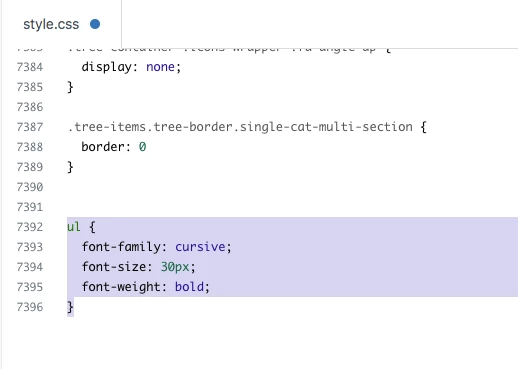
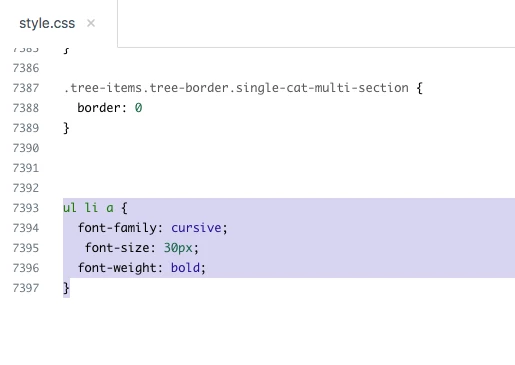
II). Add the font-family in <ul> tag or directly in anchor or li tag.

CSS in UL tag:-


CSS in anchor <a> tag:-


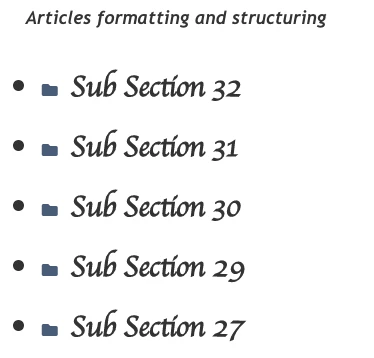
Output would be same:-


If it's not what you expect, then please share more about your query :)


Thanks

Team


Umer
  • Author
  • May 26, 2022
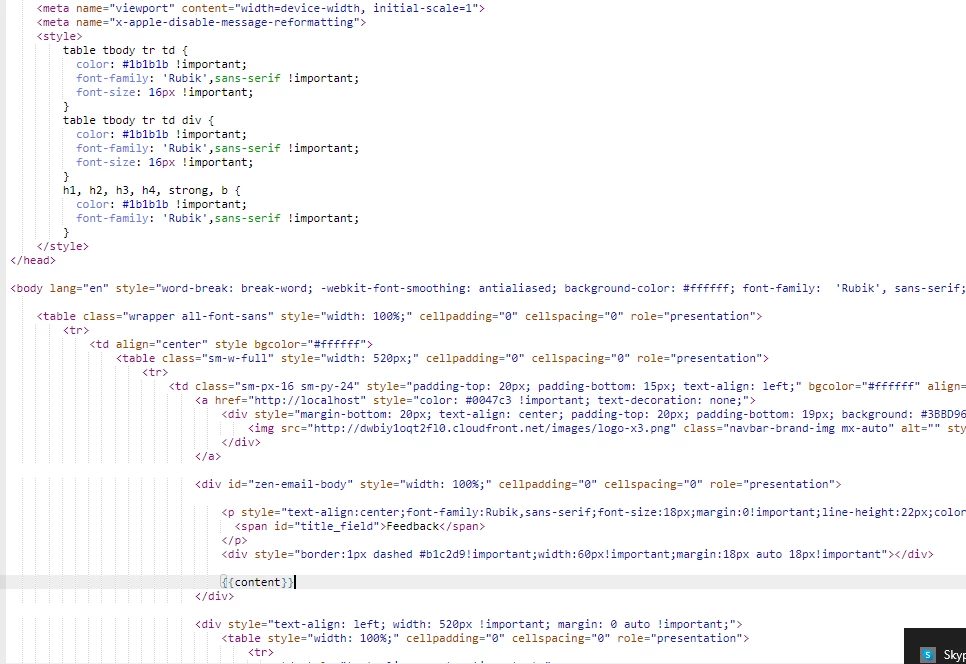
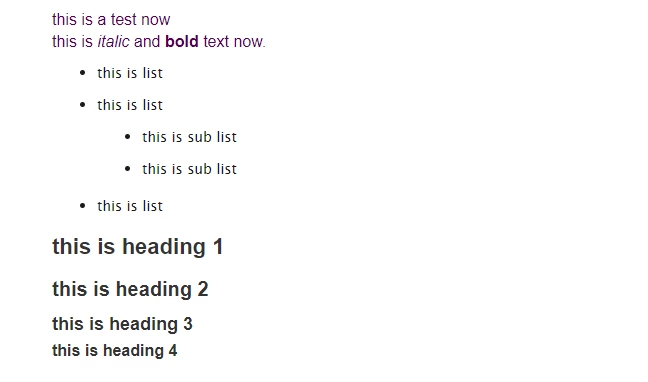
I am getting all of the content i.e. heading, paragraphs, list items etc in {{content}} variable. 
Please refer to the screenshot that I have attached below.
First one is of email template and 2nd one is actual email that I am receiving.


Ifra
  • May 26, 2022

Umer Muhammad

Try this type:-


.zen-email-body ul{
font-family: ....;
font-size: ......;
font-weight: .....;
}


OR

.zen-email-body ul li a {
font-family: ....;
font-size: ......;
font-weight: .....;
}