
On the page https://support.zendesk.com/hc/en-us/categories/360001735874 the articles are listed with a name and I think it is the title, but when I see the article I see that it has another title. How to get two alternative titles?
In 'Business Rules'> 'How do I use Views to manage ticket workflow?'
when I enter the article I see that it has another title:
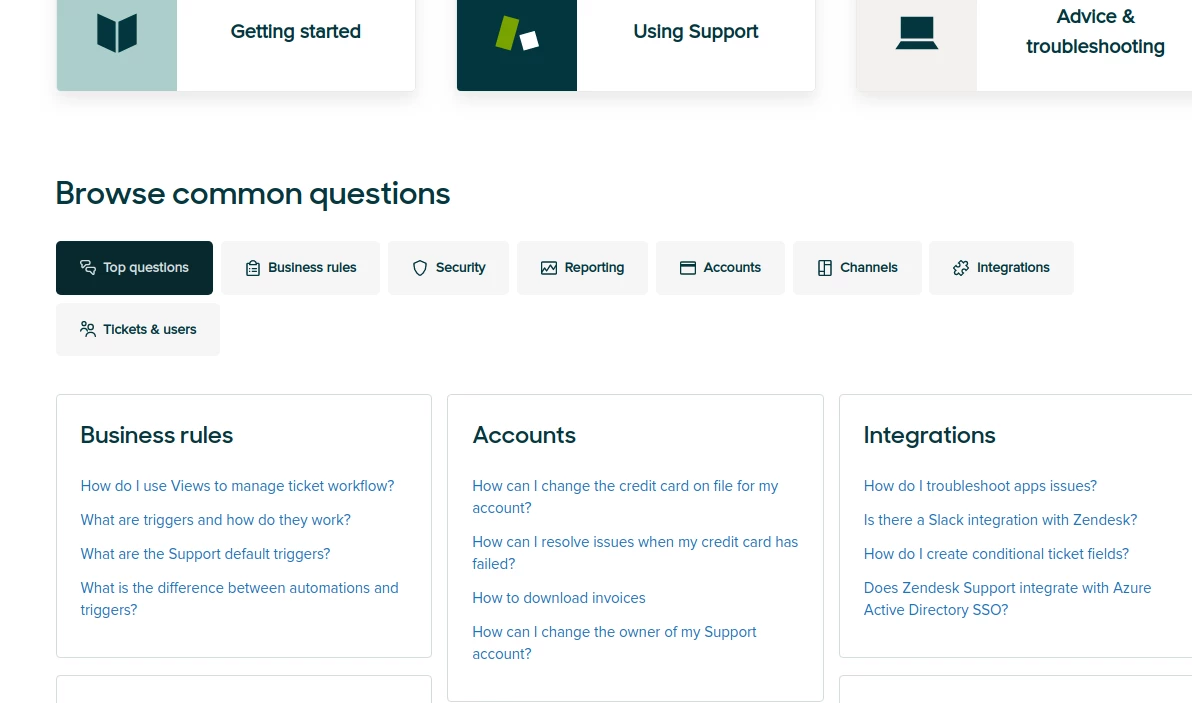
Another title: Creating views to manage ticket workflow
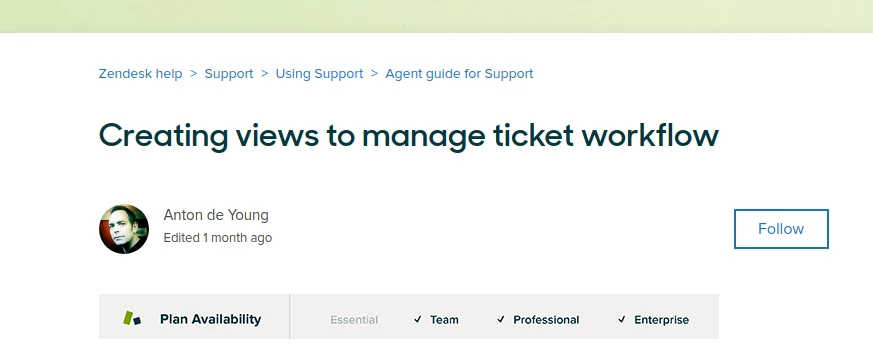
How can I achieve a similar operation?

Hey Gustavo,
We actually use custom code in our Guide theme to accomplish this. While I'm not able to assist with any Guide customization on my end, we do have some great resources available that I would recommend you look at.
Customizing your Help Center theme (Guide Professional and Enterprise)
Help Center CSS Cookbook
Help Center Templates Introduction
Help Center Javascript Cookbook
Tips for using HTML to customize your Help Center
Zendesk Partner Directory
Zendesk Themes Directory
I hope this helps point you in the right direction!