GET https://{url}.zendesk.com/api/v2/help_center/users/15344523818135/articles net::ERR_FAILED 200 | Community
Skip to main content

GET https://{url}.zendesk.com/api/v2/help_center/users/15344523818135/articles net::ERR_FAILED 200

  • June 19, 2023
  • 8 replies
  • 0 views

Sitaram

Facing net::ERR_FAILED 200 issue in the API.

What is the solution for this?

8 replies

Pulkit12
  • June 20, 2023

Hi Sitaram Kudireddy

The API is working fine and giving the data based on the User ID, below is the code which I am using, please give a try to the below code.

  $.getJSON('/api/v2/help_center/users/361093799539/articles', function(json_data){
            console.log(json_data);
   });

Let me know if it solves your issue 

Thank You 

Pulkit

Team Diziana


Sitaram
  • Author
  • June 21, 2023

https://example.zendesk.com/hc/restricted?return_to=https%3A%2F%2Fexample.zendesk.com%2Fhc%2Fapi%2Fv2%2Farticles&locale=en-us

here im facing the issue.

{
    "message": "Network Error",
    "name": "AxiosError",
    "stack": "AxiosError: Network Error\n    at XMLHttpRequest.handleError (http://localhost:3000/static/js/bundle.js:469408:14)",
    "config": {
        "transitional": {
            "silentJSONParsing": true,
            "forcedJSONParsing": true,
            "clarifyTimeoutError": false
        },
        "adapter": [
            "xhr",
            "http"
        ],
        "transformRequest": [
            null
        ],
        "transformResponse": [
            null
        ],
        "timeout": 0,
        "xsrfCookieName": "XSRF-TOKEN",
        "xsrfHeaderName": "X-XSRF-TOKEN",
        "maxContentLength": -1,
        "maxBodyLength": -1,
        "env": {},
        "headers": {
            "Accept": "application/json",
            "Authorization": "Basic xexampleexampleexampleexampleexampleexampleexampleexampleexampleexampleexampleexampleexampleexampleexampleexampleexampleexample=="
        },
        "method": "get",
        "url": "https://example.zendesk.com/api/v2/help_center/articles"
    },
    "code": "ERR_NETWORK",
    "status": null
}


Pulkit12
  • June 21, 2023

Hi Sitaram Kudireddy

The link you shared above Is restricted to the signed-in user only so I can't look into the issue for now.

Can you please share how you call the API on your js file? 


Thank You 

Pulkit

Team Diziana


Sitaram
  • Author
  • June 21, 2023
const response = await axios.get('https://example.zendesk.com/api/v2/help_center/articles', {
headers: {
Authorization:`Basic ${btoa(`${username}:${password}`)
}`,
'Content-Type':'application/json',
Accept:'application/json',
},
})
is this correct way?

Sitaram
  • Author
  • June 21, 2023
const response = await axios.get('https://example.zendesk.com/api/v2/help_center/articles', {
headers: {
Authorization:`Bearer ${zendeskToken}`,
'Content-Type':'application/json',
Accept:'application/json',
},
})
 
this is with api token. but not working

Pulkit12
  • June 21, 2023

Hi Sitaram Kudireddy

Are you using the above approach within your help center theme or are you calling the API from an external website?


Thank You

Pulkit

Team Diziana


Sitaram
  • Author
  • June 21, 2023

im calling the API from an external website @pulkit12

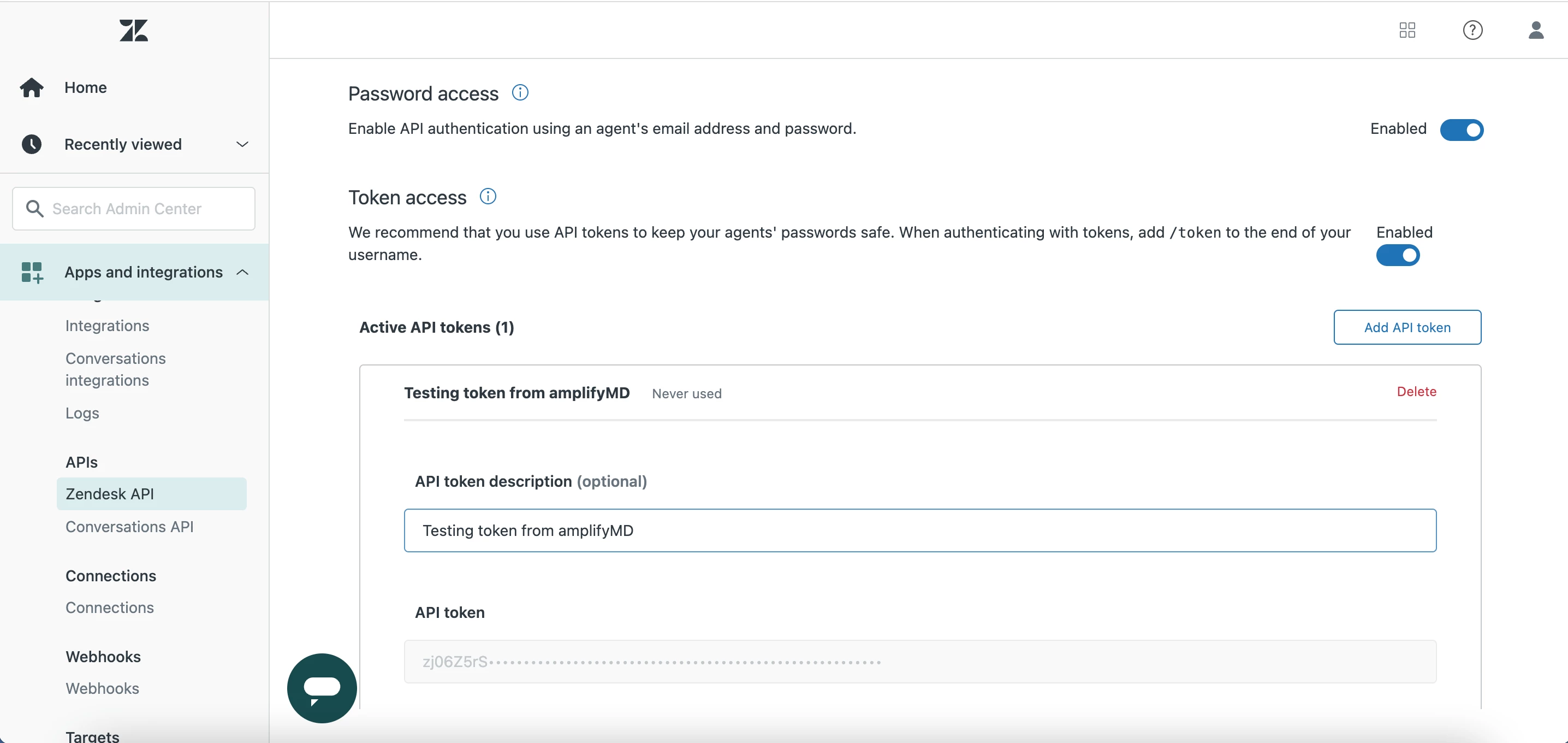
can you please suggest where can i take the token, and how to use in the api.

give me an example.


Sitaram
  • Author
  • June 21, 2023

Access to XMLHttpRequest at 'https://xcubelabs6968.zendesk.com/hc/restricted?return_to=https%3A%2F%2Fxcubelabs6968.zendesk.com%2Fhc%2Fapi%2Fv2%2Farticles&locale=en-us' (redirected from 'https://xcubelabs6968.zendesk.com/api/v2/help_center/articles') from origin 'http://localhost:3000' has been blocked by CORS policy: Response to preflight request doesn't pass access control check: No 'Access-Control-Allow-Origin' header is present on the requested resource.