
iOS new messaging SDK, no header or close button | Community
Skip to main content

iOS new messaging SDK, no header or close button

  • February 11, 2022
  • 4 replies
  • 0 views

Tiberiu

Hey,

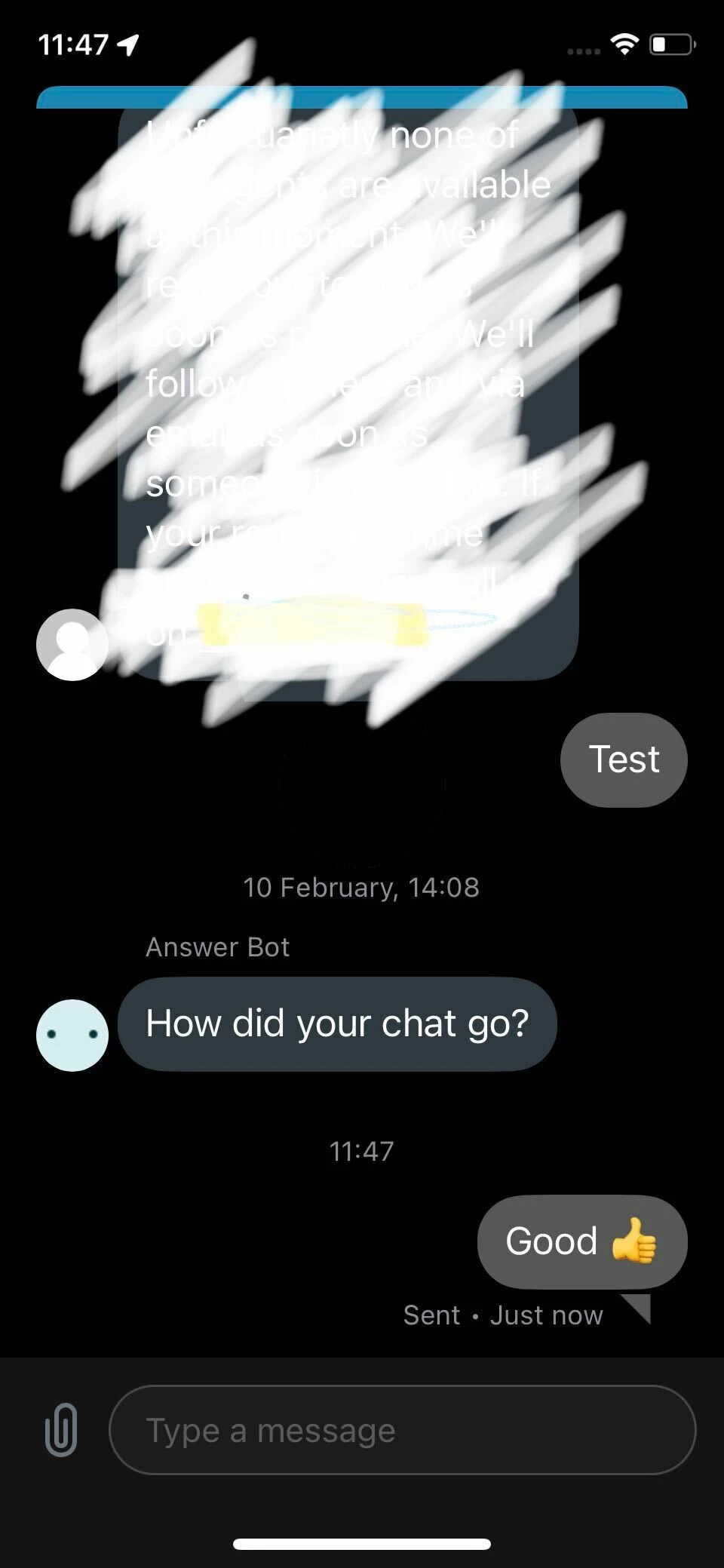
I'm using the new iOS messaging SDK.
The chat widget is working fine, but there's no header and no close button.

Can these be added to the new iOS Messaging chat?

This is my swift implementation:

    guard let viewController = Zendesk.instance?.messaging?.messagingViewController() else { return }


    let navigationController = UIApplication.shared.windows.first!.rootViewController;


    navigationController?.show(viewController, sender: self);
4 replies

Mick11
  • February 23, 2022

Hi Tiberiu,

Thanks for reaching out. The header and back button (no close button) shouldn't appear by default. I'll move this post into a support ticket, as we most likely need to look at your SDK integration more closely.


Tiberiu
  • Author
  • February 23, 2022

Hey, thanks for reaching out, so this is the default behavior of the widget?

Is there documentation of how to add the header and the back button?


Dev14
  • March 24, 2022

Is there any progress?


  • May 12, 2022

I managed to get around this issue by wrapping the Zendesk Conversations view controller in a UINavigationController, then setting a navigationItem with a rightBarButtonItem on the Zendesk conversations view controller, and then display the navigation controller. The button then references a handler function to dismiss the view Example code as follows:

if let zendeskChatVC = Zendesk.instance?.messaging?.messagingViewController(){

            let navController = UINavigationController()

            navController.viewControllers = [zendeskChatVC]

            zendeskChatVC.navigationItem.rightBarButtonItem = UIBarButtonItem(title: "Done", style: .plain, target: self, action: z #selector(self.closeZendeskChatNavController))

                  DispatchQueue.main.async {

                self.present(navController, animated: true)

            }

}