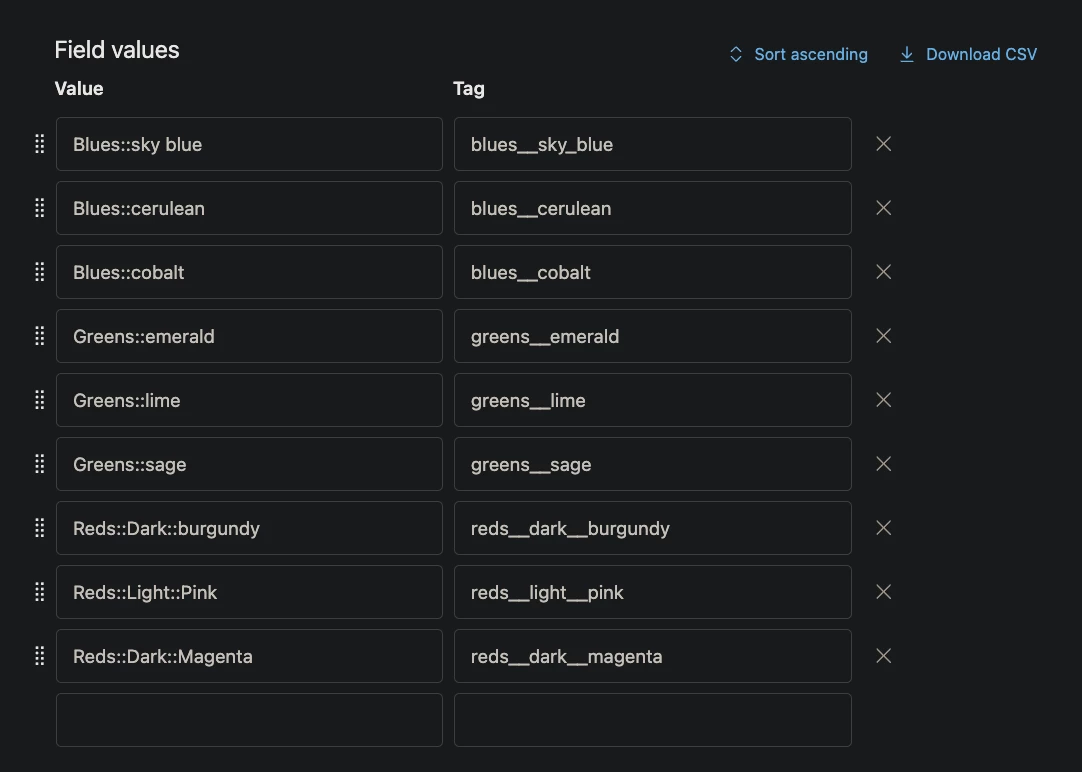
If you have nested drop down options, did you know you can create custom placeholders to tap into the text as specific levels in the hierarchy?If you have a value like
Create a new dynamic content item and add in the following. You can customize the compcategory variable to whatever you want, and you'll need to update the ticket field id from 1234 to whatever your drop down field id is.
Component::Sub Component::Sub Sub Component you can capture each section separately.Create a new dynamic content item and add in the following. You can customize the compcategory variable to whatever you want, and you'll need to update the ticket field id from 1234 to whatever your drop down field id is.
{% assign compcategory = {{ticket.ticket_field_option_title_1234}} | split: "::" %}
This splits your dropdown title into several options allowing you to create a custom variable based on the different category levels in your field option. Now you can add the following options into your dynamic content as needed.
{{ compcategory.first }} // will give you "Component"

{{ compcategory[1] }} // will give you "Sub Component" - if you have more than 3 sections, increment the number by 1 for each split

{{ compcategory.last }} // will give you "Sub Sub Component"
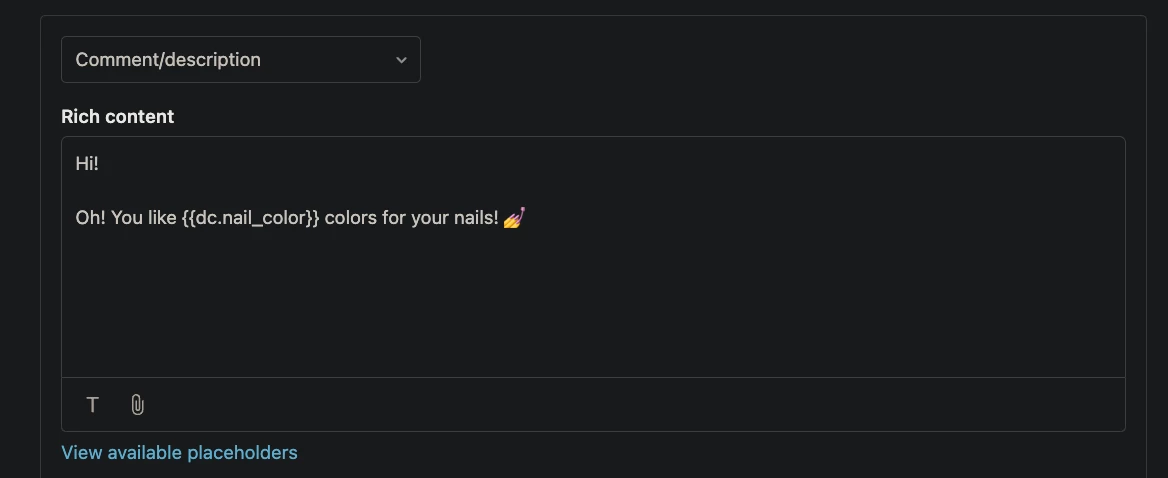
If you save your dynamic content variable, you'll get a placeholder like (the component_first will depend on what you named your dynamic content item.
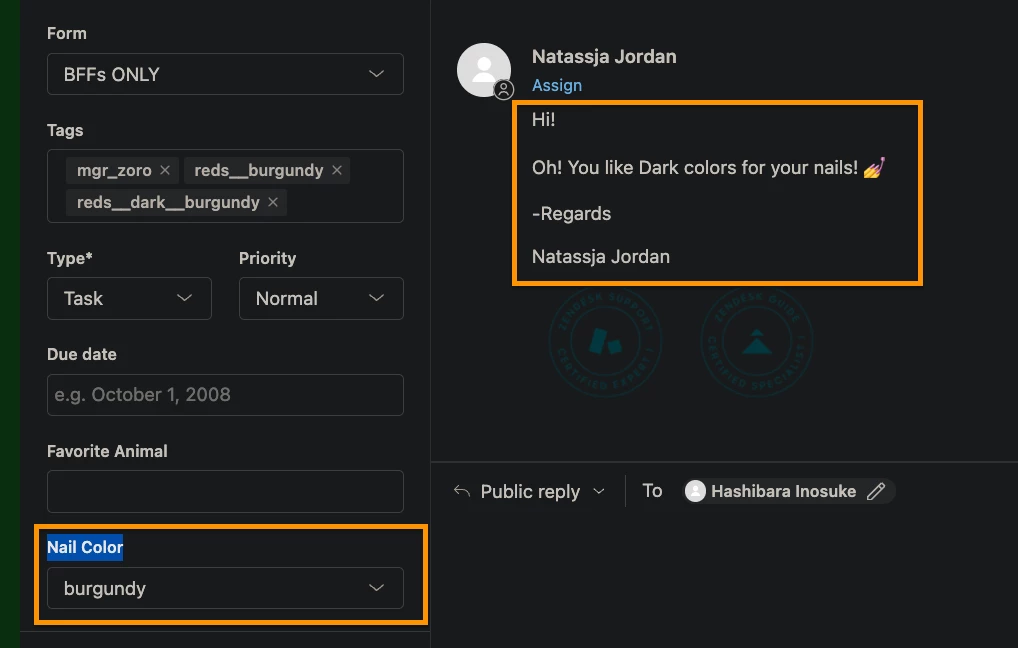
{{dc.component_first}}Now you can use this new placeholder in triggers to create custom messages based on your deconstructed drop down value.
You can also use this on other field titles by swapping out what the split is looking for. Maybe you use a hyphen in some option titles and you'd like to cut everything after the hyphen. Change the split option from "::" to " - ".
You can also use this on other field titles by swapping out what the split is looking for. Maybe you use a hyphen in some option titles and you'd like to cut everything after the hyphen. Change the split option from "::" to " - ".