

This tip will help you to change the URL of the logo of your help centre. You must have access to edit the code in order to do so.
Without further ado let's dive in:
Edit your header.hbs file and replace
{{#link 'help_center'}}
  <img src="{{settings.logo}}" alt="{{t 'home_page' name=help_center.name}}" />
  {{#if settings.show_brand_name}}
    <span aria-hidden="true">{{help_center.name}}</span>
  {{/if}}
{{/link}}
with
<a href="URL" target="_blank">
  <img src="{{settings.logo}}" alt="{{t 'home_page' name=help_center.name}}" />
  {{#if settings.show_brand_name}}
    <span aria-hidden="true">{{help_center.name}}</span>
  {{/if}}
</a>
You can replace the URL with the link you want to add.
The above code should change the URL of the logo and should redirect the user to your wanted link which will get opened in a new tab.
Let us know how it goes for you.
Thanks
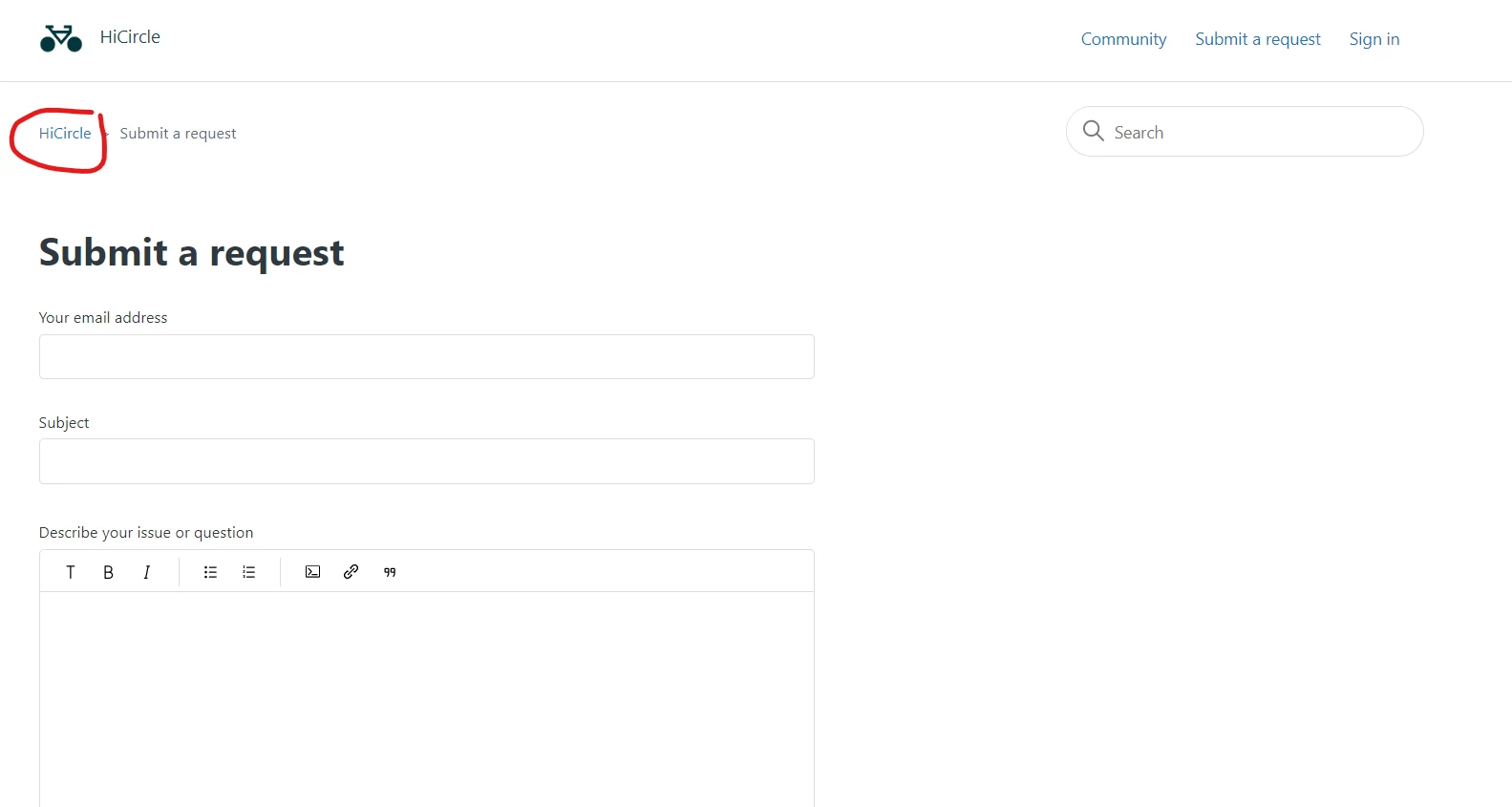

The link you're referring to is generated by the breadcrumbs helper. The URL can't be changed directly via the helper but you'll be able to change the anchor href by adding some custom Javascript code in the script.js file in Guide Admin.